#ips monitors#budget monitors#panel types#gaming monitors#buying guide
Are Cheap IPS Gaming Monitors Good Enough in 2025?
Budget IPS gaming monitors have improved dramatically. Here's what you actually give up — and keep — compared with pricier panels for gaming and daily work.
By GAMEO LIMITEDPublished 31 October 2026 6 min read
Budget IPS gaming monitors have come a long way and, for most people, offer a genuinely good experience for both gaming and everyday work. You do still give up some things at lower price points — mainly peak brightness, contrast depth, and build quality — but the core IPS advantages of accurate colour and wide viewing angles are present even on modest panels.
What you actually get from a budget IPS panel
IPS (In-Plane Switching) panels are prized for two reasons: wide viewing angles that stay consistent when you shift your head, and fairly accurate, natural-looking colour reproduction out of the box. These characteristics come from the underlying liquid crystal technology, not from how much the manufacturer charges. A £150 IPS panel and a £500 IPS panel both share those fundamentals.
In practical terms, this means colour-sensitive work — photo editing, document layouts, graphic design, even just browsing with photos — looks more natural than on a TN panel, and you won't notice colours shift if you tilt your head or work from a slightly off-centre position. For office tasks, spreadsheets, and long reading sessions, IPS remains a comfortable choice at any price.
Where budget IPS panels fall short
The honest answer is that the gap between budget and premium IPS has narrowed, but it hasn't disappeared. Here's where you'll still notice a difference:
- Peak brightness and HDR performance. Affordable IPS monitors typically max out around 250–350 nits. Premium panels — especially those with local dimming or Mini LED backlights — can reach 600–1,000+ nits for genuine HDR impact. Most budget IPS screens carry an HDR badge (often HDR10 or DisplayHDR 400), but at those brightness levels the HDR effect is subtle rather than transformative.
- Contrast ratio. Standard IPS panels produce a contrast ratio of roughly 1000:1. That's acceptable for bright rooms, but in a dim environment blacks can look slightly grey compared with VA panels (typically 3000:1 or higher) or OLED. Shadow detail in dark game scenes is an area where IPS, budget or otherwise, can feel a little flat.
- Backlight bleed and glow. IPS glow — a subtle brightening near screen corners — is inherent to the technology. Budget panels tend to have less stringent quality control, so the amount varies more unit to unit. It rarely ruins gaming but can be distracting on very dark scenes.
- Build quality and ergonomics. At lower price points you're more likely to find limited stand adjustability (height adjust is sometimes absent), thinner bezels that flex, and fewer connectivity extras such as a built-in USB hub.
- Refresh rate ceilings and response time. Many affordable IPS monitors top out at 144 Hz or 165 Hz with advertised 1ms GTG response times. That's fine for most gaming, but if you're chasing 240 Hz or 360 Hz for competitive play, the cheapest options may not reach those specs — or may achieve them only with aggressive overdrive that introduces overshoot artefacts.
Gaming performance at budget IPS price points
For the vast majority of gamers — playing single-player titles, RPGs, shooters at a relaxed to moderate competitive level — a budget IPS panel running at 144 Hz or 165 Hz at 1080p or 1440p is genuinely capable. Input lag figures on modern IPS panels are low enough to feel responsive, and the colour accuracy actually enhances visually rich games compared with TN alternatives.
For console gamers on PS5 or Xbox Series X, note that both consoles output up to 4K at 120 Hz over HDMI 2.1. If you want to use that output, you'll need a monitor with a full-bandwidth HDMI 2.1 port (48 Gbps). Some budget monitors include HDMI 2.1 but check the spec sheet carefully — a few list HDMI 2.1 ports that are bandwidth-limited and won't carry 4K120.
How budget IPS compares with VA and TN at similar prices
| Feature | Budget IPS | Budget VA | Budget TN |
|---|---|---|---|
| Colour accuracy | Good | Moderate | Poor–Moderate |
| Viewing angles | Wide | Moderate | Narrow |
| Contrast | ~1000:1 | ~3000:1 | ~1000:1 |
| Response time consistency | Good | Can smear in transitions | Very fast |
| Brightness | Moderate | Moderate | Moderate |
| Best for | Mixed use & gaming | Dark room gaming | Competitive gaming only |
If dark room gaming with deep blacks matters most to you, a VA panel can be worth considering even at budget prices. If you prioritise text clarity, colour accuracy, and versatility, IPS remains the stronger all-rounder.
Everyday work: where budget IPS genuinely shines
For productivity, budget IPS is arguably the best value option available. Text rendering is crisp and even across the screen, colours are consistent whether you're looking head-on or at a slight angle, and factory calibration — while rarely perfect — is usually close enough that most users won't feel the need to adjust anything. At typical office brightness levels (around 150–200 nits), you won't miss the higher peak brightness of premium panels at all.
If colour-critical work is central to your job — professional photo retouching, print design, video grading — a budget IPS panel's colour gamut coverage and Delta E accuracy may not be sufficient, and it's worth spending more or having the display calibrated. But for general work and creative hobbyists, budget IPS is more than adequate.
What to look for when choosing
- Resolution relative to screen size: 1080p works well up to 24–25 inches; 1440p is worth prioritising at 27 inches or above for sharp text during work.
- Refresh rate: 144 Hz is a practical minimum for gaming. Higher is better for competitive play, but check whether overdrive settings introduce artefacts before assuming faster is always smoother.
- Ergonomics: A height-adjustable stand makes a real difference over long working days. If the stand doesn't adjust, factor in the cost of a VESA arm.
- HDMI version: If using a PS5 or Xbox Series X at high frame rates, confirm HDMI 2.1 with full 48 Gbps bandwidth.
- Panel warranty and dead-pixel policy: Quality control variation is more common at lower prices, so check the retailer's returns policy.
Bottom line
For the majority of UK gamers and home workers, a budget IPS gaming monitor is genuinely good enough in 2025. You'll get solid colour accuracy, wide viewing angles, and refresh rates that make gaming feel responsive — all at a price that leaves room in the budget for other upgrades. The trade-offs are real but mostly felt at the edges: HDR performance is modest, contrast in dark scenes isn't class-leading, and build quality varies. If deep blacks, very high refresh rates, or professional colour precision are priorities, spending more pays off. For everyone else, budget IPS hits a sweet spot that simply didn't exist a few years ago.
Related questions
Is IPS better than VA for office work? For most office use, IPS has the edge thanks to more consistent colour and sharper text at wide angles. VA panels offer better contrast but can show some blurring on fast-moving text when scrolling quickly.
Can you use a gaming monitor for colour-sensitive creative work? Many modern IPS gaming monitors cover sRGB well, making them suitable for web-focused creative work. For print design or professional video grading, you'd ideally want a display with a verified wide colour gamut and a factory calibration report.
Does a higher refresh rate help with everyday computing, not just gaming? Yes — at 144 Hz or above, scrolling through documents and web pages feels noticeably smoother than at 60 Hz, which many users find reduces eye strain during long work sessions.
Is 1080p or 1440p better for a dual gaming and work monitor? At 27 inches, 1440p produces sharper text and finer detail that makes a meaningful difference for reading and writing. At 24 inches, 1080p is sharp enough for most people and leaves headroom for a higher refresh rate at the same budget.
Shop GAMEO gaming monitors
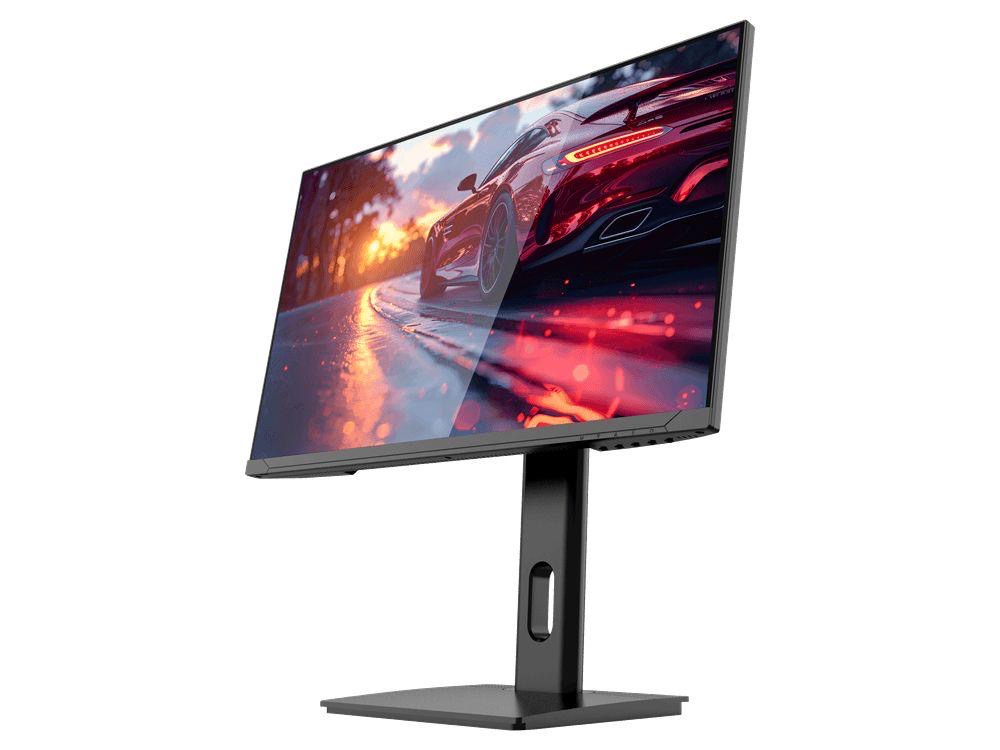
COMPACT QHD PERFORMANCE
GAMEO Q24-165
24" QHD 165Hz IPS Gaming Monitor
For users prioritising QHD resolution in a compact 24-inch display.
RRP: £209.99 (inc. VAT)
You Save: £95.65
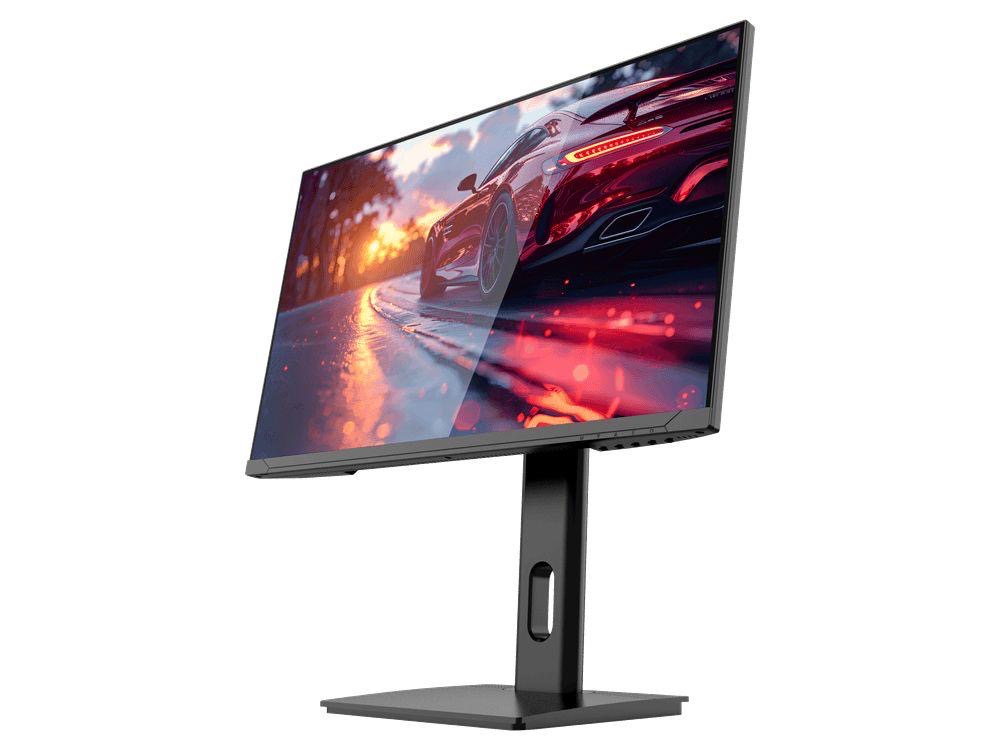
FAST FULL HD GAMING
GAMEO F24-200
24" FHD 200Hz IPS Gaming Monitor
For users prioritising very high refresh performance in a 24-inch Full HD monitor.
RRP: £169.99 (inc. VAT)
You Save: £71.49
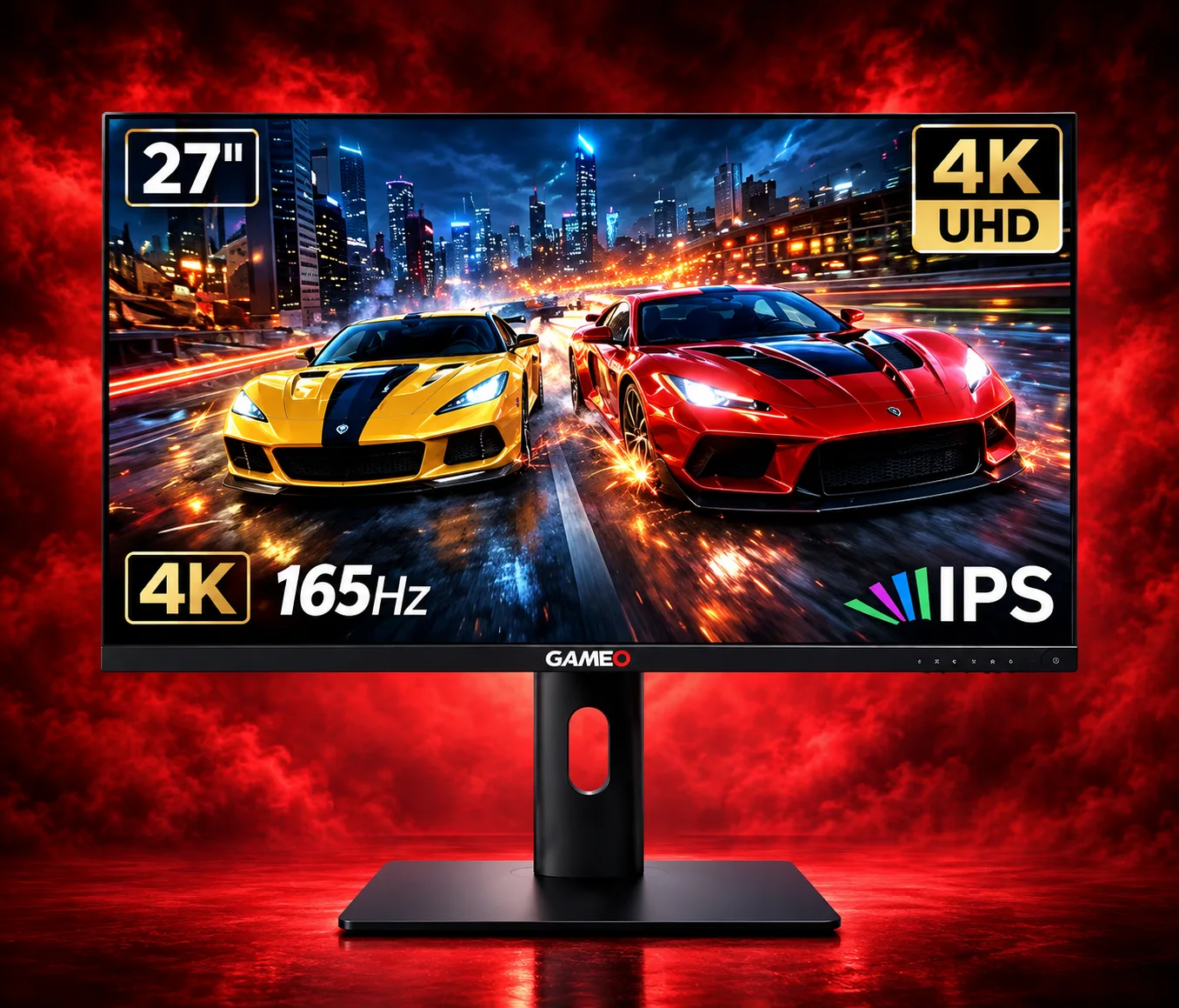
ULTRA HD GAMING PERFORMANCE
GAMEO U27-165
27" 4K UHD 165Hz IPS Gaming Monitor
For users wanting 4K UHD resolution and high refresh on a 27-inch display.
RRP: £339.99 (inc. VAT)
You Save: £144.03
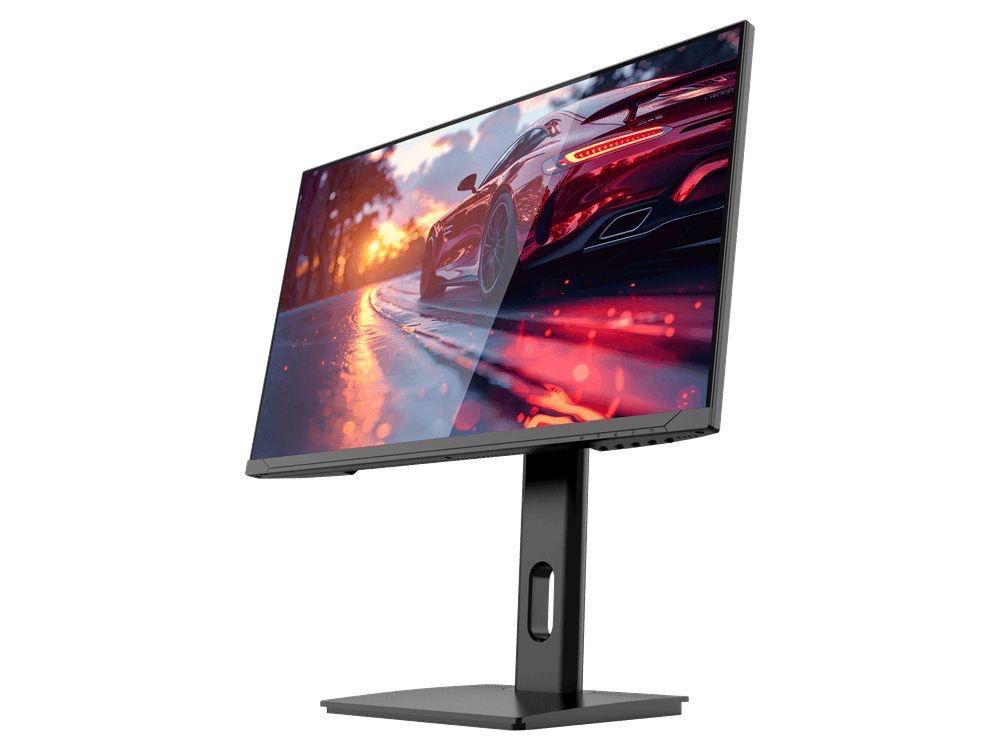
LARGE-SCREEN HIGH REFRESH
GAMEO F27-180
27" FHD 180Hz IPS Gaming Monitor
For users wanting a larger 27-inch screen combined with high-refresh Full HD gaming.
RRP: £229.99 (inc. VAT)
You Save: £118.17
