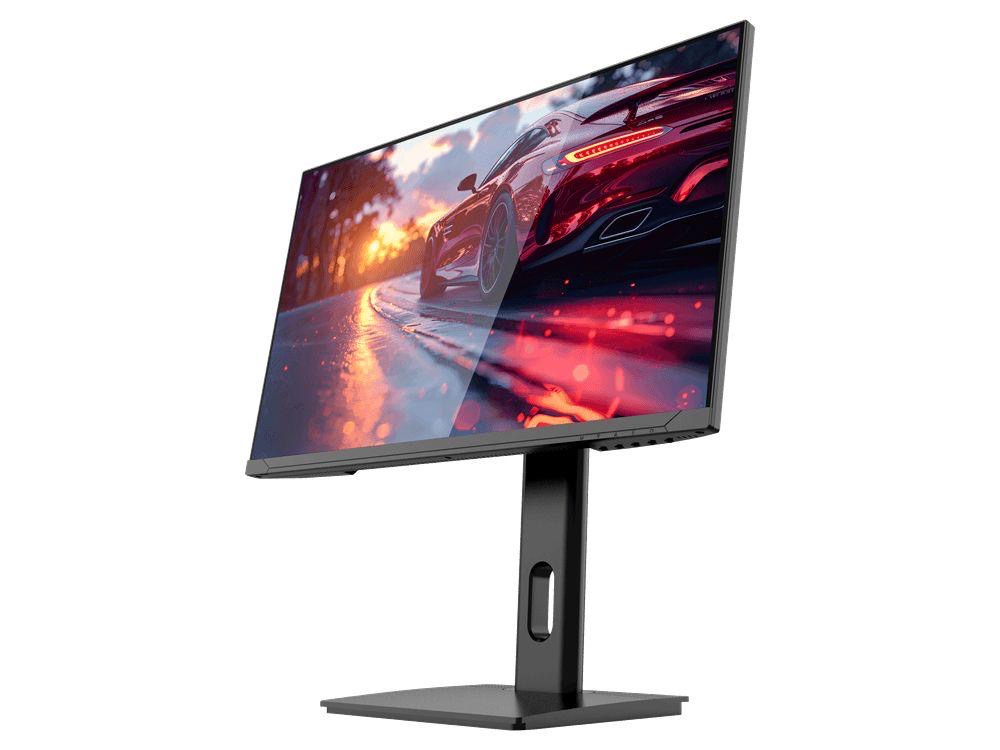
COMPACT QHD PERFORMANCE
GAMEO Q24-165
24" QHD 165Hz IPS Gaming Monitor
LEDA+ IPS24"QHD165Hz1ms
For users prioritising QHD resolution in a compact 24-inch display.
Limited Time Deal
In stock−46%£114.34
RRP: £209.99 (inc. VAT)
You Save: £95.65
GAMEO RANGE
A 24 inch gaming monitor is the size most esports professionals use: the whole screen sits within your central vision, so you react to movement at the edges without turning your head. GAMEO's 24 inch range gives you a choice of Full HD at 200Hz or QHD at 165Hz — both with 1ms IPS panels.
COMPACT QHD PERFORMANCE
24" QHD 165Hz IPS Gaming Monitor
For users prioritising QHD resolution in a compact 24-inch display.
RRP: £209.99 (inc. VAT)
You Save: £95.65
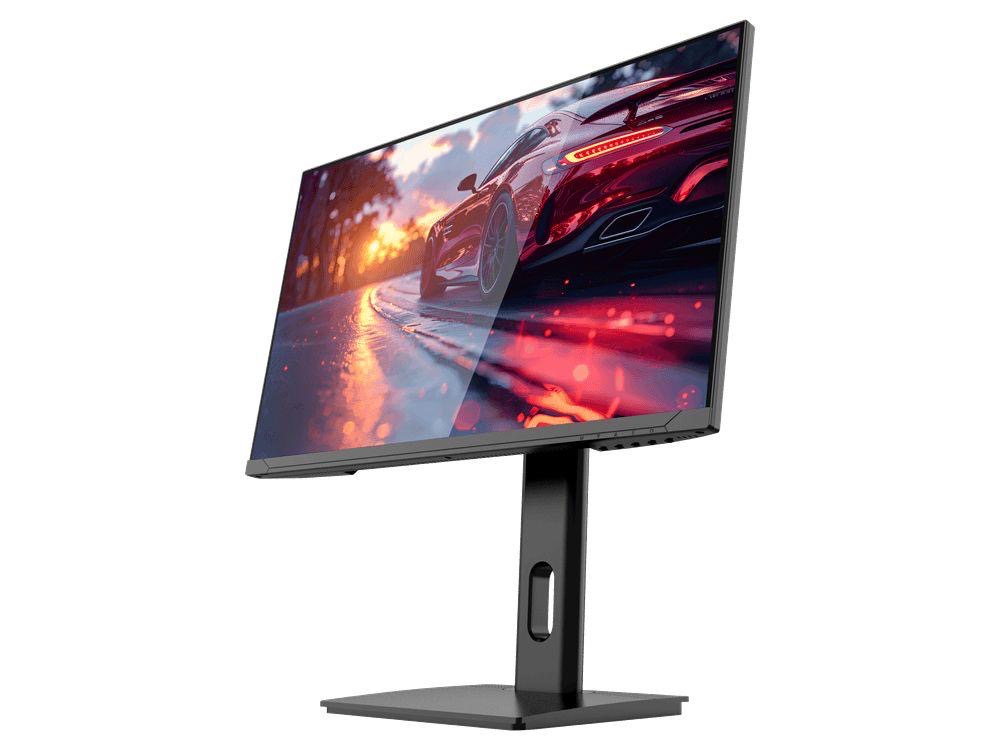
FAST FULL HD GAMING
24" FHD 200Hz IPS Gaming Monitor
For users prioritising very high refresh performance in a 24-inch Full HD monitor.
RRP: £169.99 (inc. VAT)
You Save: £71.49
Choose the F24-200 if you play competitive shooters and want the highest refresh rate — 200Hz at Full HD is easy to drive on a mid-range graphics card. Choose the Q24-165 if you want extra sharpness for a mix of gaming, work and browsing on a compact PC monitor.
Both 24 inch models share the same gaming feature set: HDR, Adaptive Sync, MPRT, RGB rear lighting, VESA 100 × 100 mounting and a height-adjustable metal stand with tilt, swivel and pivot.
COMMON QUESTIONS
Yes — 24 inches is the standard size in professional esports because the entire display fits in your field of view at a normal desk distance, making it easier to track fast movement.
24 inch suits competitive play and smaller desks; 27 inch suits immersive single-player games, 4K resolution and multitasking. Read our 24 inch vs 27 inch guide for a full comparison.
At 24 inches, Full HD gives 92 pixels per inch — sharp enough for gaming, and it lets your GPU push very high frame rates. If you also do a lot of text work, the 24 inch QHD option is noticeably crisper.
The F24-200 runs at up to 200Hz (Full HD) and the Q24-165 at 165Hz (QHD). Both have a 1ms response time.
LEARN MORE
GUIDE
Desk depth, viewing distance, pixel density and the esports case for 24 inches.
GUIDE
165Hz, 180Hz or 200Hz — where the real advantage is, and when it stops mattering.
GUIDE
What refresh rate changes on screen, and how to match it to your PC.
UK-REGISTERED COMPANY
GAMEO LIMITED · Company No. 15730961
12-MONTH WARRANTY
+ 30-day replacement for manufacturing defects
14-DAY RETURNS
Change your mind under UK consumer law
SECURE CHECKOUT
Payments processed by Stripe — HTTPS everywhere
KLARNA AVAILABLE
Pay in full or spread the cost in 3
We use essential storage to run the shop (cart, sign-in) and — only with your consent — analytics cookies to understand how the site is used. See our Cookie Policy.