#gaming monitors#budget monitors#24 inch monitors#fhd vs qhd#pc gaming
Budget 24-Inch Gaming Monitor: 200Hz FHD or 165Hz QHD?
Torn between a 200Hz Full HD and a 165Hz QHD 24-inch gaming monitor? We break down which suits your setup and budget in the UK.
By GAMEO LIMITEDPublished 26 October 2026 5 min read
Choosing a 24-inch gaming monitor on a budget used to mean accepting painful compromises — washed-out colours, sluggish response times, or a resolution that made textures look like mashed potato. Thankfully, that's no longer the case. If you're hunting for the best budget 24-inch gaming monitor right now, you're likely weighing up two genuinely compelling options: a 200Hz Full HD panel or a 165Hz QHD panel. Both sit comfortably under £120, both use IPS technology, and both promise 1ms response times. So how do you pick?
This guide walks through what each specification actually means for your gaming experience, so you can decide with confidence rather than just grabbing whichever number looks bigger.
What Does Refresh Rate Actually Do for Gaming?
Refresh rate is how many times per second your monitor redraws the image on screen, measured in hertz (Hz). A higher number means smoother motion, which matters most in fast-paced genres — first-person shooters, racing games, and fighting games where split-second reactions count.
Moving from 60Hz to 144Hz is a dramatic, immediately obvious upgrade. The step from 165Hz to 200Hz is subtler, but it's still real: animations feel a little more fluid, and competitive players who've trained their eye for smoothness will notice it. The key caveat is that your graphics card or console needs to actually output enough frames to take advantage of that headroom.
Resolution: FHD vs QHD on a 24-Inch Screen
Full HD (1920 × 1080) and QHD (2560 × 1440) represent a significant jump in pixel density, and on a 24-inch panel that difference is particularly noticeable because the pixels are packed into a relatively small area.
- Full HD at 24 inches delivers around 92 pixels per inch — perfectly sharp for most gaming use, and easy for even mid-range GPUs to drive at high frame rates.
- QHD at 24 inches pushes that to roughly 122 pixels per inch — noticeably crisper text, finer detail in game environments, and cleaner edges on characters and UI elements.
For story-driven games, open-world titles, or anyone who uses their monitor for creative work alongside gaming, that extra sharpness adds up. For competitive multiplayer where frame rate is king, FHD's lower rendering load is often the smarter trade-off.
IPS Panels: Why Both Options Use Them
Both monitors discussed here use IPS (In-Plane Switching) panels, and that's worth flagging because it wasn't always a given at this price point. IPS screens offer wider viewing angles and more accurate colour reproduction than older TN panels, which is why they've become the go-to for gaming monitors that also need to look good during everything else you do at your desk.
The trade-off traditionally associated with IPS — slower response times — has largely been engineered away at the 1ms level these monitors operate at. You get the colour fidelity of IPS without sacrificing competitive responsiveness.
Connectivity: More Ports Than You'd Expect
One area where the two monitors diverge is their port selection, and it's worth considering if you run multiple devices.
The QHD 165Hz option comes with two HDMI 2.1 ports and two DisplayPort 1.4 ports — a generously versatile spread that lets you connect a PC and a console simultaneously, or keep a second source plugged in without swapping cables. HDMI 2.1 in particular supports high bandwidth, which is useful for modern consoles running at higher frame rates.
The FHD 200Hz option offers one HDMI 2.1 port and one DisplayPort 1.4 port — plenty for most single-source setups, but worth bearing in mind if you're a multi-device household.
Ergonomics: Setting Up Your Desk Comfortably
Both 24-inch monitors include a 110mm height adjustment range and VESA 100 × 100mm mounting compatibility. That's a meaningful amount of flexibility for getting the screen at eye level — something often overlooked when comparing specs but genuinely important for long gaming or work sessions. VESA compatibility also means you can move either monitor onto an arm if your setup calls for it.
Price: Where the Real Value Sits
Let's talk numbers, because this is a budget conversation.
- GAMEO F24-200 (FHD 200Hz): Currently £98.50, down from an RRP of £169.99
- GAMEO Q24-165 (QHD 165Hz): Currently £114.34, down from an RRP of £209.99
That's a gap of roughly £16 between them. Neither is expensive in absolute terms — finding a capable 24-inch gaming monitor in the UK at either of these prices is genuinely good value — but the difference could tip the decision if you're working to a tight limit.
Who Should Prioritise Frame Rate, and Who Should Prioritise Resolution?
Here's a practical way to think about it:
Go for 200Hz FHD if you:
- Play competitive multiplayer games (shooters, MOBAs, battle royales) where frame rate directly affects performance
- Have a GPU that can comfortably push 200+ frames at 1080p
- Are connecting primarily one device at a time
- Want to keep spend as low as possible
Go for 165Hz QHD if you:
- Play a mix of competitive and story-driven or open-world games
- Want noticeably sharper visuals at the desk — for games, video, or general use
- Have a GPU capable of driving QHD at reasonable frame rates
- Use multiple sources (PC plus console) and value the extra ports
- Can stretch to the modest price difference
It's also worth remembering that 165Hz is still a very fast refresh rate. The difference between 165Hz and 200Hz will be imperceptible to most players in most games, whereas the resolution gap between FHD and QHD is something you'll see every single time you look at the screen.
Which GAMEO Monitor Fits?
If you're after the best budget 24-inch gaming monitor for competitive play, the GAMEO F24-200 (£98.50) delivers 200Hz IPS performance at under £100 — an unusual achievement at this price point in the UK.
If you'd rather have a sharper, more versatile screen and can spend a little more, the GAMEO Q24-165 (£114.34) brings QHD resolution, 165Hz, and a fuller port selection into the same compact 24-inch footprint.
Neither will let you down. It really does come down to whether you value peak smoothness or peak sharpness — and only you know which matters more at your desk.
Shop GAMEO gaming monitors
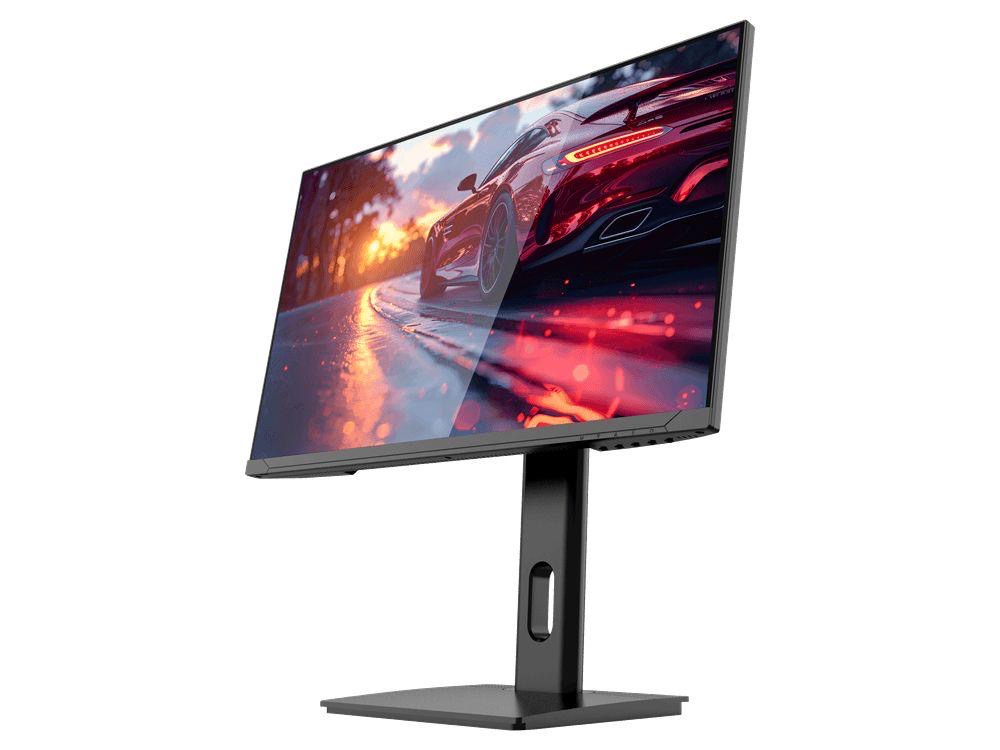
COMPACT QHD PERFORMANCE
GAMEO Q24-165
24" QHD 165Hz IPS Gaming Monitor
For users prioritising QHD resolution in a compact 24-inch display.
RRP: £209.99 (inc. VAT)
You Save: £95.65
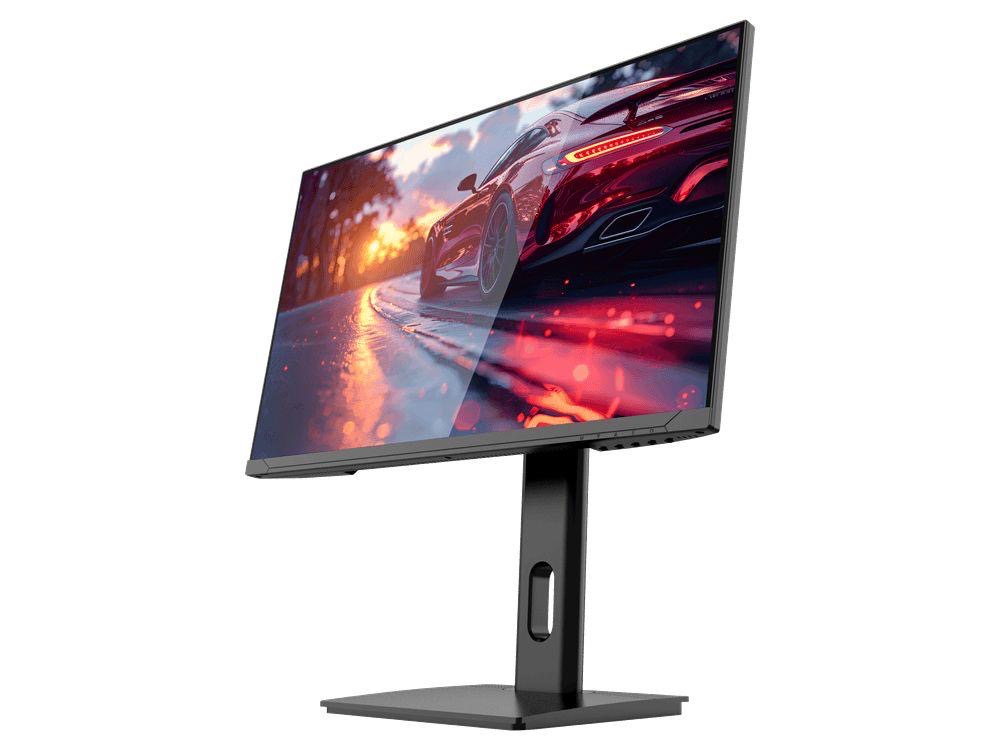
FAST FULL HD GAMING
GAMEO F24-200
24" FHD 200Hz IPS Gaming Monitor
For users prioritising very high refresh performance in a 24-inch Full HD monitor.
RRP: £169.99 (inc. VAT)
You Save: £71.49
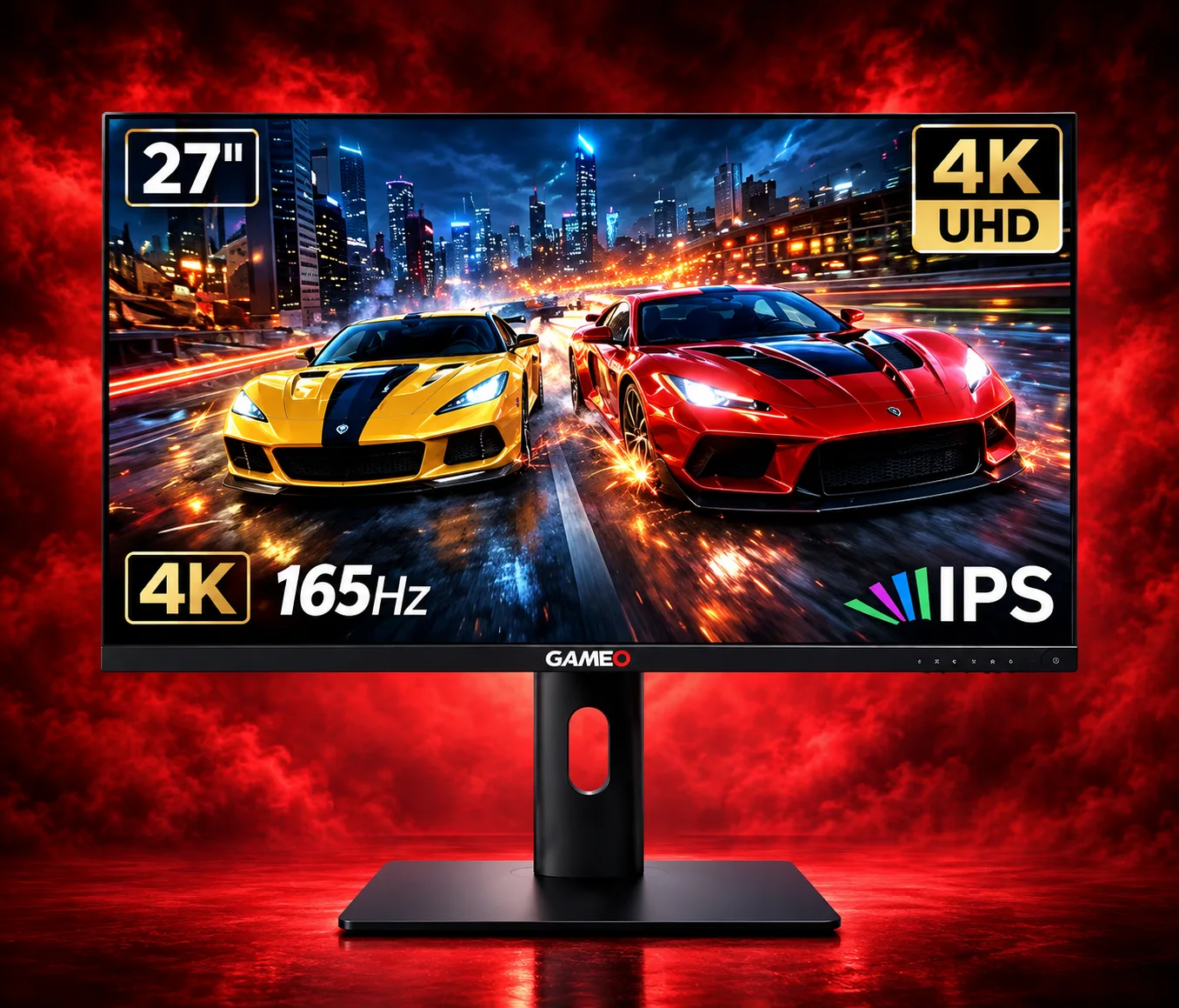
ULTRA HD GAMING PERFORMANCE
GAMEO U27-165
27" 4K UHD 165Hz IPS Gaming Monitor
For users wanting 4K UHD resolution and high refresh on a 27-inch display.
RRP: £339.99 (inc. VAT)
You Save: £144.03
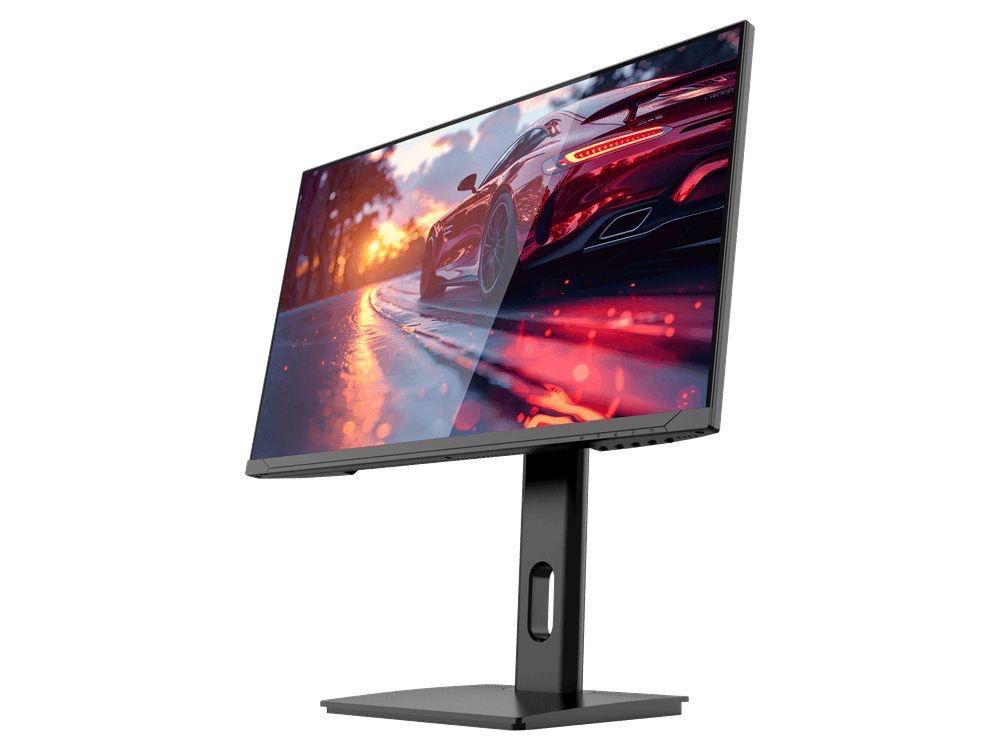
LARGE-SCREEN HIGH REFRESH
GAMEO F27-180
27" FHD 180Hz IPS Gaming Monitor
For users wanting a larger 27-inch screen combined with high-refresh Full HD gaming.
RRP: £229.99 (inc. VAT)
You Save: £118.17