#gaming monitors#144hz#budget monitors#panel types#refresh rate
Gaming Monitors Under £200: 144Hz+ and Good Colour Explained
Looking for a 144Hz+ gaming monitor under £200 in the UK? Here's what specs and panel types actually matter for colour and speed at this price.
By GAMEO LIMITEDPublished 31 October 2026 6 min read
For under £200 you can genuinely get a 144Hz or faster gaming monitor with solid colour performance — the technology at this price point has improved significantly. The key is knowing which panel type and spec combination suits your gaming style, because the trade-offs are real and vary from person to person.
What to expect from a sub-£200 gaming monitor in 2024
The sub-£200 bracket is competitive. At this price you'll typically find 1080p panels at 144Hz–165Hz, and increasingly 1440p panels pushing 144Hz or higher. Colour quality varies considerably by panel technology rather than price alone. A £150 IPS panel can outperform a £180 TN panel for colour accuracy, so understanding the technology matters more than chasing the highest number on the spec sheet.
You won't generally find OLED or mini-LED at this price, but you can find IPS, VA, and TN panels — each with meaningful differences explained below.
Panel type: the biggest decision you'll make
Panel type affects colour, contrast, and response time more than almost any other spec at this price range.
IPS (In-Plane Switching) IPS panels offer the widest viewing angles and the most accurate, vibrant colours of the three common types. They typically cover sRGB colour spaces well, which means games, films, and desktop use all look natural. Response times have improved considerably on modern IPS panels, with many reaching 1ms GtG (grey-to-grey). The trade-off is contrast ratio — usually around 1000:1, meaning blacks look more grey in dark rooms compared to VA.
VA (Vertical Alignment) VA panels offer noticeably higher contrast ratios, often 3000:1 or more, which produces deeper blacks and better perceived image depth in dark games. Colours are generally good but not quite as accurate as IPS out of the box. The historic weakness of VA is slower pixel response times, which can cause visible smearing in fast-paced games. Newer VA panels have reduced this, but it's worth reading hands-on impressions before buying if you play fast shooters.
TN (Twisted Nematic) TN panels are the oldest technology and generally have the weakest colour reproduction and narrowest viewing angles. Their advantage — fast pixel response — is now largely matched by modern IPS panels, so TN is harder to justify unless you specifically find a model with an excellent measured response time at a notably lower price.
A simple guide:
- Competitive shooters (CS2, Valorant, etc.) → IPS for the best balance of speed and colour
- Dark atmospheric games, RPGs, horror → VA for deep blacks
- Pure budget speed and nothing else → TN (but scrutinise colour specs)
Resolution and refresh rate: what's achievable under £200?
At this budget you broadly have two paths:
| Option | Typical resolution | Typical refresh rate | Best for |
|---|---|---|---|
| 1080p fast | 1920×1080 | 144Hz–240Hz+ | Competitive multiplayer, esports |
| 1440p balanced | 2560×1440 | 144Hz–165Hz | Single-player, general gaming |
1080p at 144Hz+ is the most affordable route and gives you extra headroom to push higher frame rates on a mid-range GPU. If you mainly play competitive titles where frames per second matter more than pixel count, this is a strong choice.
1440p at 144Hz costs a bit more within this bracket but delivers noticeably sharper images on screens from 24" upwards. Be aware that your GPU needs to be capable — running 1440p at 144fps consistently demands significantly more graphics power than 1080p at the same refresh rate.
Screen size: 24" vs 27"
Most monitors in this bracket are 24" or 27". At 1080p, 27" can look a little soft because pixel density drops to around 82ppi — most people find 24" the sweet spot for 1080p. At 1440p, 27" sits at around 109ppi, which looks crisp and is the most popular pairing. If you game from a normal desk distance (60–80cm), 27" 1440p is generally considered the better-looking option.
Response time and motion clarity
Manufacturers advertise response times aggressively — "1ms" appears on panels that don't always achieve it in practice. The quoted figure is usually the best-case GtG time, often only reached with overdrive set to its most aggressive setting, which can introduce inverse ghosting (bright halos around moving objects).
A more useful thing to look for is whether a monitor offers adjustable overdrive modes, so you can tune the balance between ghosting and overshoot yourself. Modern IPS panels from most manufacturers perform well at their default or medium overdrive setting.
Adaptive sync (FreeSync or G-Sync Compatible) is also worth prioritising. These technologies synchronise the monitor's refresh rate to your GPU's output frame rate, eliminating screen tearing without the input lag penalty of traditional VSync. Nearly all monitors in this price range now include FreeSync; many are also G-Sync Compatible certified, meaning they work with Nvidia cards too.
Connectivity: what ports do you actually need?
For PC gaming, DisplayPort 1.2 or 1.4 is preferred over HDMI — it supports higher bandwidth and is standard on most gaming monitors and graphics cards.
If you're connecting a PS5 or Xbox Series X, note that both consoles output at up to 4K120 over HDMI 2.1. However, at 1080p or 1440p with 144Hz, HDMI 2.0 is sufficient — HDMI 2.0 can handle 1080p144 and 1440p144 comfortably. You only need HDMI 2.1 if you want 4K at high refresh rates, which is above this budget anyway.
Check that any monitor you consider has at least one DisplayPort input if you're on PC, and HDMI 2.0 as a minimum if you're connecting a console.
Colour specs: what numbers actually matter?
sRGB coverage is the most relevant colour spec for gaming. Aim for 95% sRGB or higher — most IPS and decent VA panels in this bracket reach this. DCI-P3 coverage figures sometimes appear in marketing; 70–80% DCI-P3 is roughly equivalent to ~100% sRGB and is perfectly fine for gaming.
Colour accuracy (Delta E) figures below 2 are considered good, but manufacturers rarely list these accurately on spec sheets. If colour precision is important to you (content creation alongside gaming), look for independent measurements rather than trusting box claims.
Bottom line
Under £200, the strongest all-round approach is a 1080p or 1440p IPS panel at 144Hz or faster with FreeSync/G-Sync Compatible support — this combination gives you good colour, competitive response times, and tear-free gameplay across a wide range of titles. VA panels are worth considering if you value deep blacks for atmospheric games and can tolerate slightly slower pixel response. TN panels offer little advantage over modern IPS unless the price difference is substantial. Prioritise panel type and resolution to match your gaming habits, verify connectivity matches your PC or console, and treat manufacturer response-time claims with healthy scepticism.
Related questions
Is 144Hz really noticeable over 60Hz? Yes, most people find the jump from 60Hz to 144Hz clearly visible — motion appears smoother and input feels more responsive. The difference from 144Hz to 240Hz is real but subtler, and harder to perceive without direct comparison.
Can a PS5 or Xbox Series X use a 144Hz monitor? Both consoles support up to 120fps output, so a 144Hz monitor will run them at 120Hz via HDMI 2.0 or higher — you won't use the full 144Hz, but you will benefit over 60Hz. Check the monitor has HDMI 2.0 at minimum.
Does a higher refresh rate mean better colour? No — refresh rate and colour quality are independent specifications determined by different aspects of panel design. A 144Hz IPS panel typically has better colour than a 240Hz TN panel at the same price.
Is 1440p worth it under £200 if my GPU is mid-range? It depends on the games you play. If you favour less demanding titles or single-player games where you can lower settings, 1440p144 is achievable. For competitive games requiring maximum frame rates, 1080p with a higher refresh rate may serve you better on a mid-range GPU.
Shop GAMEO gaming monitors
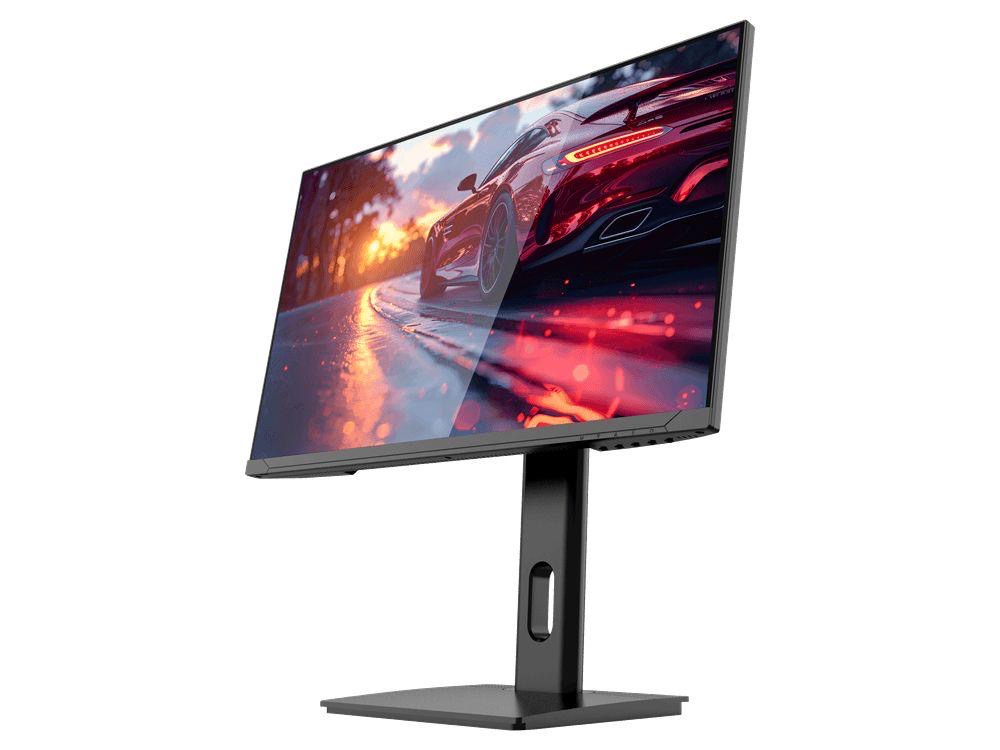
COMPACT QHD PERFORMANCE
GAMEO Q24-165
24" QHD 165Hz IPS Gaming Monitor
For users prioritising QHD resolution in a compact 24-inch display.
RRP: £209.99 (inc. VAT)
You Save: £95.65
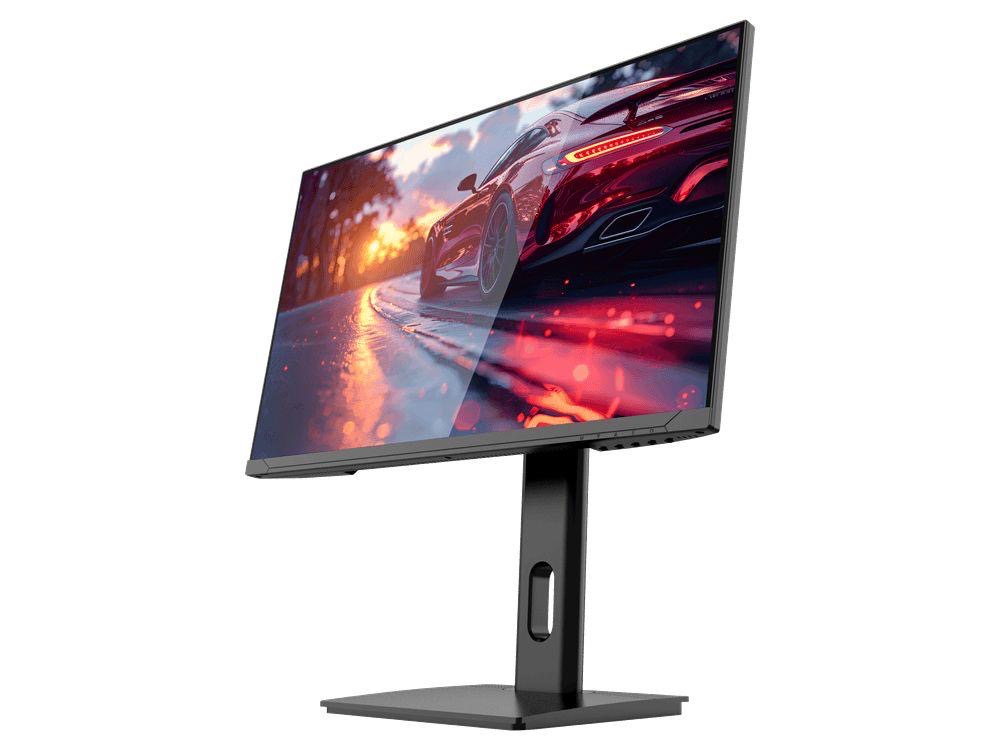
FAST FULL HD GAMING
GAMEO F24-200
24" FHD 200Hz IPS Gaming Monitor
For users prioritising very high refresh performance in a 24-inch Full HD monitor.
RRP: £169.99 (inc. VAT)
You Save: £71.49
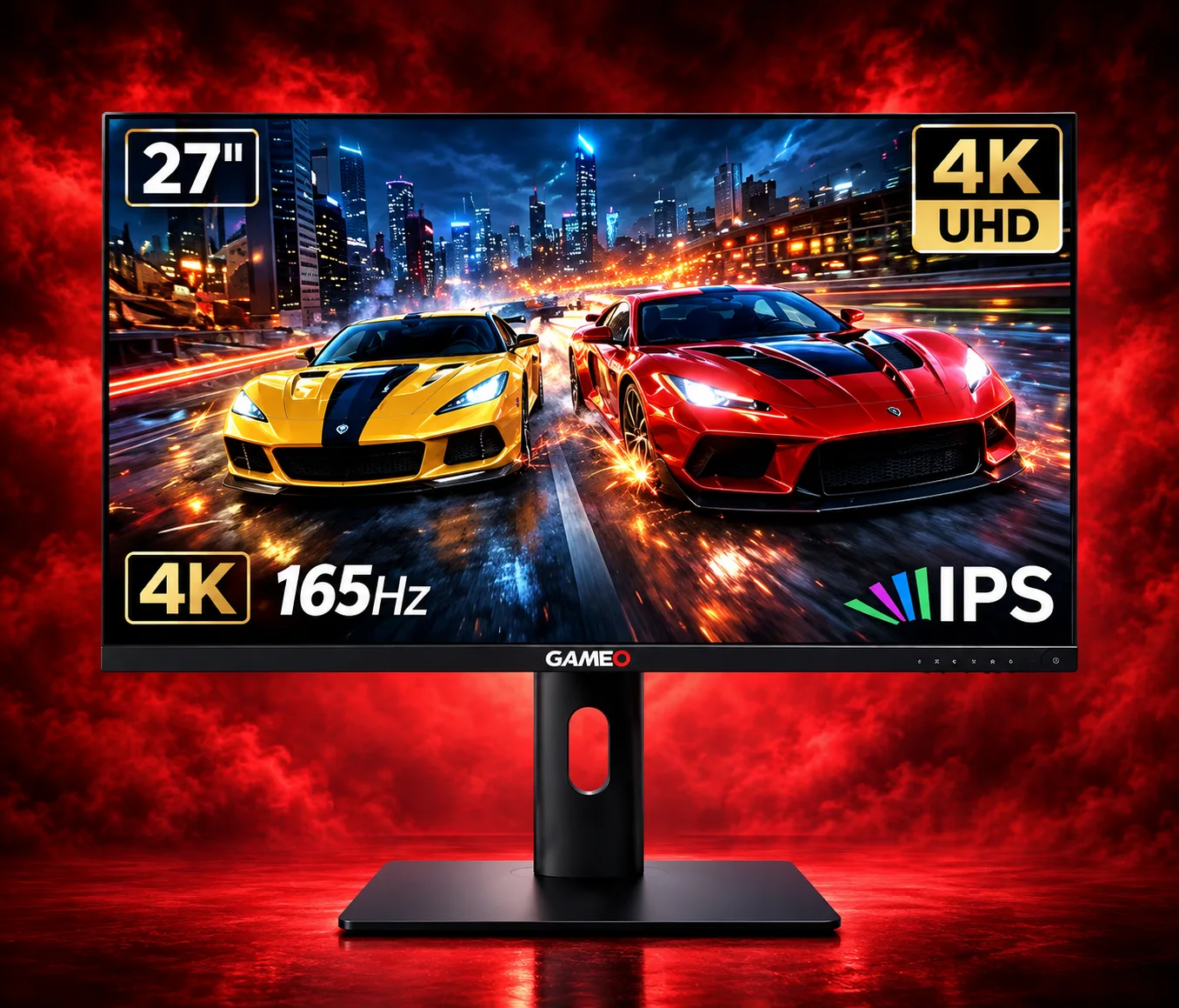
ULTRA HD GAMING PERFORMANCE
GAMEO U27-165
27" 4K UHD 165Hz IPS Gaming Monitor
For users wanting 4K UHD resolution and high refresh on a 27-inch display.
RRP: £339.99 (inc. VAT)
You Save: £144.03
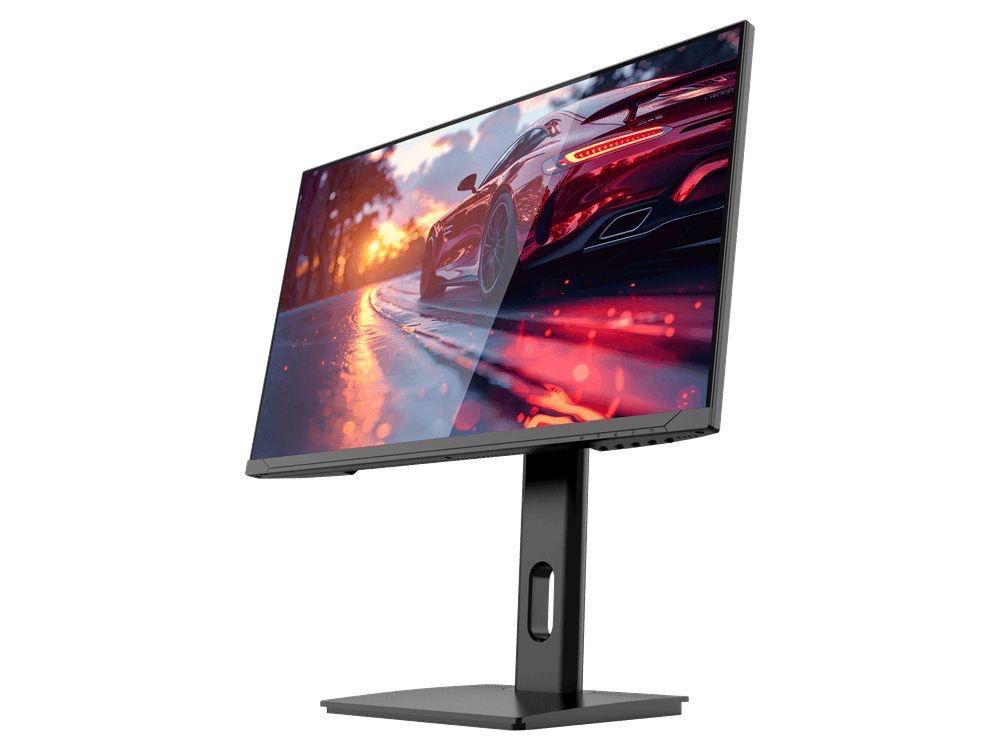
LARGE-SCREEN HIGH REFRESH
GAMEO F27-180
27" FHD 180Hz IPS Gaming Monitor
For users wanting a larger 27-inch screen combined with high-refresh Full HD gaming.
RRP: £229.99 (inc. VAT)
You Save: £118.17
