#refresh rate#monitors#pc gaming#fps#display tech
Is 144Hz or 240Hz Better for Gaming?
Choosing between 144Hz and 240Hz? We break down the real differences in smoothness, input lag, and value so you can pick the right refresh rate for your setup.
By GAMEO LIMITEDPublished 31 October 2026 6 min read
For most gamers, 144Hz is the sweet spot — it delivers a dramatic leap over 60Hz and requires far less GPU power than 240Hz demands. That said, if you consistently hit frame rates above 200fps in fast-paced competitive titles, 240Hz does offer a measurable reduction in motion blur and input lag that skilled players can notice.
What refresh rate actually means
A monitor's refresh rate describes how many times per second it redraws the image on screen, measured in Hertz (Hz). At 144Hz the panel updates 144 times per second; at 240Hz it updates 240 times. More updates mean each frame is displayed for a shorter window of time, which reduces the perceived blur of fast-moving objects and shrinks the gap between your physical input and what you see on screen. This matters most in twitch-reflex genres — first-person shooters, battle royales, and fighting games — and matters very little in slower-paced RPGs, strategy games, or most console titles.
The jump from 60Hz to 240Hz is bigger than 144Hz to 240Hz
If you are currently on a 60Hz screen, the biggest perceptual leap you will ever make is simply moving to 144Hz. Going from 60Hz to 144Hz roughly doubles update frequency; going from 144Hz to 240Hz is an increase of about 67%. Most people who make both upgrades report that the first feels transformative and the second feels like a refinement rather than a revolution. So when readers ask whether 60Hz or 240Hz is better, the honest answer is: 240Hz is technically superior, but you will capture the lion's share of the benefit at 144Hz for less money and with a much easier GPU requirement.
Can your hardware actually feed 240Hz?
This is the critical question that determines whether the upgrade makes practical sense for you. A 240Hz monitor only delivers its full benefit when your GPU can consistently render 240 frames per second or close to it. Hitting 200fps or above is entirely achievable in less demanding games or at lower resolutions, but in graphically intensive titles at 1440p or 4K it is far more difficult.
- At 1080p in competitive shooters (low settings), modern mid-to-high-end GPUs can regularly exceed 240fps.
- At 1440p, sustaining 240fps in demanding titles requires a high-end GPU.
- At 4K, 240fps is currently out of reach for all but the most extreme hardware in real-world games.
If your GPU is producing 100–160fps on average, a 240Hz panel gives you no additional benefit over 144Hz — in fact, with adaptive sync (FreeSync or G-Sync) engaged, both panels will look essentially identical at those frame rates.
The question of whether 200fps is overkill depends entirely on your monitor. On a 144Hz display, yes — anything above 144fps produces no extra smoothness on screen (though it can still reduce input lag slightly by keeping the render pipeline busier). On a 240Hz display, 200fps is genuinely useful, as it is close enough to the panel's ceiling that you benefit most of the time.
Panel type trade-offs at higher refresh rates
Refresh rate does not exist in isolation. When comparing 144Hz and 240Hz monitors you will also encounter differences in panel technology:
- TN (Twisted Nematic): Historically common in high-refresh panels due to fast pixel response times. Colours and viewing angles are weaker than other panel types.
- IPS (In-Plane Switching): Excellent colour accuracy and wide viewing angles. Modern IPS panels at 144Hz and 240Hz have response times competitive with TN, making them the most popular choice for a balance of image quality and speed.
- VA (Vertical Alignment): Strong contrast ratios that suit darker game environments, but can exhibit smearing on fast motion at very high refresh rates.
- OLED: Emerging in gaming monitors, offering near-instant pixel response and superb contrast. Available at 240Hz and above, but at a higher price point.
A well-tuned 144Hz IPS panel can look noticeably better than a poor-quality 240Hz TN panel. Refresh rate is one variable; the overall display quality is another.
What about console gaming?
If you use a PS5 or Xbox Series X alongside a PC, it is worth knowing that both consoles output a maximum of 4K at 120Hz over HDMI 2.1. Neither console can drive 240Hz at any resolution currently, so a 240Hz monitor offers zero extra benefit for console use. For a mixed PC and console setup, a quality 144Hz monitor (with HDMI 2.1 if you want 4K120 from a console) is likely the more practical choice.
Who should choose 240Hz?
| Profile | Likely better choice |
|---|---|
| Casual or story-driven gamer | 144Hz (or even 60Hz is fine) |
| Competitive gamer, GPU can hit ~144fps | 144Hz |
| Competitive gamer, GPU consistently hits 200fps+ | 240Hz worth considering |
| Console-primary player | 144Hz (consoles cap at 120Hz) |
| Semi-professional or esports player | 240Hz or higher |
The practical advice is to match your monitor to your GPU. Buying a 240Hz display when your hardware averages 120fps is spending money on headroom you will not use.
Does the human eye notice the difference?
This question comes up constantly and the honest answer is: it depends on the person and the context. Controlled studies on motion perception show diminishing returns as refresh rates rise, but competitive players with trained reflexes often report perceiving a difference between 144Hz and 240Hz in fast-paced games. Casual observers in everyday desktop or gaming use are far less likely to notice. Neither experience is wrong — it reflects genuine variation in visual sensitivity and what you are doing on screen.
Bottom line
144Hz is the practical choice for the vast majority of gamers: it is dramatically better than 60Hz, more affordable, and works well with a wider range of GPUs. 240Hz makes genuine sense if you play competitive titles, your hardware reliably pushes frame rates well above 144fps, and you want every marginal edge available. If those conditions do not describe your setup today, put the budget difference toward a better GPU or a higher-quality 144Hz panel — you will likely see a bigger real-world improvement.
Related questions
Is 240Hz worth it for casual gaming? For casual or story-driven games where frame rates rarely exceed 100fps, 240Hz offers no visible benefit over 144Hz. The extra cost is difficult to justify unless you also play competitive titles.
Does a higher refresh rate reduce input lag? Yes, to a degree. A higher refresh rate shortens the time between a frame being rendered and it appearing on screen, which can reduce perceived input lag by a few milliseconds. The effect is more meaningful jumping from 60Hz to 144Hz than from 144Hz to 240Hz.
Can you run a 240Hz monitor at 144Hz? Yes. Most 240Hz monitors allow you to set the refresh rate lower in your display or GPU settings. This can be useful if your GPU cannot maintain high frame rates, though an adaptive sync range will also handle this dynamically on compatible hardware.
Is 360Hz or higher worth considering? For most gamers, no. Beyond 240Hz the law of diminishing returns applies even more strongly. 360Hz and higher displays are aimed squarely at professional esports players who play at the highest levels and have the hardware to sustain those frame rates consistently.
Shop GAMEO gaming monitors
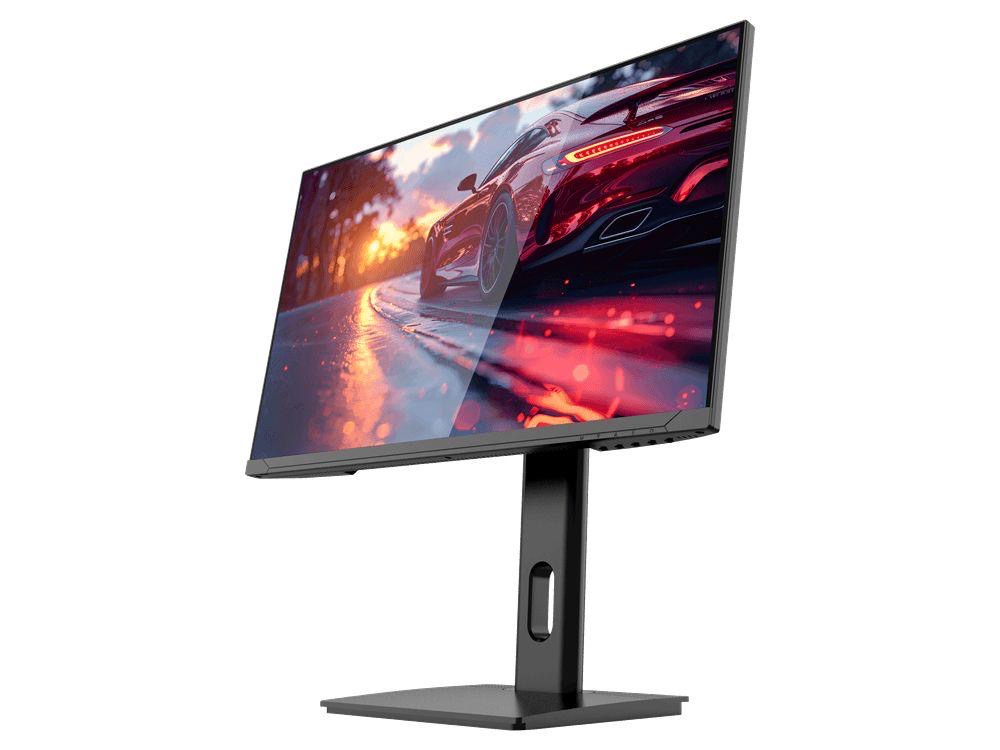
COMPACT QHD PERFORMANCE
GAMEO Q24-165
24" QHD 165Hz IPS Gaming Monitor
For users prioritising QHD resolution in a compact 24-inch display.
RRP: £209.99 (inc. VAT)
You Save: £95.65
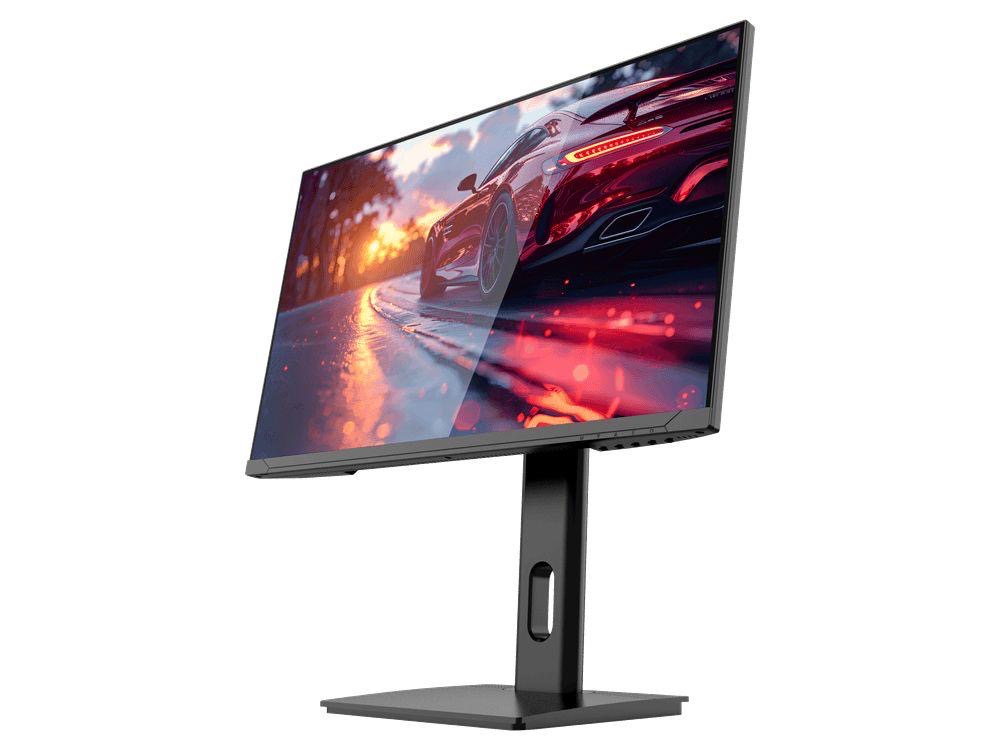
FAST FULL HD GAMING
GAMEO F24-200
24" FHD 200Hz IPS Gaming Monitor
For users prioritising very high refresh performance in a 24-inch Full HD monitor.
RRP: £169.99 (inc. VAT)
You Save: £71.49
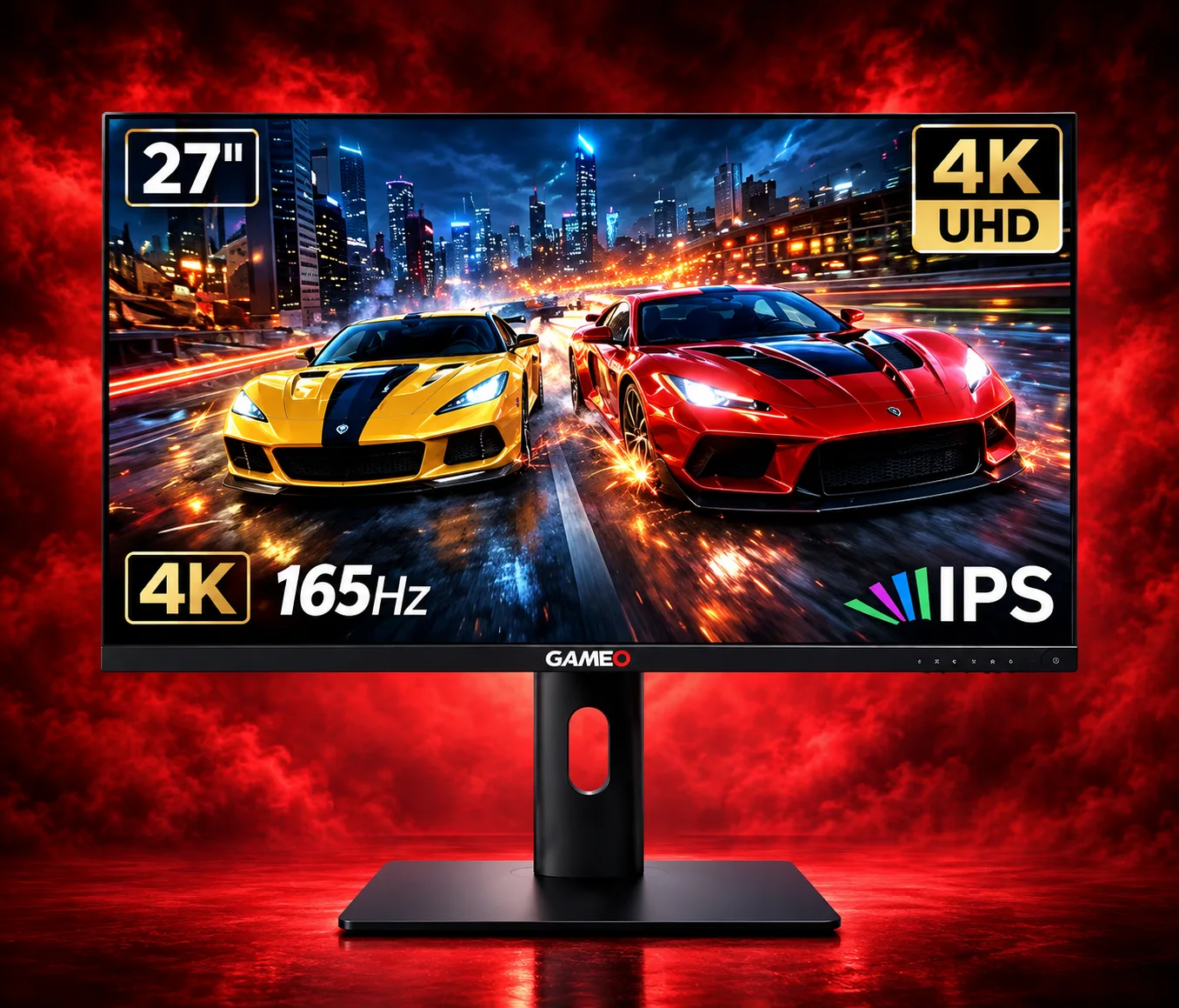
ULTRA HD GAMING PERFORMANCE
GAMEO U27-165
27" 4K UHD 165Hz IPS Gaming Monitor
For users wanting 4K UHD resolution and high refresh on a 27-inch display.
RRP: £339.99 (inc. VAT)
You Save: £144.03
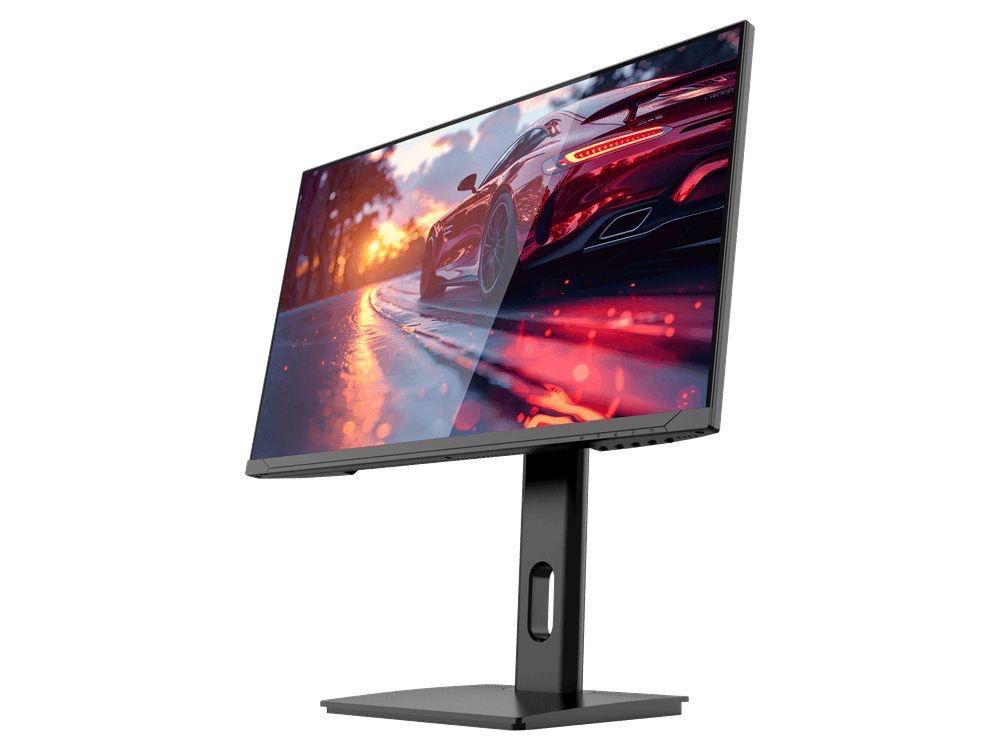
LARGE-SCREEN HIGH REFRESH
GAMEO F27-180
27" FHD 180Hz IPS Gaming Monitor
For users wanting a larger 27-inch screen combined with high-refresh Full HD gaming.
RRP: £229.99 (inc. VAT)
You Save: £118.17
