#buying guide#gaming monitor#uk retail#display technology#pc gaming
What Should You Look for When Buying a Gaming Monitor in the UK?
Choosing where and what to buy matters as much as the spec sheet. Here's what UK gamers should check before spending money on a gaming monitor.
By GAMEO LIMITEDPublished 1 November 2026 6 min read
Buying the right gaming monitor comes down to matching the spec to your setup, your games, and your budget — then making sure you buy from a retailer that protects you properly. Rushing past either step is the most common reason gamers end up disappointed.
Resolution and refresh rate: get the balance right for your GPU
Resolution and refresh rate are the two numbers that define how a monitor feels in use, and they pull against each other when your graphics card has a fixed amount of power.
- 1080p suits entry-level and mid-range GPUs. Paired with a 144 Hz or 165 Hz panel, it produces very smooth motion in fast games without requiring expensive hardware.
- 1440p (QHD) is the current sweet spot for mid-to-high-end PC builds. Detail improves noticeably over 1080p at typical desk distances, and modern mid-range GPUs can drive it at 144 Hz+ in many titles.
- 4K (UHD) demands a top-tier GPU to hit high frame rates. At 27–32 inches it looks exceptional, but you'll need to accept lower frame rates or reduce quality settings unless your PC is genuinely high-end.
Console players face a different constraint: the PS5 and Xbox Series X output a maximum of 4K at 120 Hz over HDMI 2.1. A monitor without an HDMI 2.1 port cannot receive that signal, so check the port spec carefully if you're gaming on a current-gen console.
Panel type: IPS, VA, or OLED?
The panel technology shapes colour, contrast, and response time more than almost any other spec.
| Panel type | Contrast ratio (typical) | Colour accuracy | Response time | Best for |
|---|---|---|---|---|
| IPS | ~1,000:1 | Excellent | 1–4 ms (GtG) | Competitive and colour-critical work |
| VA | ~3,000–6,000:1 | Good | 4–8 ms (GtG) | Cinematic and mixed use |
| OLED | Effectively infinite | Outstanding | Sub-0.1 ms | Premium immersive gaming |
IPS panels are the most common choice for competitive gaming because they combine fast pixel response with wide viewing angles. VA panels deliver deeper blacks and better contrast for darker environments but can show slight smearing on fast motion. OLED panels offer the best of both worlds on paper, but carry a higher price and a small risk of burn-in over very long periods with static elements on screen.
Refresh rate and response time: what the numbers actually mean
A 144 Hz monitor redraws the image 144 times per second, versus 60 times on a standard display. The practical benefit depends on whether your PC or console can produce enough frames to match — a 144 Hz monitor fed 60 fps looks identical to a 60 Hz monitor fed 60 fps.
Response time figures (usually quoted in milliseconds, GtG) measure how quickly a pixel changes colour. Figures below 5 ms GtG are generally considered acceptable; below 2 ms is excellent. Be cautious of manufacturer "MPRT" figures, which measure differently and tend to look faster than GtG on paper.
Variable refresh rate technology (G-Sync compatible or FreeSync/Adaptive Sync) synchronises the monitor's refresh rate to your GPU's output frame by frame, eliminating screen tearing without the input-lag penalty of V-Sync. It's particularly useful when frame rates fluctuate in open-world games.
Size and aspect ratio: matching the monitor to your space
For a desk at normal arm's length (60–80 cm), most people find:
- 24 inches at 1080p — sharp pixel density, compact footprint, popular in esports.
- 27 inches at 1440p — very close to the same pixel density, more screen real estate.
- 32 inches at 4K — pixel density equivalent to the above; feels large on a desk but immersive.
Ultrawide (21:9) and super-ultrawide (32:9) monitors add horizontal field of view in supported games, but not every title supports the aspect ratio well, and they are unsupported by consoles for gameplay (though they work as a display).
Connectivity: ports matter more than they used to
Before buying, map out exactly what you'll plug in:
- DisplayPort 1.4 — needed for 4K 144 Hz or 1440p 240 Hz from a PC GPU.
- HDMI 2.1 — required for 4K 120 Hz from PS5 or Xbox Series X.
- HDMI 2.0 — supports 4K 60 Hz or 1440p 144 Hz; not sufficient for console 4K120.
- USB-C with DisplayPort Alt Mode — useful for laptops.
A monitor with only HDMI 2.0 will cap a PS5 or Xbox Series X at 4K 60 Hz or 1080p 120 Hz — not the full capability of the console.
What to check about your retailer before you buy
Once you've settled on a specification, where you buy determines how well you're protected if something goes wrong.
- UK consumer rights: Under the Consumer Rights Act 2015, goods must be of satisfactory quality. If a fault appears within 30 days, you're entitled to a full refund. Within six months, the retailer must repair or replace. Beyond six months, the burden of proof shifts but rights still apply for up to six years in England and Wales.
- Returns window: Many retailers offer a no-quibble returns window beyond the statutory 14-day online cooling-off period. A longer window matters with monitors because issues like dead pixels or backlight bleed may only become obvious after a few hours of use.
- Dead pixel policy: Check whether the retailer or manufacturer covers dead pixels and what the threshold is (some only act above a certain number).
- Warranty length and type: Most monitors carry a one- to three-year manufacturer warranty. Some manufacturers offer on-site or advance-replacement service, which is worth having for a primary display.
- Stock and delivery: A monitor listed as in stock in a UK warehouse arrives faster and has fewer customs complications than one shipping from overseas.
Related questions
Does monitor size affect gaming performance? No — size has no effect on frame rate or input lag. It affects how much of your field of view the screen fills and how far you sit from it comfortably, which can influence immersion and, for competitive players, target visibility.
Is a 4K gaming monitor worth it for console gaming? If you own a PS5 or Xbox Series X and the monitor has HDMI 2.1, yes — those consoles can output genuine 4K at up to 120 Hz. Without HDMI 2.1 you'll be limited to 4K 60 Hz at best, which is still excellent for single-player games.
What refresh rate is noticeable over 60 Hz? Most people notice a clear difference moving from 60 Hz to 144 Hz, particularly in fast-paced games. The difference between 144 Hz and 240 Hz is smaller and more noticeable to competitive players than casual ones. Beyond 360 Hz, gains are marginal for all but professional esports play.
Can I use a gaming monitor for console and PC at the same time? Yes, provided the monitor has enough inputs. A monitor with both a DisplayPort port (for PC) and HDMI 2.1 (for console) can switch between sources with no additional hardware.
Bottom line
The right gaming monitor matches your GPU or console's output, your typical game genres, and your physical desk space — and it comes from a retailer that gives you clear returns and warranty terms. Take time to verify the panel type, port version, and refresh rate against your actual hardware before committing, and you'll avoid the most common mismatches that lead to disappointment after delivery.
Shop GAMEO gaming monitors
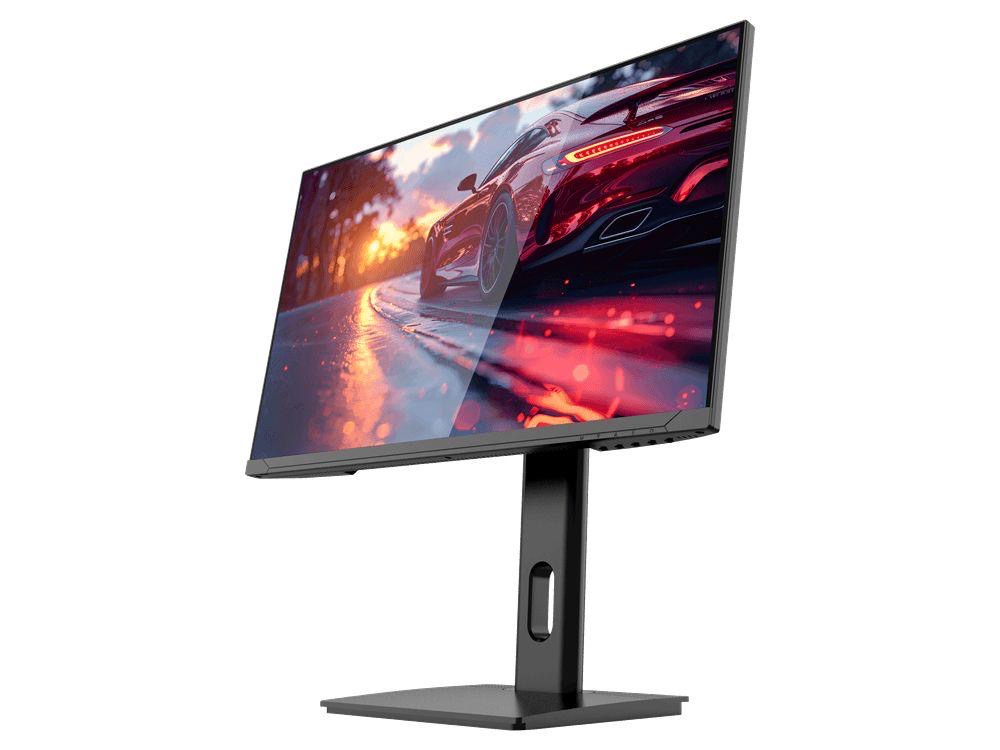
COMPACT QHD PERFORMANCE
GAMEO Q24-165
24" QHD 165Hz IPS Gaming Monitor
For users prioritising QHD resolution in a compact 24-inch display.
RRP: £209.99 (inc. VAT)
You Save: £95.65
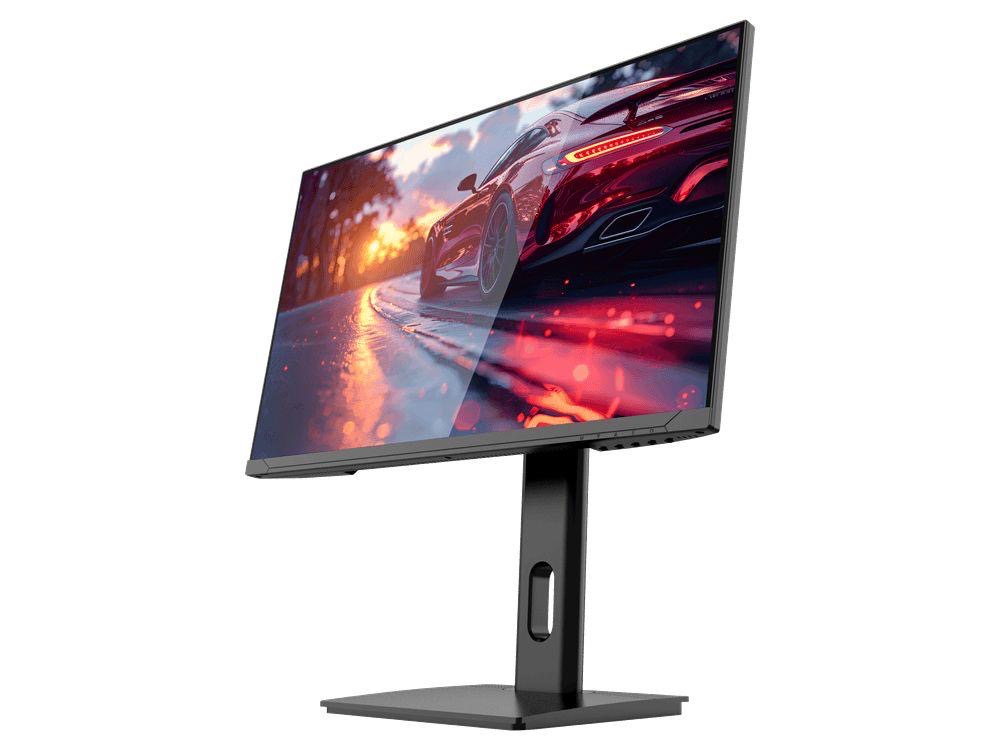
FAST FULL HD GAMING
GAMEO F24-200
24" FHD 200Hz IPS Gaming Monitor
For users prioritising very high refresh performance in a 24-inch Full HD monitor.
RRP: £169.99 (inc. VAT)
You Save: £71.49
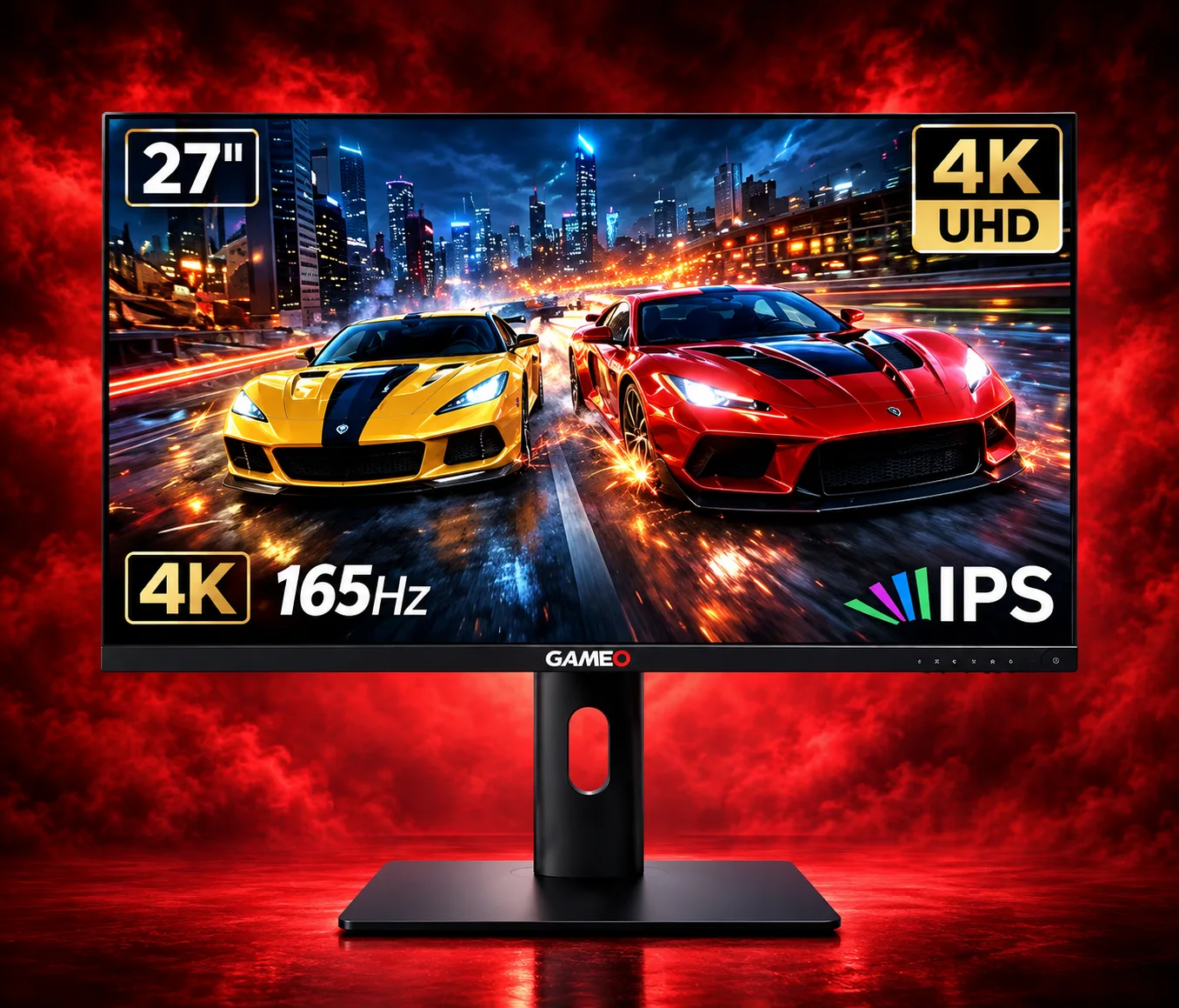
ULTRA HD GAMING PERFORMANCE
GAMEO U27-165
27" 4K UHD 165Hz IPS Gaming Monitor
For users wanting 4K UHD resolution and high refresh on a 27-inch display.
RRP: £339.99 (inc. VAT)
You Save: £144.03
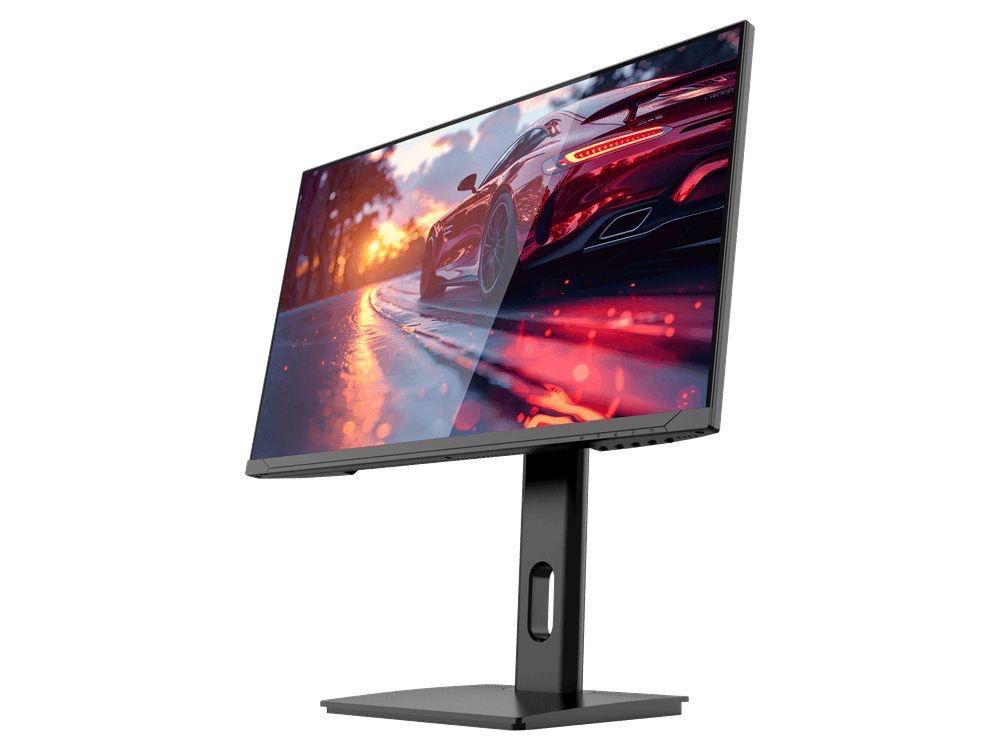
LARGE-SCREEN HIGH REFRESH
GAMEO F27-180
27" FHD 180Hz IPS Gaming Monitor
For users wanting a larger 27-inch screen combined with high-refresh Full HD gaming.
RRP: £229.99 (inc. VAT)
You Save: £118.17
