#gaming monitor#budget#refresh rate#response time#panel types
What Specs Matter Most for a Budget Gaming Monitor?
Choosing a budget gaming monitor? These are the specs that genuinely affect smoothness in shooters and racing games — and the ones you can safely ignore.
By GAMEO LIMITEDPublished 31 October 2026 6 min read
For smooth play in shooters and racing games, the two specs that matter most on a budget are refresh rate and response time. Resolution and panel type matter too, but they're secondary if your goal is fluid, responsive gameplay rather than the sharpest possible image.
Refresh Rate: The Single Biggest Difference You'll Feel
Refresh rate — measured in Hz — is how many times per second your monitor redraws the image. At 60 Hz you get 60 frames per second displayed at most. At 144 Hz you get up to 144. In fast-paced games like first-person shooters and circuit racers, that extra smoothness isn't just cosmetic: fast-moving objects appear less blurry between frames, and your inputs feel more immediate.
For a budget gaming monitor, 144 Hz is the practical sweet spot right now. It's widely available at lower price points, and the jump from 60 Hz to 144 Hz is far more noticeable than the jump from 144 Hz to 240 Hz. Unless your PC consistently pushes well above 144 fps in the games you play, chasing 240 Hz on a tight budget means spending more money for a difference you may rarely benefit from.
If you're on console — PS5 or Xbox Series X — both support up to 120 fps over HDMI 2.1, so a monitor with a 120 Hz or 144 Hz refresh rate (paired with HDMI 2.1 input) lets you take full advantage of that.
Response Time: What It Really Means
Response time describes how quickly a pixel changes from one colour to another, usually expressed in milliseconds (ms). A lower figure means less ghosting — the faint trail that follows moving objects on screen.
The catch is that manufacturers measure response time differently. The common "1 ms" figure typically refers to the fastest grey-to-grey (GtG) transition using overdrive, not an average across all pixel transitions. A more meaningful figure to look for is GtG at the panel's rated refresh rate, but this isn't always clearly stated in specs.
As a practical guide:
- 1–3 ms GtG is excellent for shooters and racing games
- 4–5 ms GtG is acceptable for most players
- Anything above that may produce visible ghosting in fast scenes
Also check whether a monitor has an overdrive or response time setting in its on-screen menu. Too much overdrive causes inverse ghosting (a bright halo ahead of moving objects), so being able to tune it matters.
Panel Type: IPS, VA, or TN?
Panel technology affects colour quality, viewing angles, contrast, and response time — and on a budget you're making trade-offs.
| Panel | Typical Response Time | Contrast | Colour/Viewing Angles | Best For |
|---|---|---|---|---|
| TN | Fastest (1 ms common) | Low | Narrow | Competitive shooters, pure speed |
| IPS | Fast (1–4 ms modern) | Moderate | Wide, accurate | Balanced: good for shooters and everyday use |
| VA | Slower (4–8 ms typical) | High | Moderate | Story games, darker environments |
For shooters and racing games on a budget, IPS panels have become the most versatile choice — modern fast IPS panels have response times close to TN, with much better colours and viewing angles. TN panels are still slightly faster but look noticeably washed out unless you're sat directly in front, and they command less value at budget price points than they once did. VA panels offer deeper blacks but their slower pixel transitions can cause noticeable smearing in fast motion, which is a real disadvantage in the genres you play.
Adaptive Sync: FreeSync or G-Sync Compatible
Even if you can't always hit your monitor's maximum refresh rate, adaptive sync technology keeps the image smooth by matching the monitor's refresh rate to your GPU's output in real time. This eliminates screen tearing without the input lag penalty of traditional V-Sync.
On a budget, look for AMD FreeSync (or a monitor listed as G-Sync Compatible if you use an Nvidia GPU). Most budget monitors with adaptive sync use FreeSync, and Nvidia's drivers support many of these panels. Check that the monitor's FreeSync range covers a useful window — a range like 48–144 Hz is much more helpful than one that only activates above 120 Hz.
For console players, FreeSync Premium is supported by Xbox Series X/S natively. PS5 added VRR support (over HDMI 2.1) in a firmware update, though monitor compatibility varies.
Resolution: 1080p vs 1440p on a Budget
1080p (Full HD) is the sensible starting point for budget gaming monitors, especially if your PC's GPU is mid-range or lower. Hitting high frame rates at 1080p is easier on your hardware, which means you'll actually benefit from that 144 Hz refresh rate in-game.
1440p (QHD) is sharper and increasingly affordable, but it demands more GPU power. If your PC struggles to reach 100+ fps at 1440p in the games you play, you're paying for resolution at the cost of smoothness — the opposite of what shooters and racers need.
For console use, note that PS5 and Xbox Series X output at up to 4K, but most games targeting 120 fps on console do so at 1080p or 1440p internally, so a 1440p monitor is a reasonable match.
Specs You Can Deprioritise on a Budget
- HDR on budget monitors: Marketing HDR labels (like "HDR Ready" or "DisplayHDR 400") at budget price points offer minimal real-world improvement. Don't let it influence your decision.
- Ultra-wide aspect ratios: Great for immersion but expensive, and many competitive multiplayer games cap field of view or don't officially support 21:9.
- High-end colour coverage figures: Unless you're also doing creative work, wide colour gamut specs make little practical difference in fast-paced gaming.
Related Questions
Does input lag matter as much as response time? Input lag is the delay between your mouse or controller input and what appears on screen — separate from response time. Most modern gaming monitors have input lag well under 10 ms, so it's rarely a differentiating factor unless a monitor is known to have unusually poor processing.
Is HDMI 2.1 necessary for a gaming monitor? Only if you're connecting a PS5 or Xbox Series X and want to use 4K at up to 120 Hz. For PC, DisplayPort 1.4 handles 1440p at 144 Hz and 4K at higher refresh rates comfortably. For 1080p 144 Hz, even HDMI 2.0 is sufficient.
How important is the stand and ergonomics? More than many buyers realise. Height adjustment and tilt make a meaningful difference to comfort over long sessions. A monitor with a poor stand that can't be adjusted may require a VESA mount arm as an additional cost — worth factoring into your budget.
What size should a budget gaming monitor be? For desk gaming at typical viewing distances (50–70 cm), 24–27 inches is the practical range. At 1080p, 27 inches can look slightly soft up close; 24 inches at 1080p offers a sharper pixel density. At 1440p, 27 inches is a comfortable fit.
Bottom Line
If you play shooters and racing games and want smooth, responsive gameplay on a budget, prioritise 144 Hz refresh rate and a low GtG response time above everything else. An IPS panel gives you the best balance of speed and image quality at current price points. Add adaptive sync (FreeSync) and make sure the resolution matches what your hardware can actually drive at high frame rates, and you'll have a setup that genuinely improves your experience — without paying for specs that only show up on a sticker.
Shop GAMEO gaming monitors
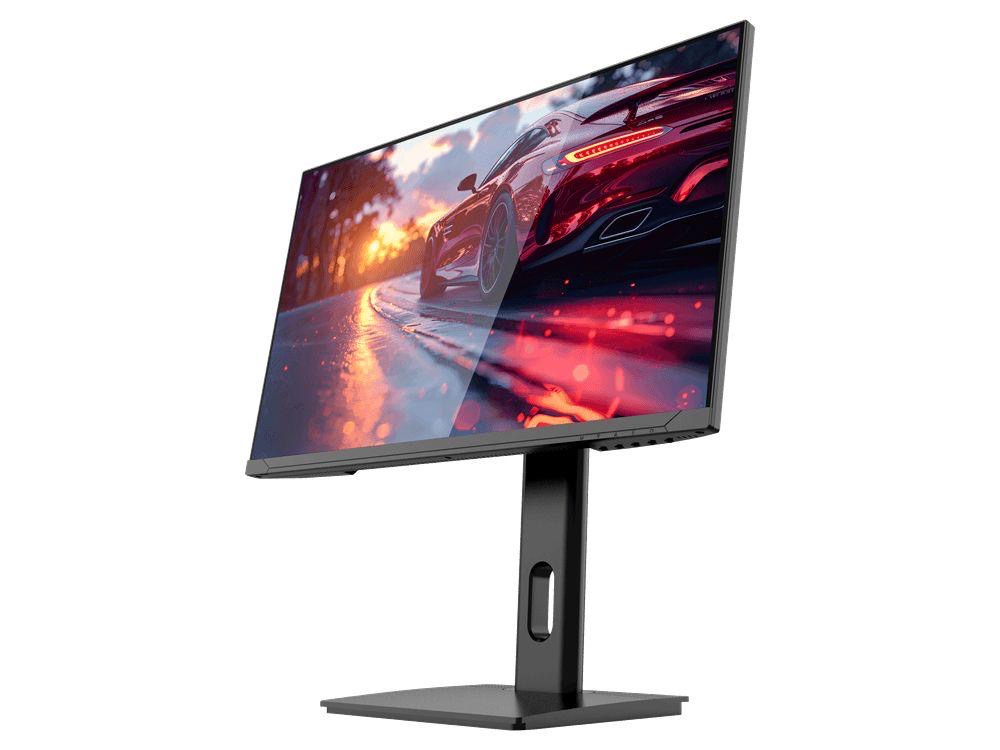
COMPACT QHD PERFORMANCE
GAMEO Q24-165
24" QHD 165Hz IPS Gaming Monitor
For users prioritising QHD resolution in a compact 24-inch display.
RRP: £209.99 (inc. VAT)
You Save: £95.65
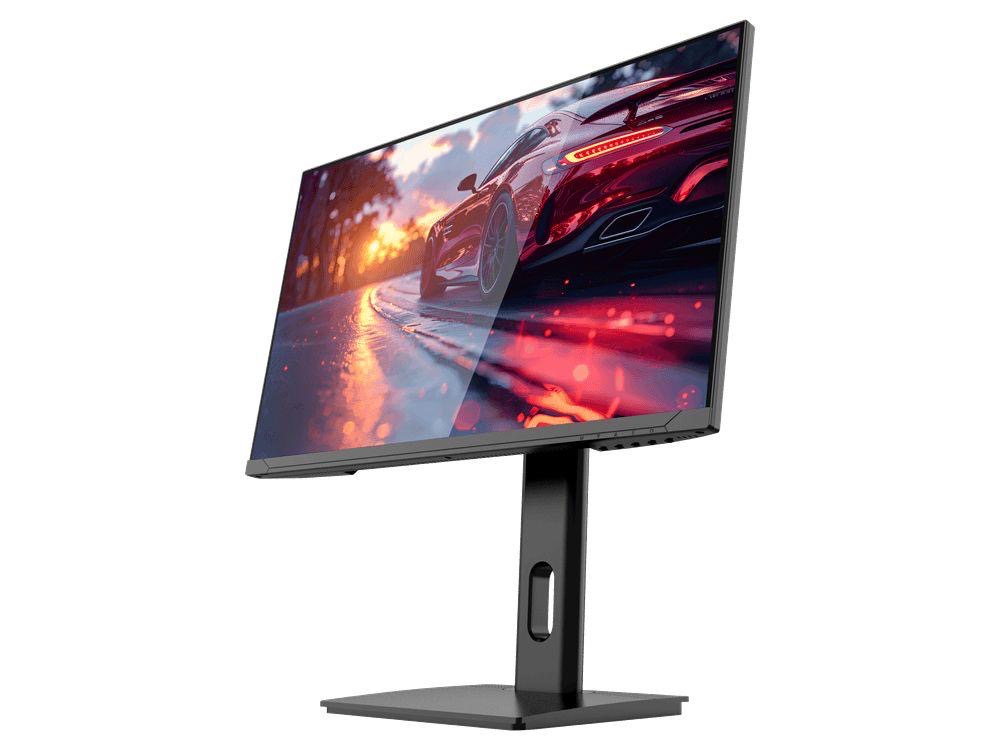
FAST FULL HD GAMING
GAMEO F24-200
24" FHD 200Hz IPS Gaming Monitor
For users prioritising very high refresh performance in a 24-inch Full HD monitor.
RRP: £169.99 (inc. VAT)
You Save: £71.49
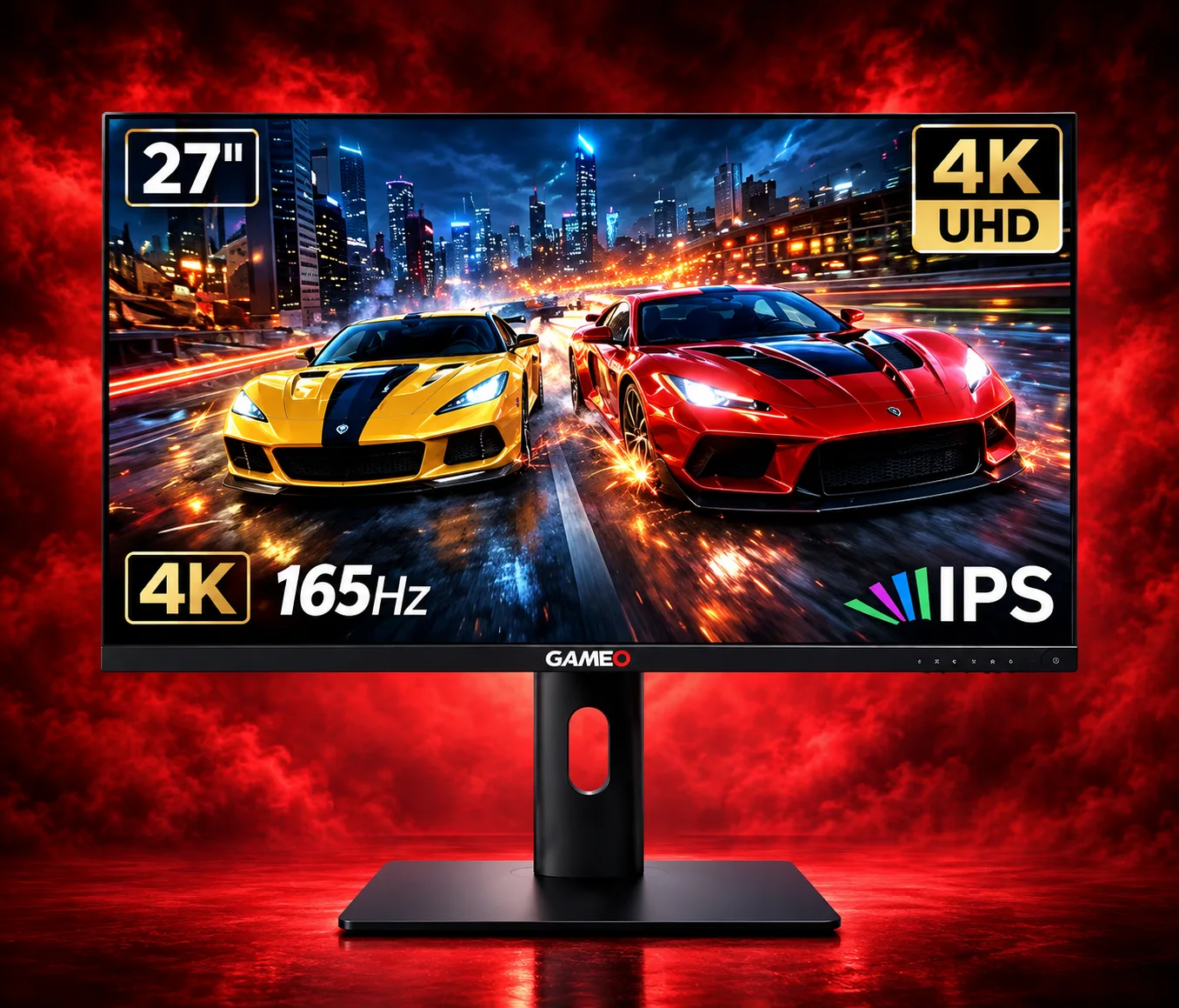
ULTRA HD GAMING PERFORMANCE
GAMEO U27-165
27" 4K UHD 165Hz IPS Gaming Monitor
For users wanting 4K UHD resolution and high refresh on a 27-inch display.
RRP: £339.99 (inc. VAT)
You Save: £144.03
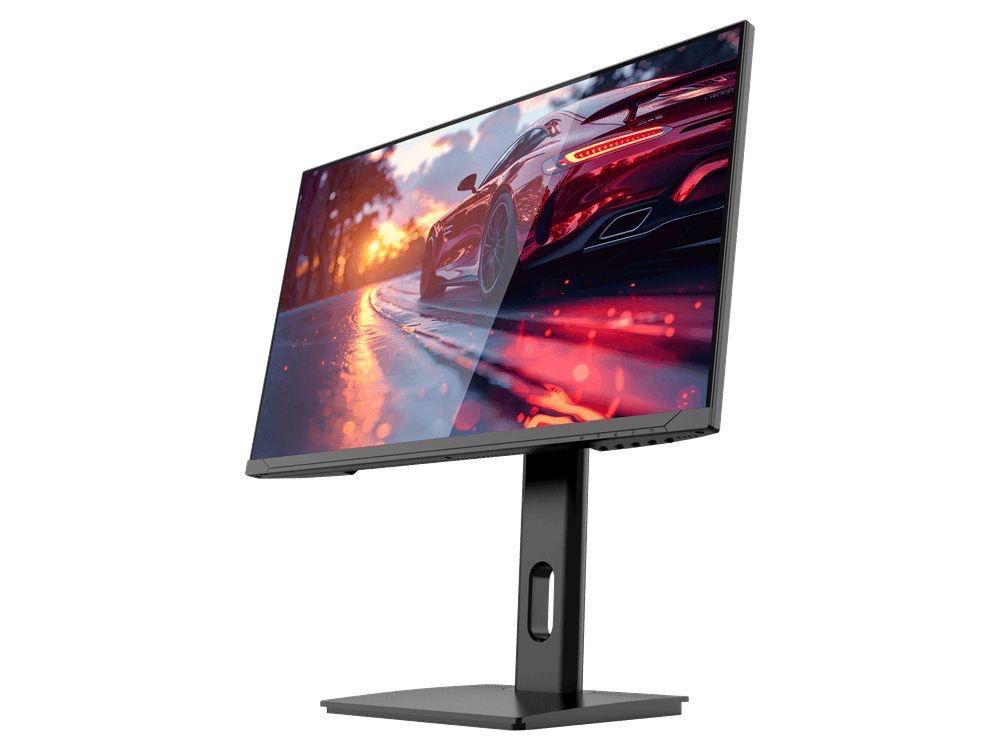
LARGE-SCREEN HIGH REFRESH
GAMEO F27-180
27" FHD 180Hz IPS Gaming Monitor
For users wanting a larger 27-inch screen combined with high-refresh Full HD gaming.
RRP: £229.99 (inc. VAT)
You Save: £118.17
