#budget monitors#high refresh rate#panel types#warranty#ghosting
What to Look for in a Budget High-Refresh-Rate Gaming Monitor
Want a fast gaming monitor without the premium price? Here's what specs and quality checks actually matter when buying budget in the UK.
By GAMEO LIMITEDPublished 31 October 2026 7 min read
A budget gaming monitor can absolutely deliver a smooth, responsive experience — provided you know which specifications and quality indicators to prioritise before you buy. The key is focusing on panel type, real-world refresh rate support, and retailer warranty terms rather than chasing headline numbers that may not translate into day-to-day performance.
Why refresh rate matters more than resolution at lower prices
At the budget end of the market, you generally face a trade-off: higher resolution or higher refresh rate. For fast-paced gaming, a 1080p or 1440p display running at 144 Hz or above will feel noticeably smoother than a 4K panel stuck at 60 Hz on the same budget. Human perception of motion is far more sensitive to frame-rate consistency than to pixel density at typical desk distances. If you mostly play shooters, racing games, or anything competitive, prioritise refresh rate first.
That said, 1440p at 144 Hz has become genuinely affordable in recent years and represents a sweet spot for many gamers — sharp enough for single-player titles, fast enough for multiplayer. Only consider stepping up to 4K if you have a GPU powerful enough to push it above 60 fps regularly, otherwise you're paying for resolution you can't fully use.
Panel types: IPS, VA, and TN at budget prices
The panel technology has a bigger impact on your daily experience than almost any other spec:
- TN (Twisted Nematic): The cheapest to produce and historically the fastest for response times. However, TN panels have noticeably poor viewing angles and washed-out colours — particularly visible if you sit slightly off-centre or share your screen. They've largely been superseded at budget price points.
- VA (Vertical Alignment): Offers the best contrast ratio of the three, which means deeper blacks — useful in darker rooms. The trade-off is slower pixel response, which can cause a smearing or "ghosting" artefact on fast-moving objects, especially dark transitions. VA ghosting varies considerably between specific panels, so reading user reviews is essential.
- IPS (In-Plane Switching): Good colour accuracy, wide viewing angles, and fast enough response times for most gamers. The traditional weakness of IPS is backlight bleed — light escaping around the edges or corners of the screen. Budget IPS panels are more prone to this than expensive ones, since quality control on the LCD cell tends to be tighter at higher price tiers.
For most budget buyers, an IPS panel at 144 Hz or higher offers the best overall balance, as long as you accept some risk of backlight bleed and check the returns policy before buying.
Understanding ghosting and how to spot it before you buy
Ghosting happens when pixels don't switch states quickly enough, leaving a faint trail behind moving objects. It's measured in grey-to-grey (GtG) milliseconds — look for 1 ms GtG on IPS or TN panels. VA panels often list 1 ms GtG using MPRT (moving picture response time), which is a different measurement method involving backlight strobing rather than raw pixel speed; the real-world smearing on VA can still be visible despite the marketing figure.
To research ghosting before buying:
- Look for independent monitor reviews that include motion blur and overshoot tests, not just the manufacturer's spec sheet.
- Check community forums and retailer review sections for user-reported issues on the specific model.
- Look for mentions of "overdrive" settings — most monitors let you adjust pixel response acceleration, and some budget panels produce inverse ghosting (a bright halo ahead of objects) on high overdrive settings.
Backlight bleed: how bad is too bad?
Nearly every LCD monitor has some backlight bleed — uniform illumination across the entire panel is very difficult to achieve cheaply. The question is whether it's noticeable during normal use. A small amount of glow in corners is common and most people don't notice it in bright scenes. The problem arises in dark scenes or when watching films with black bars.
Practical advice:
- Read multiple user reviews specifically mentioning backlight bleed on the model you're considering; it varies between individual units from the same production run.
- If a retailer offers easy returns, you can test the panel yourself in a darkened room by loading a full-black image.
- OLED panels eliminate backlight bleed entirely (each pixel is self-lit), but budget OLED monitors are not yet a realistic option in the UK market at the time of writing.
UK warranty: what to actually look for
Warranty terms matter more than many buyers realise. Key things to check:
- Length: Most monitors ship with a 3-year manufacturer warranty, but some budget options offer only 1 or 2 years. Confirm this on the manufacturer's UK website, not just the retailer listing.
- Dead pixel policy: Some manufacturers only replace a panel if it has a certain number of dead pixels (e.g., five or more). A "zero dead pixel" or "bright dot" guarantee is worth paying a modest premium for.
- Return-to-base vs. advance replacement: Budget brands often require you to ship the faulty unit at your own cost and wait for a replacement. Premium warranty tiers swap it out first. Check the small print.
- UK consumer rights: Regardless of manufacturer warranty, the Consumer Rights Act 2015 gives you up to six years to claim for a faulty product through the retailer (in England, Wales, and Northern Ireland; five years in Scotland). If a fault appears within six months, the retailer must prove it wasn't there at point of sale. Buying from a reputable UK retailer with good customer service is therefore as important as the manufacturer warranty.
Specs comparison: what a sensible budget monitor checklist looks like
| Feature | Minimum to consider | Better target |
|---|---|---|
| Refresh rate | 144 Hz | 165 Hz or higher |
| Response time | 5 ms GtG | 1–2 ms GtG |
| Panel type | TN (acceptable) | IPS or fast VA |
| Resolution | 1080p | 1440p |
| Adaptive sync | FreeSync (basic) | FreeSync Premium or G-Sync Compatible |
| Warranty length | 2 years | 3 years |
| Dead pixel policy | Standard | Zero bright dot guarantee |
| Connectivity | HDMI 2.0, DisplayPort 1.2 | HDMI 2.1 (if using a console) |
Note on consoles: The PS5 and Xbox Series X can output at 4K 120 Hz, but this requires HDMI 2.1. Most budget monitors use HDMI 2.0, which caps out at 4K 60 Hz or 1080p/1440p at 120 Hz. If you're connecting a current-gen console and want high refresh rate, confirm the monitor has HDMI 2.1 — it's less common at budget prices.
Where to buy and how to reduce risk
- Buy from large UK retailers with free returns (not just exchanges) so you can reject a unit with bad backlight bleed.
- Check Trustpilot and Google Reviews for the retailer's after-sales service, not just the product.
- Avoid marketplace sellers without clear UK warranty support; grey-import monitors may void the UK warranty.
- If buying refurbished, confirm whether the original manufacturer warranty transfers or whether you're relying solely on the seller's own guarantee.
Related questions
Is 144 Hz enough, or should I go for 240 Hz on a budget? For most gamers, 144 Hz is a substantial upgrade from 60 Hz, and the difference between 144 Hz and 240 Hz is far less noticeable unless you're playing competitive shooters at very high frame rates. On a tight budget, spend the saving on a better panel quality rather than extra hertz.
Does FreeSync or G-Sync matter on a budget monitor? Adaptive sync reduces screen tearing without the input-lag penalty of V-Sync, and FreeSync is royalty-free so it's common on budget displays. G-Sync Compatible certification means the monitor has passed Nvidia's testing, but many FreeSync monitors work fine with Nvidia cards anyway — check user reports for your specific GPU.
Can a budget monitor be good for both gaming and working from home? Yes, particularly IPS panels at 1440p, which offer accurate enough colours for general productivity and fast enough response for gaming. The main compromise is that very high refresh rates (240 Hz+) are less useful for spreadsheets.
How much backlight bleed is normal? Some bleed in the corners is almost universal on LCD panels. If it's only visible when displaying a fully black screen in a pitch-dark room, most people find it acceptable. If it's visible during normal gaming or film watching, that's grounds for a return.
Bottom line
A budget high-refresh-rate monitor is worth buying if you focus on the right things: an IPS or well-reviewed VA panel at 144 Hz or above, a genuine 3-year UK warranty with a clear dead pixel policy, and a retailer that accepts returns so you can deal with any backlight bleed lottery. Avoid being dazzled by headline specs like "1 ms MPRT" on VA panels without checking real-world response, and always confirm HDMI 2.1 if you're pairing the monitor with a current-gen console. Do that groundwork and you can get a genuinely strong gaming experience without spending a premium price.
Shop GAMEO gaming monitors
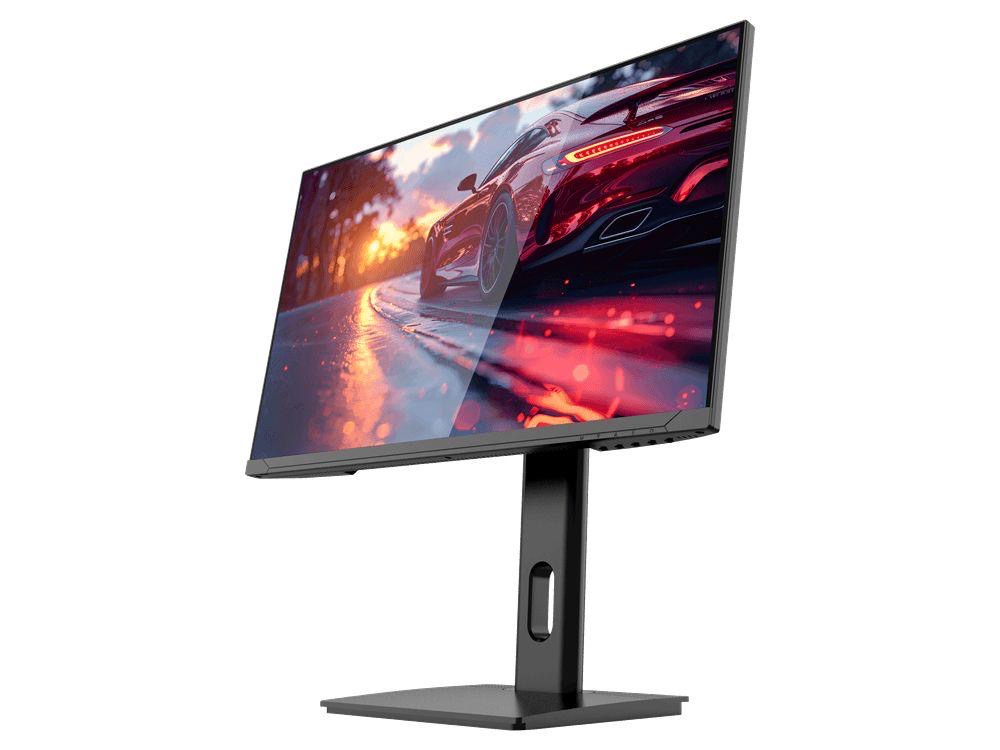
COMPACT QHD PERFORMANCE
GAMEO Q24-165
24" QHD 165Hz IPS Gaming Monitor
For users prioritising QHD resolution in a compact 24-inch display.
RRP: £209.99 (inc. VAT)
You Save: £95.65
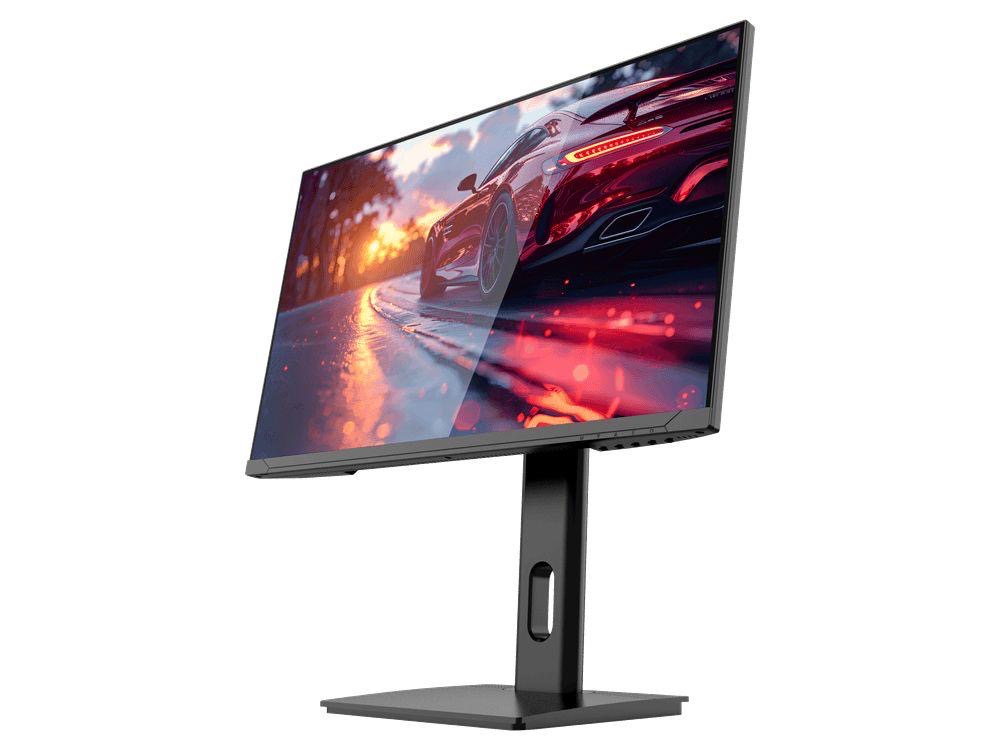
FAST FULL HD GAMING
GAMEO F24-200
24" FHD 200Hz IPS Gaming Monitor
For users prioritising very high refresh performance in a 24-inch Full HD monitor.
RRP: £169.99 (inc. VAT)
You Save: £71.49
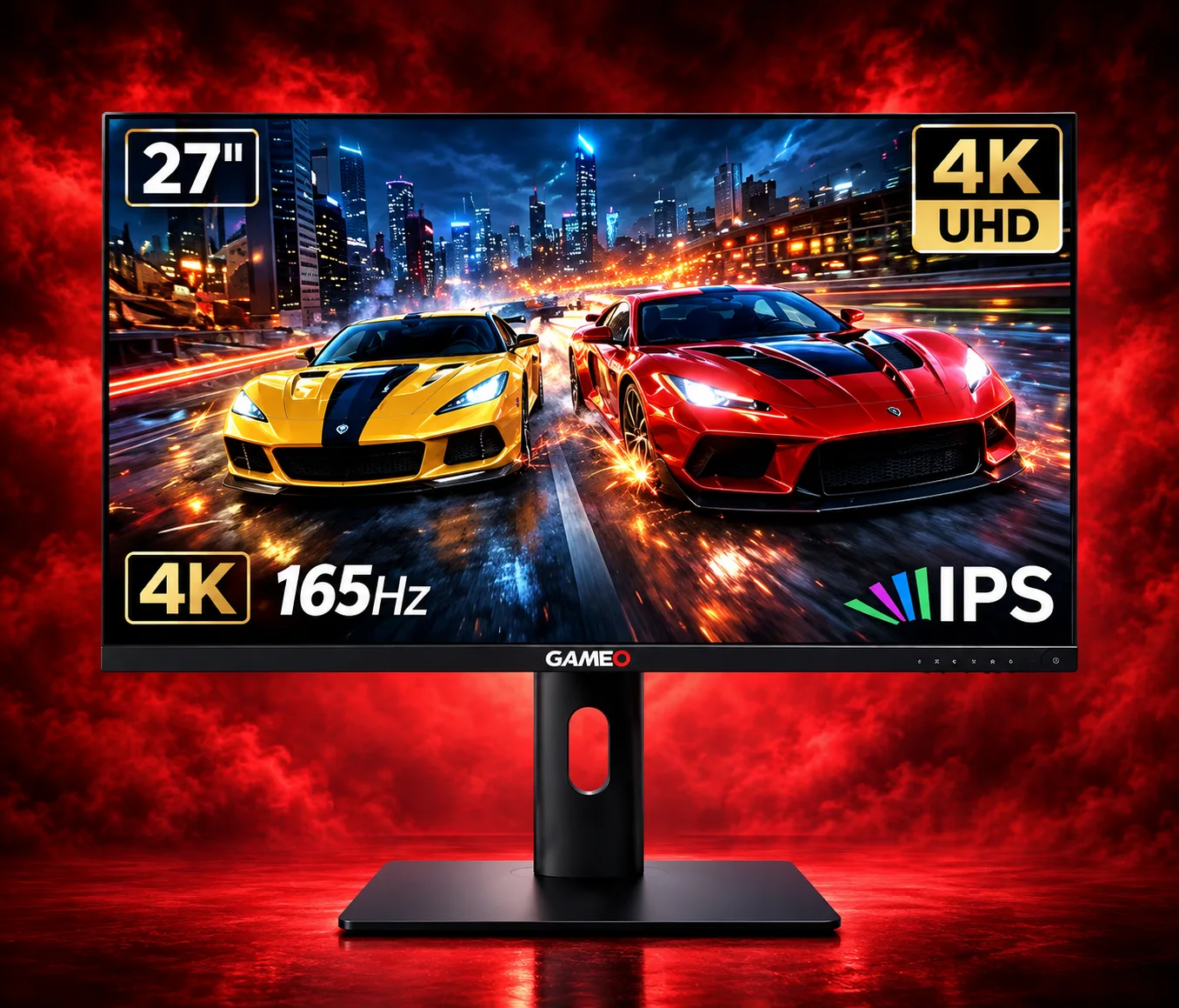
ULTRA HD GAMING PERFORMANCE
GAMEO U27-165
27" 4K UHD 165Hz IPS Gaming Monitor
For users wanting 4K UHD resolution and high refresh on a 27-inch display.
RRP: £339.99 (inc. VAT)
You Save: £144.03
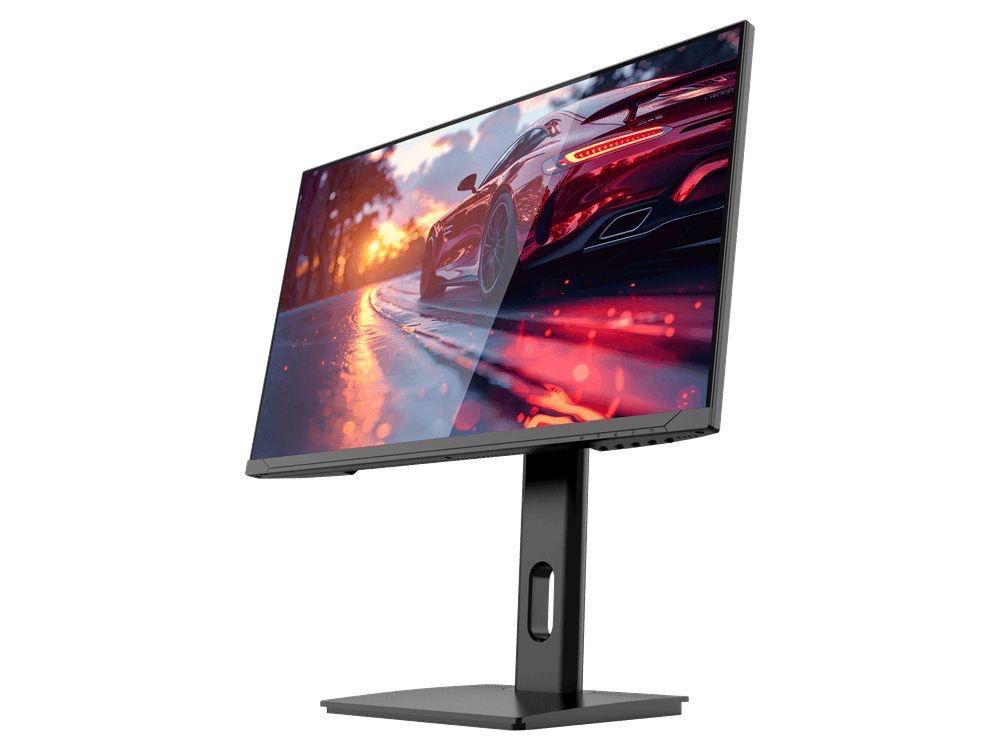
LARGE-SCREEN HIGH REFRESH
GAMEO F27-180
27" FHD 180Hz IPS Gaming Monitor
For users wanting a larger 27-inch screen combined with high-refresh Full HD gaming.
RRP: £229.99 (inc. VAT)
You Save: £118.17
