#gaming monitors#monitor buying guide#panel types#refresh rate#resolution
How to Choose a Gaming Monitor: Everything You Need to Know
Not sure how to choose a gaming monitor? This guide explains every key spec — size, panel, refresh rate and more — so you can find the right fit.
By GAMEO LIMITEDPublished 26 October 2026 6 min read
Choosing the right gaming monitor comes down to matching the screen's specs to your PC or console, your preferred games, and your budget. There is no single best option for everyone — but once you understand a handful of key specifications, the decision becomes much clearer.
Screen size and resolution: finding your sweet spot
One of the most common questions is whether 24 or 27 inches is better for gaming. The honest answer depends on how far you sit from the screen and what resolution you plan to run.
- 24 inches at 1080p (Full HD) is the classic competitive setup. Pixels are dense enough to look sharp at a typical desk distance (60–80 cm), and your GPU doesn't have to work as hard, which helps you hit higher frame rates.
- 27 inches at 1440p (QHD) is a popular step up. The larger screen earns its extra pixels — 1080p on a 27-inch display can look noticeably soft if you're sitting close.
- 32 inches and above suits people who sit further back, use the monitor as a secondary entertainment screen, or want an immersive single-player experience. Pair it with at least 1440p, ideally 4K, to keep things looking crisp.
For console gaming on a PS5 or Xbox Series X at 4K, a 27–32 inch screen tends to make the most of that resolution without needing to sit back as far as you would with a TV.
Refresh rate: why it matters more than you might think
Refresh rate (measured in Hz) is how many frames the monitor can display per second. A higher number means smoother motion and faster response to your inputs.
- 60 Hz is the baseline. Fine for slow-paced or story-driven games, but most gamers notice and appreciate the difference once they try something faster.
- 144 Hz is now considered the entry point for competitive or action gaming. The jump from 60 to 144 Hz is dramatic and immediately noticeable.
- 165–180 Hz is common in the mid-range 1440p market and offers a comfortable margin over 144 Hz.
- 240 Hz and above is aimed at serious competitive players who can consistently push those frame rates on their PC. The gains become more incremental the higher you go.
One important caveat: your PC needs to actually deliver enough frames to make a high refresh rate worthwhile. A GPU that produces 80 fps on a 240 Hz monitor still only shows 80 fps. Check that your hardware can keep up before prioritising extreme refresh rates over other features.
Console note: PS5 and Xbox Series X output up to 4K at 120 Hz over HDMI 2.1. If you want 120 fps console gaming, make sure the monitor has an HDMI 2.1 port — HDMI 2.0 is limited to 4K at 60 Hz or 1080p/1440p at 120 Hz.
Panel type: IPS, VA or OLED?
A very common question is whether IPS or OLED is better for gaming. Each panel technology involves genuine trade-offs, so the right answer depends on what you're optimising for.
IPS (In-Plane Switching)
IPS panels are the most widely available and offer accurate colours, wide viewing angles, and good brightness. Response times are typically fast enough for competitive play. Contrast ratios are modest compared with VA or OLED, which means blacks can look grey in dark rooms. IPS is a solid, versatile all-rounder.
VA (Vertical Alignment)
VA panels produce deeper blacks and higher native contrast than IPS — noticeable in dark scenes and HDR content. The trade-off is that fast-moving objects can leave a faint trail (sometimes called smearing) on some VA panels, particularly at lower refresh rates. VA suits single-player, cinematic, or horror games more than twitchy competitive shooters.
OLED (Organic Light-Emitting Diode)
OLED is widely regarded as the most visually impressive panel technology for gaming right now. Each pixel produces its own light, so blacks are truly black, contrast is effectively infinite, and colours are vibrant. Response times are exceptionally fast — fractions of a millisecond — which eliminates motion blur. The main considerations are price (OLED monitors carry a premium), peak brightness (OLED can struggle to match LCD brightness in very bright rooms), and burn-in risk (static on-screen elements over thousands of hours can cause permanent image retention, though modern panels have mitigation features). If your budget allows and your room isn't extremely bright, OLED is a compelling choice for both single-player and competitive gaming.
Response time and input lag
Response time (usually quoted as Grey-to-Grey, or GtG) describes how quickly a pixel transitions between shades. Faster is better for reducing motion blur. Figures of 1–4 ms GtG are common in modern gaming monitors and are fast enough for most players.
Input lag is a separate measurement — the delay between your mouse click or button press and something happening on screen. It's influenced by the panel, the monitor's processing, and your system. Look for monitors that specifically advertise low input lag if competitive gaming is your priority.
Adaptive sync: G-Sync and FreeSync
Adaptive sync technology synchronises the monitor's refresh rate with your GPU's frame output. This eliminates screen tearing (where two frames display simultaneously, creating a visual 'split') and reduces stuttering when frame rate dips. Most gaming monitors today support some form of adaptive sync. If you have an Nvidia GPU, look for G-Sync compatibility; AMD GPU owners should look for FreeSync. Many modern monitors support both.
HDR: when does it actually make a difference?
High Dynamic Range (HDR) offers a wider range of brightness and colour. However, monitor HDR quality varies enormously. Entry-level HDR certifications (sometimes labelled HDR400) offer only marginal improvements over standard (SDR) output. Meaningful HDR typically requires higher peak brightness and, ideally, local dimming or an OLED panel. If HDR is important to you, research the specific brightness and dimming specifications rather than relying on the certification label alone.
Connectivity: ports to look for
| Connection | Max bandwidth | Common use case |
|---|---|---|
| HDMI 2.0 | 18 Gbps | 4K@60 Hz, 1440p@144 Hz |
| HDMI 2.1 | 48 Gbps | 4K@120 Hz (PS5, Xbox Series X) |
| DisplayPort 1.4 | 32 Gbps | 4K@144 Hz, 1440p@240 Hz (PC) |
| DisplayPort 2.1 | 80 Gbps | 4K@240 Hz and beyond (PC) |
For PC gaming, DisplayPort is usually the preferred connection. For console gaming, confirm the monitor has HDMI 2.1 if you want to use 4K at 120 fps.
Related questions
Is a 4K monitor worth it for gaming? If your PC or console can consistently output 4K and you're playing visually rich single-player games, 4K is a meaningful upgrade. For competitive multiplayer, a faster refresh rate at 1440p or 1080p is often a better use of budget.
Does monitor size affect performance in games? Not directly — performance is down to your GPU and CPU. However, a larger screen at the same resolution lowers pixel density, which can make the image appear softer. Match size to resolution using the guidance above.
What is the ideal monitor for a PS5 or Xbox Series X? Look for a 27-inch 4K display with an HDMI 2.1 port to access 4K at up to 120 Hz. OLED or a high-contrast IPS panel will make the most of HDR content on those consoles.
How much should I spend on a gaming monitor in the UK? Useful 144 Hz 1080p monitors start below £150. Good 1440p 144–165 Hz IPS displays sit broadly in the £200–£350 range. OLED gaming monitors typically start around £500–£600 and rise considerably from there.
Bottom line
When you're working out how to choose your gaming monitor, start with the three fundamentals: match the resolution and size to your seating distance, choose a refresh rate your hardware can actually sustain, and pick a panel type that suits the games you play most. IPS remains an excellent all-round choice, VA suits dark-room cinematic gaming, and OLED offers the best overall picture quality if the price fits your budget. Get those three things right and almost everything else is a refinement rather than a deal-breaker.
Shop GAMEO gaming monitors
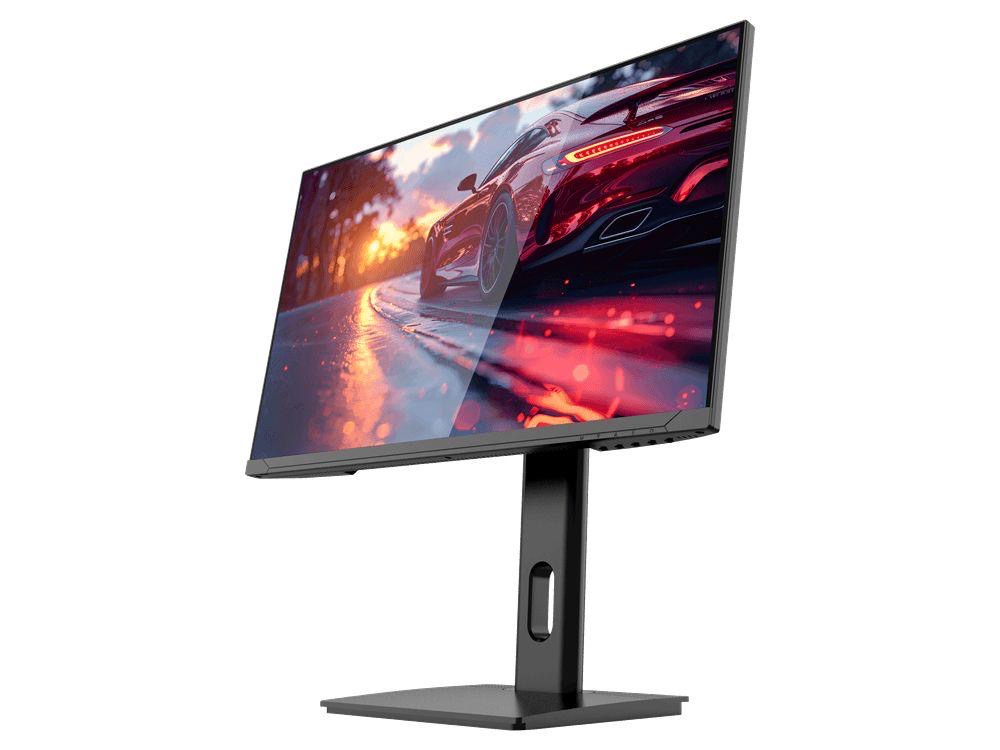
COMPACT QHD PERFORMANCE
GAMEO Q24-165
24" QHD 165Hz IPS Gaming Monitor
For users prioritising QHD resolution in a compact 24-inch display.
RRP: £209.99 (inc. VAT)
You Save: £95.65
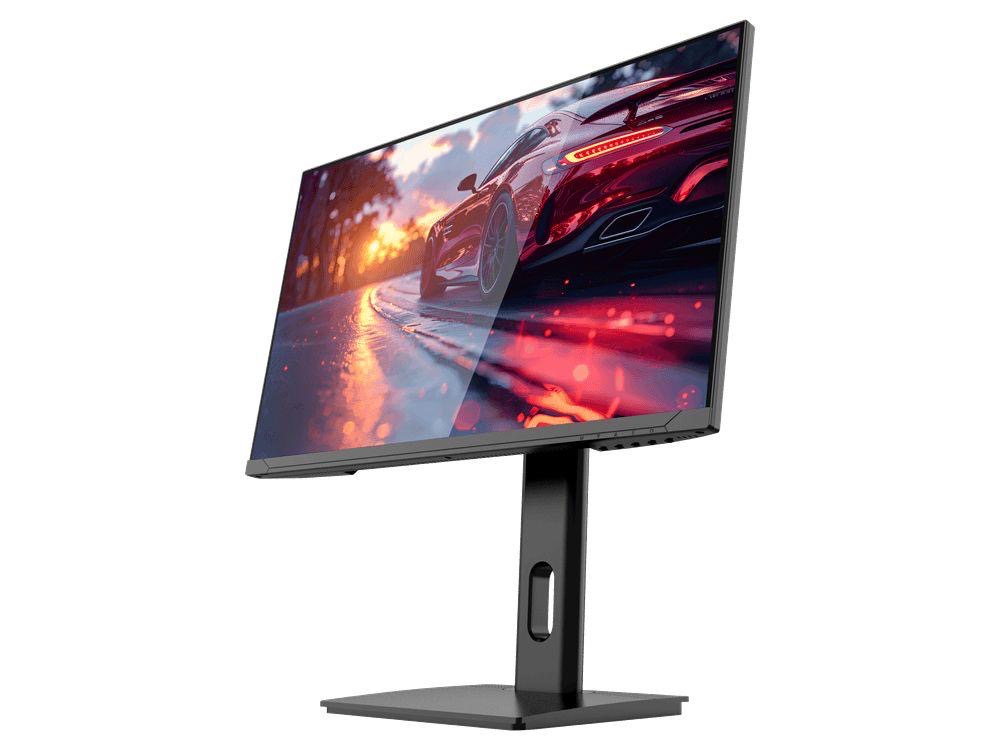
FAST FULL HD GAMING
GAMEO F24-200
24" FHD 200Hz IPS Gaming Monitor
For users prioritising very high refresh performance in a 24-inch Full HD monitor.
RRP: £169.99 (inc. VAT)
You Save: £71.49
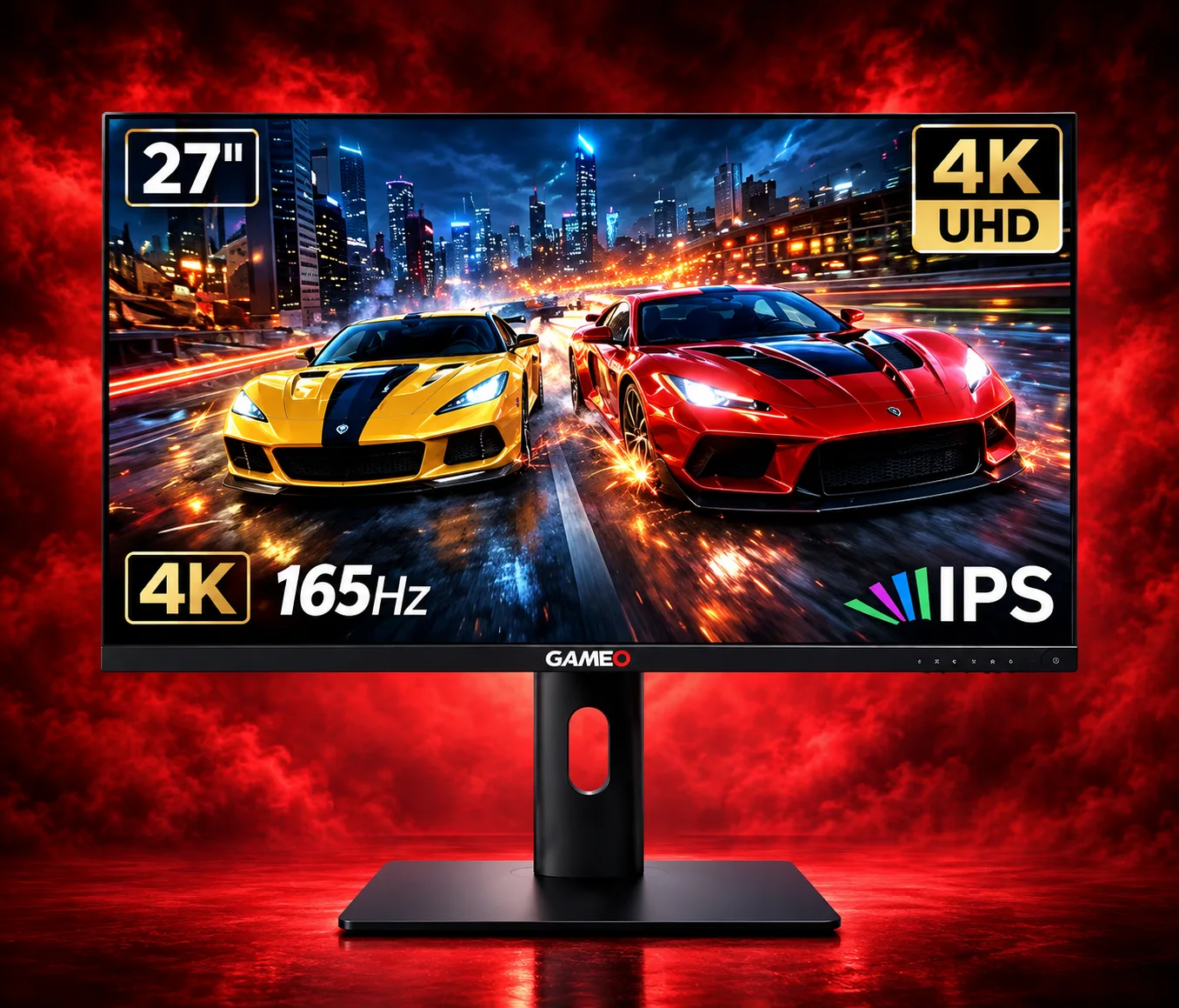
ULTRA HD GAMING PERFORMANCE
GAMEO U27-165
27" 4K UHD 165Hz IPS Gaming Monitor
For users wanting 4K UHD resolution and high refresh on a 27-inch display.
RRP: £339.99 (inc. VAT)
You Save: £144.03
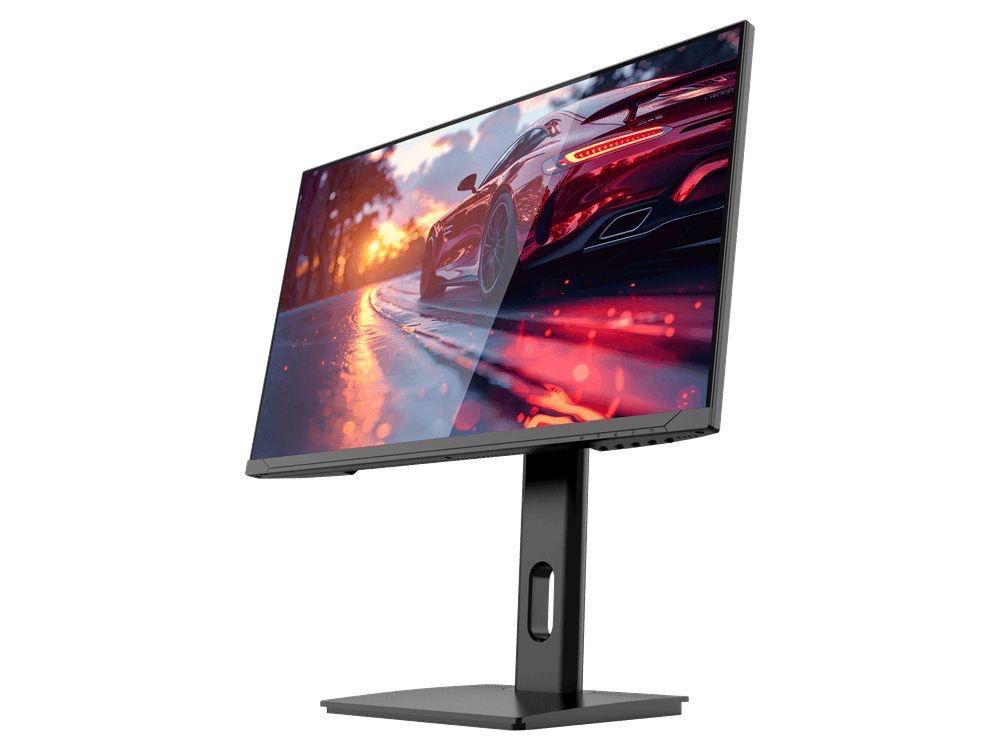
LARGE-SCREEN HIGH REFRESH
GAMEO F27-180
27" FHD 180Hz IPS Gaming Monitor
For users wanting a larger 27-inch screen combined with high-refresh Full HD gaming.
RRP: £229.99 (inc. VAT)
You Save: £118.17