#refresh rate#120hz#monitors#console gaming#pc gaming
Is 60Hz or 120Hz Better for Gaming?
Wondering whether 60Hz or 120Hz is better for gaming? We explain the real difference in smoothness, input lag, and whether your hardware can actually use it.
By GAMEO LIMITEDPublished 2 November 2026 5 min read
For most gamers, 120Hz is noticeably better than 60Hz — motion looks smoother, input lag feels lower, and fast-paced games are easier to track. That said, whether the upgrade is worth it depends on what hardware you're using and the types of games you play.
What does refresh rate actually mean?
Refresh rate is how many times per second your monitor redraws the image on screen, measured in hertz (Hz). At 60Hz, the display updates 60 times per second. At 120Hz, it updates 120 times. The practical effect is that motion — whether it's a character running, a car turning, or a crosshair moving — appears smoother and more fluid at higher refresh rates.
It's worth separating refresh rate from frame rate. Your monitor's refresh rate is a hardware limit; your GPU or console produces frames up to a certain rate. If your hardware can only output 60 frames per second (fps), a 120Hz monitor won't make the image smoother unless frame rate also increases. The two work together.
The real-world difference between 60Hz and 120Hz
The jump from 60Hz to 120Hz is one of the most noticeable upgrades in gaming displays. Here's why:
- Frame timing: At 60Hz, each frame is shown for ~16.7 milliseconds. At 120Hz, it's ~8.3 ms. This halving of frame time makes motion clearer and reduces the "ghosting" you see during fast pans.
- Input lag: Higher refresh rates reduce the delay between your controller or mouse input and what appears on screen. This is especially meaningful in shooters, fighting games, and racing titles.
- Motion clarity: Fast-moving objects — enemies, vehicles, projectiles — are easier to track at 120Hz because there's less motion blur between frames.
For slower-paced games like turn-based RPGs, strategy titles, or visual novels, the difference is far less important. If you play a wide variety of genres, the benefit will vary.
Does your hardware support 120Hz?
Before upgrading, check what your hardware can actually output:
PC: A modern GPU connected via DisplayPort or HDMI 2.0+ can typically reach 120Hz at 1080p or 1440p without issue. At 4K, you'll need HDMI 2.1 or DisplayPort 1.4 to hit 120Hz reliably.
Consoles: 120Hz console gaming is supported on both the PS5 and Xbox Series X, but only over HDMI 2.1 at 4K. At 1080p, HDMI 2.0 is sufficient for 120Hz. Not all games on these consoles offer a 120fps mode — many still cap at 60fps or even 30fps, depending on the title and graphics settings chosen by the developer.
If your console or PC regularly struggles to hit 60fps in demanding titles, a 120Hz panel won't deliver its full benefit. Frame rate and refresh rate need to be in sync for the smoothness to show up.
Is 60Hz still acceptable in 2025?
Yes — 60Hz remains perfectly playable, particularly for:
- Single-player narrative or adventure games where reaction time isn't critical
- Console owners whose preferred games don't offer 120fps modes
- Budget setups where the savings can go toward GPU or CPU performance instead
Many console titles still target 30fps or 60fps for visual quality reasons, meaning a 120Hz display would be sitting idle for those games. In those cases, a quality 60Hz panel with good colour accuracy and contrast may deliver more visible benefit than the refresh rate upgrade.
What about 240Hz — is 60Hz vs 240Hz even worth comparing?
If you're asking whether 60Hz or 240Hz is better, the answer is straightforward: 240Hz is smoother, but the gains above 120Hz are much harder to perceive for most people. The leap from 60Hz to 120Hz is the most impactful step. Going from 120Hz to 240Hz offers diminishing returns, and you'll need a very capable PC to consistently produce frame rates high enough to use those extra Hz.
For competitive PC gamers — particularly those playing fast esports titles at lower resolutions — 240Hz can offer a genuine edge. For casual or console players, it's rarely the priority.
| Refresh Rate | Best suited for | Hardware requirement |
|---|---|---|
| 60Hz | Casual, single-player, budget builds | Any modern GPU or console |
| 120Hz | Most genres, console gaming, mid-range PC | HDMI 2.1 (4K) or HDMI 2.0 (1080p) |
| 240Hz | Competitive PC esports | High-end GPU, strong CPU |
Panel type and other factors that matter alongside refresh rate
Refresh rate is important, but it's not the only spec that affects your experience. A few things to consider alongside it:
- Response time: Measured in milliseconds, this affects how quickly individual pixels change colour. A slow response time causes ghosting even on a high-Hz panel. Look for grey-to-grey (GtG) response times of 5ms or lower for fast gaming.
- Panel type: IPS panels offer better colour and viewing angles; VA panels typically have higher contrast; TN panels are often faster but have weaker visuals. Your priorities will guide which suits you.
- Adaptive sync: Technologies that sync your GPU's frame output to the monitor's refresh rate (eliminating screen tearing) are worth considering regardless of whether you're on 60Hz or 120Hz.
- Resolution: A 120Hz 1440p monitor requires more GPU headroom than a 120Hz 1080p panel. Balance refresh rate against resolution based on what your hardware can drive.
Related questions
Can you feel the difference between 60Hz and 120Hz? Most people can feel the difference immediately, especially when moving the camera or cursor. The smoothness is particularly apparent in fast-paced games and even in desktop navigation.
Does 120Hz reduce input lag? Yes. A higher refresh rate reduces display latency because frames are delivered to the screen more frequently. The effect is most noticeable in competitive or reaction-based games.
Is 120Hz console gaming worth it? If your preferred games support a 120fps mode and your TV or monitor has HDMI 2.1, yes — 120Hz console gaming delivers a noticeably smoother experience. However, not all games support it, so check before assuming the display will always run at full speed.
Do I need HDMI 2.1 for 120Hz gaming? Only at 4K. For 1080p or 1440p at 120Hz, HDMI 2.0 or DisplayPort 1.2/1.4 is generally sufficient. HDMI 2.1 becomes essential when pairing a PS5 or Xbox Series X with a 4K 120Hz display.
Bottom line
For the majority of gamers, 120Hz is a meaningful upgrade over 60Hz — the smoother motion and reduced input lag are noticeable across most genres, and both modern consoles and mid-range PCs can support it. If your games frequently run at or near 120fps, the investment makes clear sense. If you're on a budget, playing mostly slow-paced titles, or your hardware consistently struggles to reach high frame rates, a quality 60Hz display remains a perfectly solid choice. Prioritise getting your frame rate up to match your refresh rate, and the benefits will follow naturally.
Shop GAMEO gaming monitors
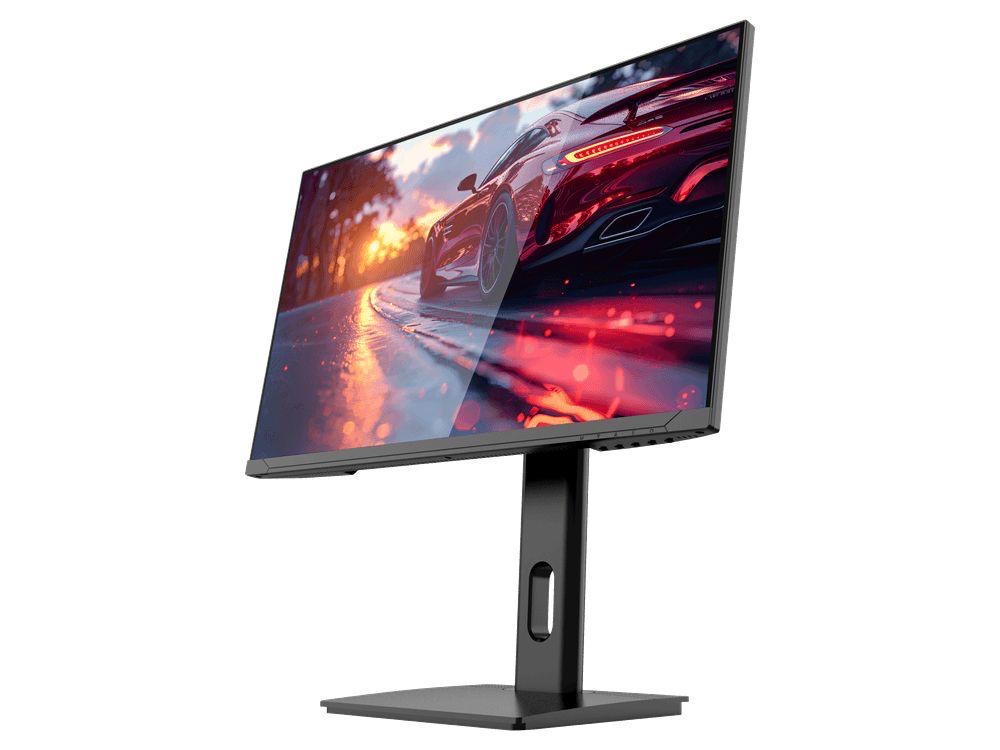
COMPACT QHD PERFORMANCE
GAMEO Q24-165
24" QHD 165Hz IPS Gaming Monitor
For users prioritising QHD resolution in a compact 24-inch display.
RRP: £209.99 (inc. VAT)
You Save: £95.65
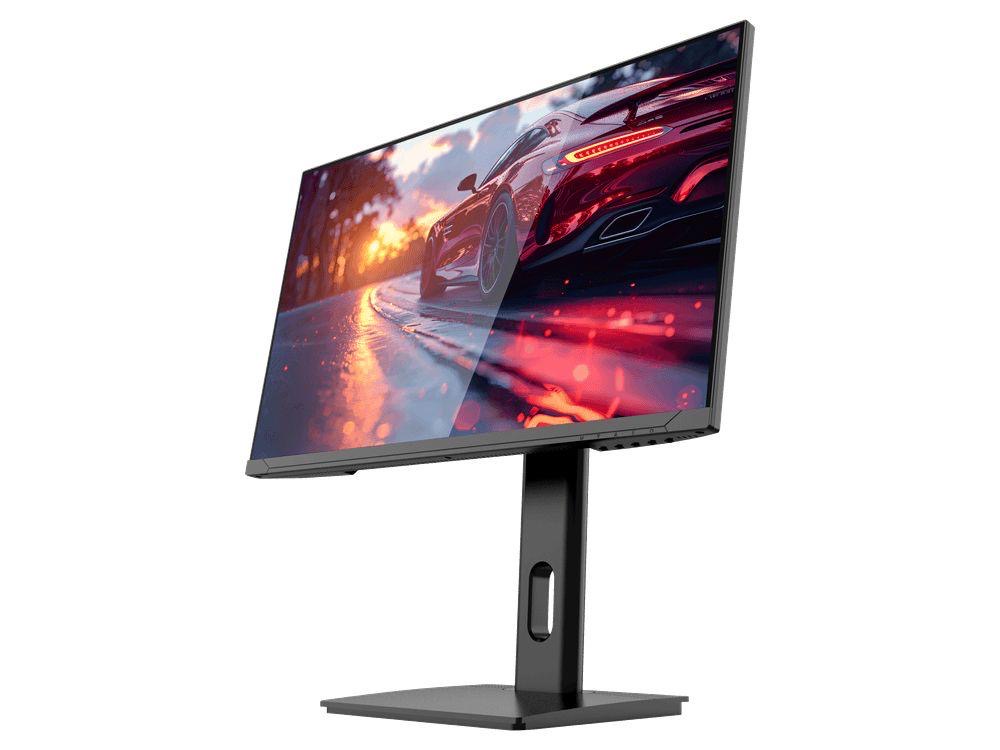
FAST FULL HD GAMING
GAMEO F24-200
24" FHD 200Hz IPS Gaming Monitor
For users prioritising very high refresh performance in a 24-inch Full HD monitor.
RRP: £169.99 (inc. VAT)
You Save: £71.49
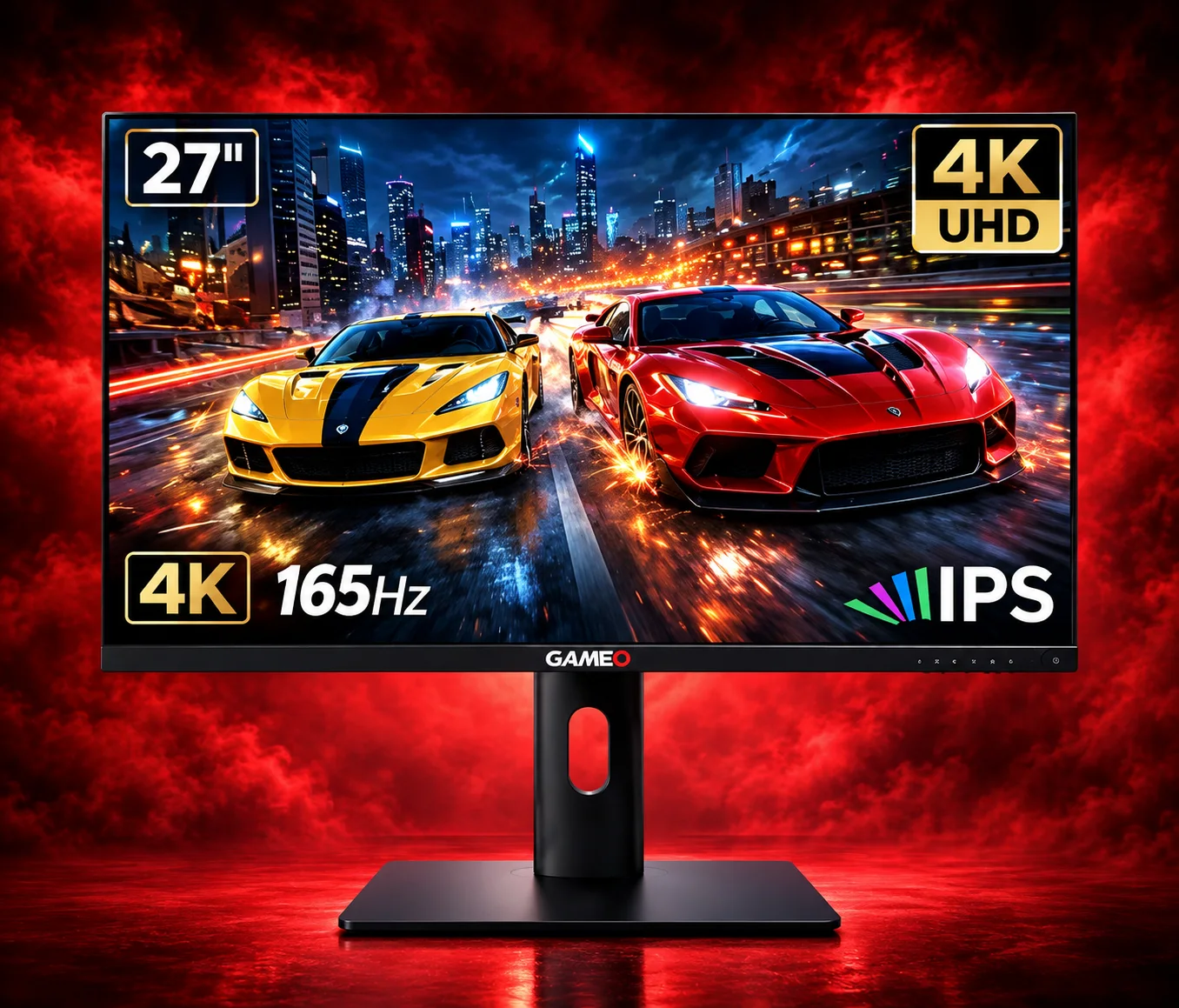
ULTRA HD GAMING PERFORMANCE
GAMEO U27-165
27" 4K UHD 165Hz IPS Gaming Monitor
For users wanting 4K UHD resolution and high refresh on a 27-inch display.
RRP: £339.99 (inc. VAT)
You Save: £144.03
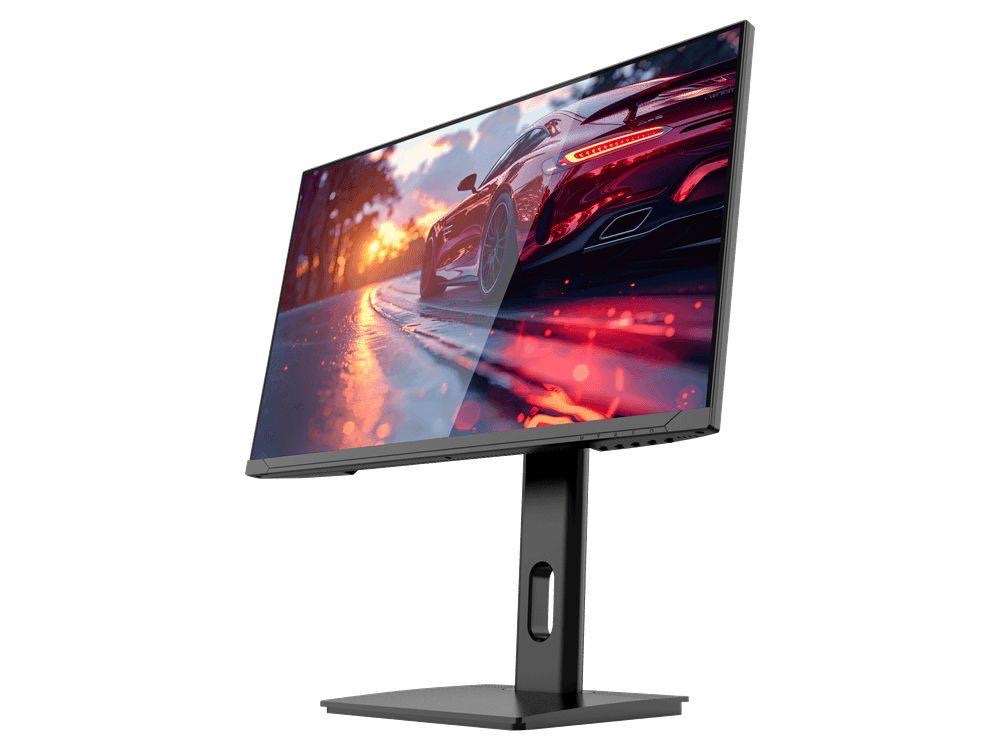
LARGE-SCREEN HIGH REFRESH
GAMEO F27-180
27" FHD 180Hz IPS Gaming Monitor
For users wanting a larger 27-inch screen combined with high-refresh Full HD gaming.
RRP: £229.99 (inc. VAT)
You Save: £118.17