#gaming monitor#buying guide#budget#display tech#pc gaming
How Much Should I Spend on a Gaming Monitor?
Not sure how much to budget for a gaming monitor? We break down what each price bracket gets you so you can spend wisely on your next display.
By GAMEO LIMITEDPublished 28 October 2026 5 min read
The honest answer is: spend as much as your GPU or console can make use of, and no more. A rough guide for UK buyers is £150–£250 for a solid entry-level experience, £250–£450 for a noticeable step up in speed and image quality, and £450–£800+ for high-refresh, high-resolution screens where enthusiast hardware can genuinely stretch its legs.
What Does Each Price Bracket Actually Get You?
Understanding what changes as the price rises helps you avoid both overspending and false economy.
Under £150 At this end of the market you'll typically find 1080p IPS or VA panels at 60–144 Hz with response times that are acceptable for casual play. Build quality and stand adjustability are usually modest — expect tilt-only stands and fairly thick bezels. Colour accuracy and contrast are functional rather than impressive. For light gaming or a secondary monitor, this range is perfectly reasonable.
£150–£250 This is where value density is often highest. You can find 1080p 144–165 Hz IPS monitors with genuinely fast response times, or 1440p 60–100 Hz options if frame rate matters less to you. Adaptive sync (FreeSync or G-Sync Compatible) becomes common here, which smooths out frame-rate fluctuations without needing a fixed budget for a premium sync licence. If you're on a mid-range GPU, this bracket is usually the sweet spot.
£250–£450 Expect 1440p at 144–165 Hz, better factory calibration, lower input lag, and ergonomic stands with height and pivot adjustment. Some panels in this range offer 1ms GtG response times with no obvious inverse ghosting. HDR support starts appearing, though true HDR performance (high peak brightness, full-array local dimming) generally requires spending more. Fast IPS and newer VA panels compete closely here.
£450–£800 At this level you're looking at 1440p 240 Hz, 4K 144 Hz, or OLED and Mini LED panels with significantly better contrast and HDR. These make sense if you have a powerful GPU (RTX 4080/4090 tier or AMD equivalent) that can sustain high frame rates at 1440p or push 4K at playable speeds. For console gaming, a 4K 120 Hz screen with HDMI 2.1 is relevant here — both PS5 and Xbox Series X support 4K120 over HDMI 2.1.
£800+ Large-format OLED, high-refresh 4K OLED, and ultra-wide displays live here. The image quality from OLED (infinite contrast, near-instant pixel response) is genuinely different from LCD, but so is the price and the burn-in consideration for static UI elements. Unless your hardware and use case are firmly in enthusiast territory, diminishing returns set in quickly.
Match Your Monitor to Your Hardware
A 4K 144 Hz monitor paired with a GPU that struggles past 60 fps at 4K is largely wasted investment — you'll be paying for headroom you can't use. Conversely, a 1080p 60 Hz monitor holding back a high-end GPU means you're leaving performance on the table.
| Your hardware | Suggested resolution & refresh | Rough budget |
|---|---|---|
| Entry-level GPU (e.g. 1650/RX 6500 XT tier) | 1080p 144 Hz | £150–£220 |
| Mid-range GPU (e.g. 3060/RX 6700 tier) | 1080p 165 Hz or 1440p 100–144 Hz | £200–£350 |
| High-end GPU (e.g. 4070/RX 7800 XT tier) | 1440p 144–165 Hz | £300–£500 |
| Enthusiast GPU (e.g. 4080/4090 tier) | 1440p 240 Hz or 4K 144 Hz | £450–£800 |
| PS5 / Xbox Series X | 4K 60–120 Hz, HDMI 2.1 | £300–£600 |
Note: these are general guidelines. Frame rates depend heavily on the specific game and graphics settings.
Panel Type and How It Affects Value
Panel technology affects how far your money goes:
- IPS — Good colour accuracy and wide viewing angles. Response times have improved significantly. Most popular across mid-range monitors.
- VA — Higher native contrast than IPS (better blacks), but can exhibit smearing in fast motion. Often good value for mixed gaming and media use.
- TN — Fastest historical response times but poor viewing angles and colour. Largely fading from the mid-range market.
- OLED — Outstanding contrast and pixel response, but expensive and requires care to avoid burn-in with static elements (HUDs, desktop taskbars).
- Mini LED — LCD with many small local dimming zones for improved HDR; good compromise but halo artefacts can appear around bright objects on dark backgrounds.
Don't Overlook the Extras
Some costs aren't obvious at the point of purchase:
- Cables: HDMI 2.1 cables for 4K120 are worth buying separately if not included — budget a few pounds for a quality one.
- Monitor arm: A decent single-arm mount costs £25–£60 and can transform desk ergonomics, especially if the included stand is basic.
- Calibration: Higher-end monitors often benefit from a basic calibration adjustment in the OSD out of the box. A hardware colorimeter is only worth it if colour accuracy is critical to you.
When Is It Worth Spending More?
Spending up makes sense when:
- Your GPU can sustain the higher frame rates the monitor is designed for.
- You play fast-paced competitive titles where motion clarity matters.
- You use your monitor for creative work where colour accuracy and contrast are important.
- You watch a lot of HDR content and want genuine HDR performance rather than a "HDR400" badge.
Spending more is unlikely to feel worthwhile if you primarily play slower-paced games, your GPU is mid-range, or you split screen time between a monitor and TV.
Related Questions
Is a 1440p monitor worth it over 1080p? If your GPU can hit 60+ fps at 1440p in your favourite games, yes — the extra pixel density is clearly visible on screens 27 inches and above. On a 24-inch monitor, the difference is smaller.
Does spending more always mean better image quality? Not automatically. A well-calibrated mid-range IPS panel can look better than a poorly adjusted expensive one. Price pays for features, build quality, and peak performance — but there are diminishing returns above the £400–£500 mark for most gamers.
Is OLED worth the premium for gaming? OLED's pixel response and contrast are genuinely class-leading for fast games and dark scenes. The premium (typically £600+) is justified if you value image quality highly and are aware of burn-in risks with static content.
Do console players need to spend as much? Not necessarily. Since PS5 and Xbox Series X are capped at 4K120 via HDMI 2.1, there's little point spending on anything beyond that. A 4K 60 Hz HDMI 2.0 screen is perfectly fine if you prioritise 4K over frame rate in supported titles.
Bottom Line
For most UK PC gamers, the £250–£450 range hits the best balance of performance, image quality, and value — especially at 1440p 144 Hz. Console players should prioritise HDMI 2.1 support if they want 4K120, which typically means budgeting £300 or above. Before committing, check what your GPU or console can realistically output, decide whether you care more about resolution or refresh rate, and let that guide you to the bracket where your money will make the biggest difference.
Shop GAMEO gaming monitors
COMPACT QHD PERFORMANCE
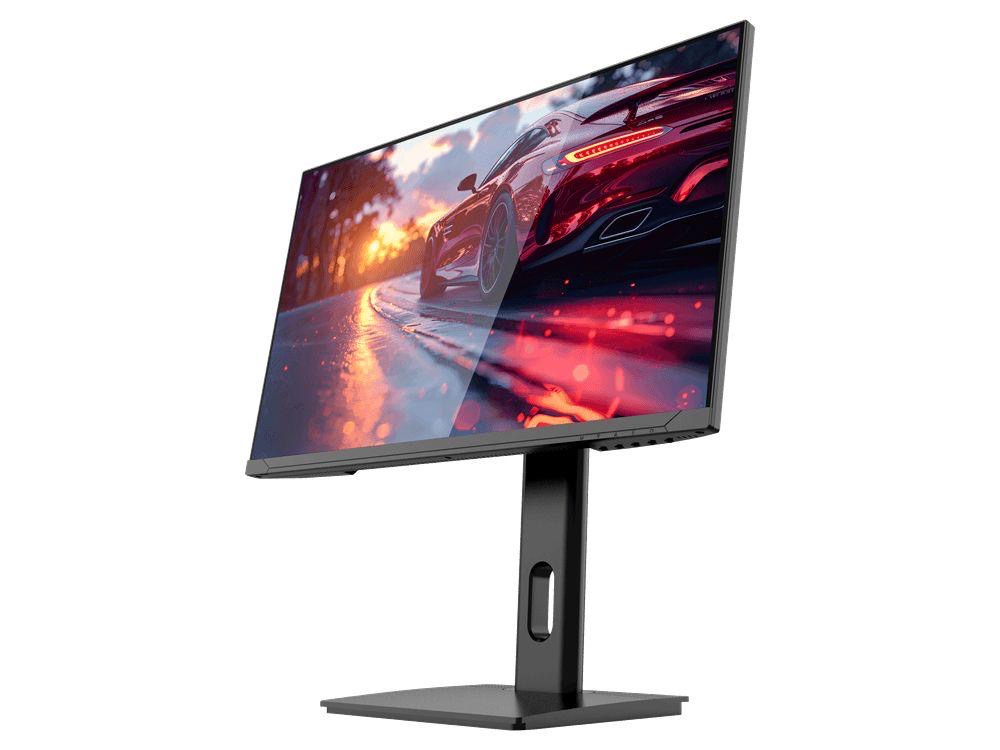
GAMEO Q24-165
24" QHD 165Hz IPS Gaming Monitor
For users prioritising QHD resolution in a compact 24-inch display.
RRP: £209.99 (inc. VAT)
You Save: £95.65
FAST FULL HD GAMING
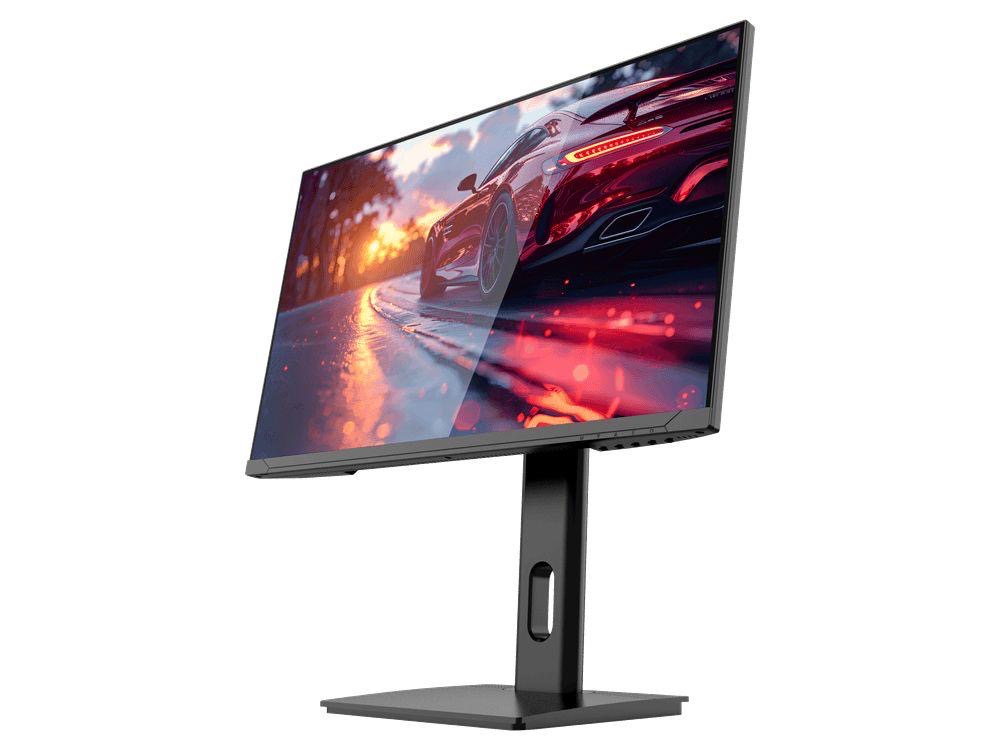
GAMEO F24-200
24" FHD 200Hz IPS Gaming Monitor
For users prioritising very high refresh performance in a 24-inch Full HD monitor.
RRP: £169.99 (inc. VAT)
You Save: £71.49
ULTRA HD GAMING PERFORMANCE
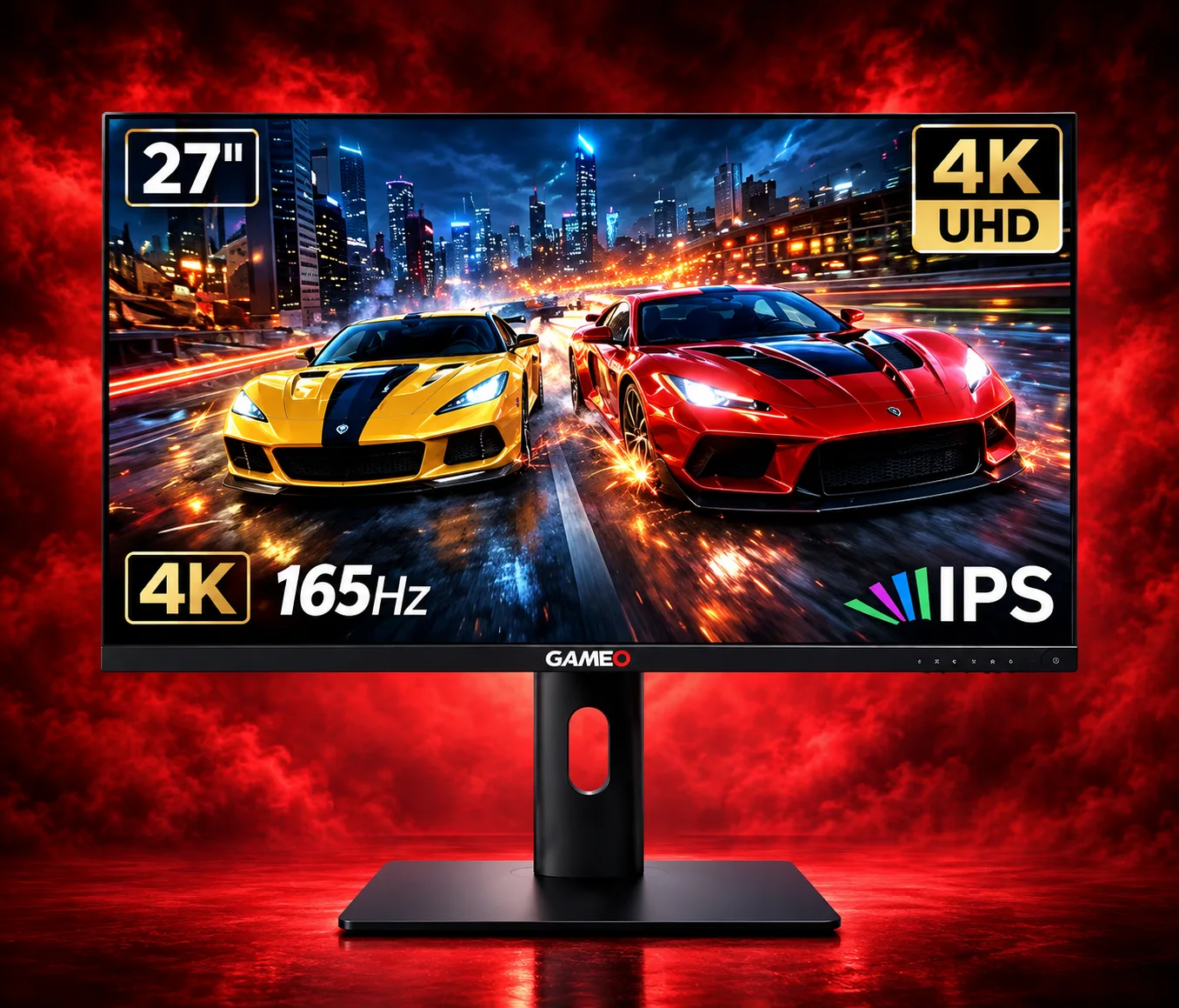
GAMEO U27-165
27" 4K UHD 165Hz IPS Gaming Monitor
For users wanting 4K UHD resolution and high refresh on a 27-inch display.
RRP: £339.99 (inc. VAT)
You Save: £144.03
LARGE-SCREEN HIGH REFRESH
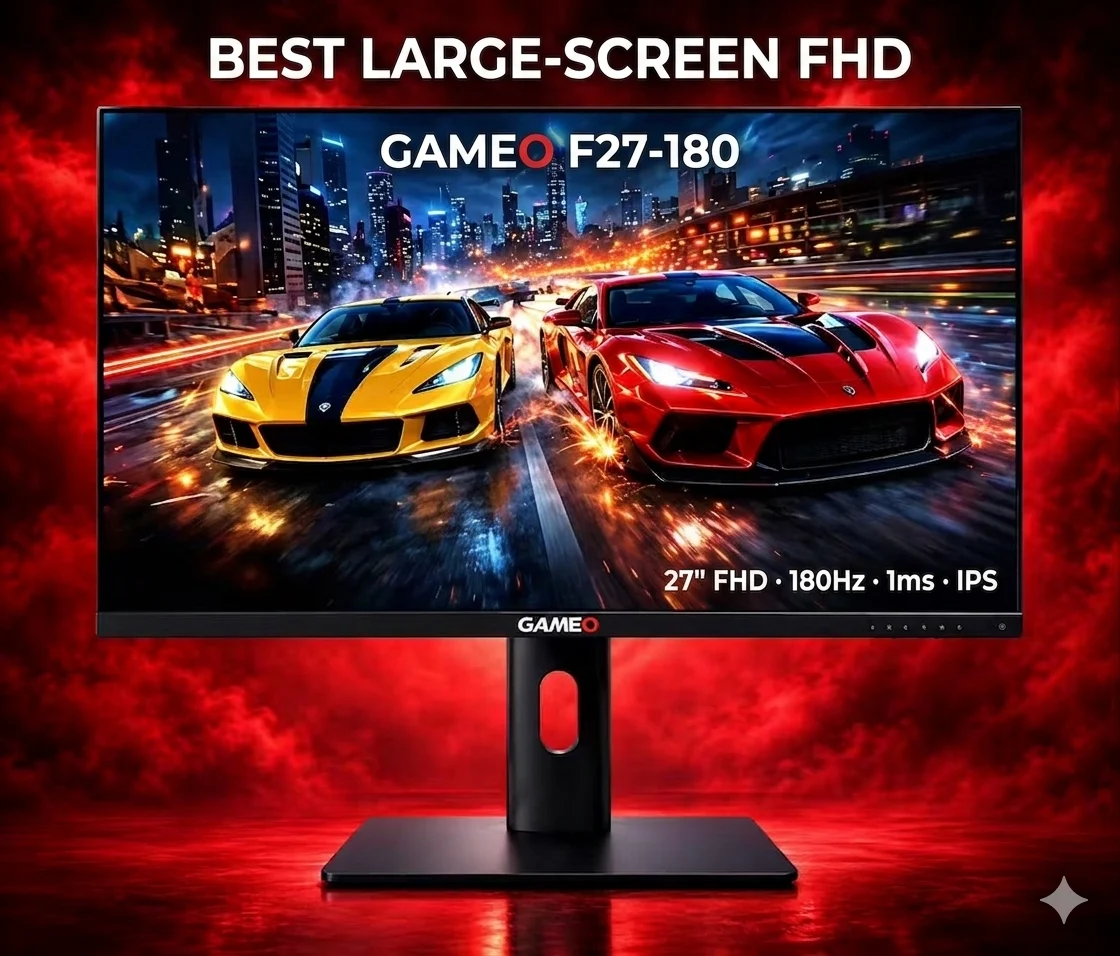
GAMEO F27-180
27" FHD 180Hz IPS Gaming Monitor
For users wanting a larger 27-inch screen combined with high-refresh Full HD gaming.
RRP: £229.99 (inc. VAT)
You Save: £118.17