#gaming monitors#beginners#buying guide#refresh rate#panel types
Which Gaming Monitor Is Best for Beginners?
Not sure which gaming monitor to choose as a beginner? We explain the key specs to look for so you can pick the right screen with confidence.
By GAMEO LIMITEDPublished 28 October 2026 5 min read
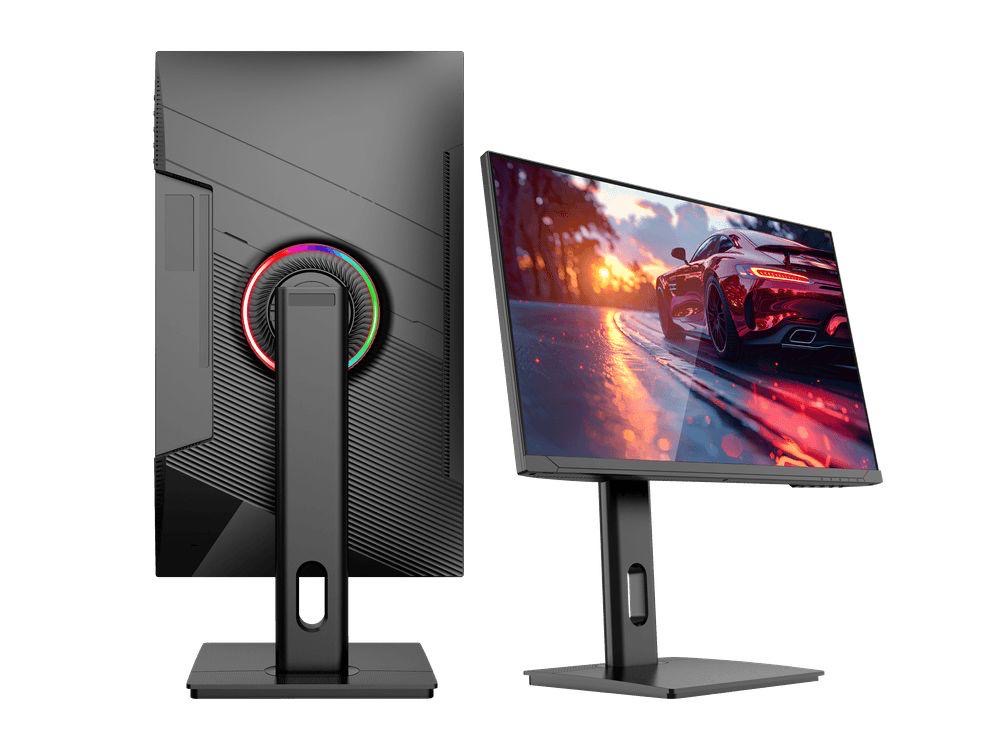
For most beginners, a 1080p or 1440p monitor with a 144Hz refresh rate and an IPS panel strikes the best balance of price, image quality, and performance. You don't need the most expensive screen on the market — understanding a handful of key specs will point you towards something that suits your setup and your budget.
Why Specs Matter More Than Brand Names
When you're just starting out, it's tempting to search for a single "best" recommendation and buy it. The problem is that the right monitor depends entirely on what PC or console you own, what games you play, and how much you want to spend. A screen that's brilliant for a high-end gaming PC would be wasted on a mid-range laptop, and vice versa. Focus on the technology first — the right product will follow naturally.
Resolution: Where to Start
Resolution determines how sharp the image looks. Here's a quick breakdown:
- 1080p (Full HD): The most affordable option and still perfectly playable. Ideal if your graphics card isn't particularly powerful, since lower resolution means less demand on your GPU. Great starting point if you're on a tighter budget.
- 1440p (Quad HD): A noticeable step up in clarity without the huge performance cost of 4K. This is widely considered the sweet spot for PC gaming right now, and monitors at this resolution have become much more affordable.
- 4K (Ultra HD): Stunning detail, but you'll need a powerful — and expensive — graphics card to run modern games smoothly at this resolution. Better suited to those upgrading an already capable rig.
For console gamers, note that the PS5 and Xbox Series X both support 4K at up to 120Hz over HDMI 2.1, so if you own either console and want to take full advantage, a 4K 120Hz monitor with HDMI 2.1 is worth considering.
Refresh Rate: How Smooth Is Smooth Enough?
Refresh rate, measured in Hz, is how many times per second the screen updates the image. A higher number means smoother motion.
- 60Hz: Standard for office monitors and entry-level screens. Fine for slow-paced games and casual play, but you'll notice the difference once you've tried higher refresh rates.
- 144Hz: The go-to starting point for gaming. Motion looks noticeably smoother and more responsive than 60Hz, and monitors at this speed are widely available at sensible prices.
- 165Hz–240Hz+: Useful for fast, competitive games like first-person shooters. The gains become less dramatic as you go higher, and you'll need a powerful GPU to push enough frames to make use of it.
For most beginners, 144Hz is the sweet spot — it's a meaningful upgrade from 60Hz without requiring a top-end PC.
Panel Type: IPS, VA, or TN?
The panel technology affects colour accuracy, viewing angles, and response time.
| Panel Type | Pros | Cons |
|---|---|---|
| IPS | Excellent colour accuracy, wide viewing angles | Typically costs a little more; minor backlight bleed possible |
| VA | High contrast ratios, deep blacks | Can exhibit motion blur in fast scenes |
| TN | Fastest pixel response, usually cheapest | Narrow viewing angles, weaker colour reproduction |
IPS is the most well-rounded choice for beginners. You get accurate, vibrant colours and a wide viewing angle, which matters if you sit slightly off-centre or share the screen. VA panels are a reasonable alternative if you play in a dark room and want richer blacks. TN panels are largely aimed at competitive players who prioritise reaction time above everything else — not ideal as a first screen.
Response Time: Don't Be Fooled by the Numbers
Response time is how quickly a pixel can change colour, measured in milliseconds (ms). Lower is better for reducing motion blur. You'll often see figures like "1ms" advertised, but be aware that manufacturers measure this in different ways — a claimed 1ms on a VA or IPS panel may use a different measurement method than a TN panel. A response time of 1–4ms is perfectly adequate for the vast majority of gamers. Don't let an inflated spec sheet be the deciding factor.
Screen Size: Bigger Isn't Always Better
For a desk setup, 24–27 inches is the most practical range. At 1080p, a 24-inch screen keeps pixel density high enough to look sharp. At 1440p, 27 inches is the common pairing and tends to look excellent at normal viewing distances. Going beyond 27 inches at 1080p can make images look slightly soft, so consider bumping resolution up if you want a larger panel.
Also think about your desk space and how far you sit from the screen. A 32-inch monitor at close range can actually feel overwhelming.
Connections and Compatibility
Check that the monitor's inputs match your hardware:
- DisplayPort is the standard for PC gaming and supports high refresh rates at 1440p and above.
- HDMI 2.0 is common and supports 4K at 60Hz or 1440p at 144Hz.
- HDMI 2.1 is required for 4K at 120Hz — essential if you're using a PS5 or Xbox Series X at full capability.
If you're connecting a console, HDMI is the standard. Make sure the monitor's HDMI version matches what your console outputs.
Adaptive Sync: A Nice Extra
Adaptive sync technology (AMD FreeSync and NVIDIA G-Sync) synchronises the monitor's refresh rate with your GPU's output, reducing screen tearing and stutter. Many monitors now support both standards or are labelled as G-Sync Compatible. It's a genuinely useful feature and worth looking for, but it shouldn't be the top priority over resolution, panel type, and refresh rate.
Related Questions
Do I need a 4K monitor for PC gaming? Not as a beginner. 4K looks stunning, but you need a high-end graphics card to run games at that resolution smoothly. 1440p delivers a better balance of visual quality and performance for most setups.
Is 60Hz good enough for gaming? 60Hz is playable, especially for slower-paced games, but 144Hz is noticeably smoother and is the recommended minimum for a dedicated gaming monitor. Once you experience 144Hz, going back can feel sluggish.
Can I use a gaming monitor with a PS5 or Xbox Series X? Yes. For the best experience at 4K 120fps, you'll need a monitor with an HDMI 2.1 port, as that's what the PS5 and Xbox Series X require for those output settings.
What size gaming monitor should I get for my desk? 27 inches at 1440p is the most popular desk-friendly size for gaming. If you prefer 1080p, 24 inches keeps the image sharp at a normal viewing distance.
Bottom Line
As a beginner, you can't go far wrong aiming for a 27-inch IPS monitor at 1440p and 144Hz — it covers all the bases for image quality, smooth gameplay, and future-proofing without demanding a top-tier PC. If your budget is tighter or your hardware is more modest, a solid 1080p 144Hz IPS screen is still an excellent starting point. Focus on resolution, refresh rate, and panel type, match the connections to your hardware, and you'll end up with a monitor that serves you well for years.
Shop GAMEO gaming monitors
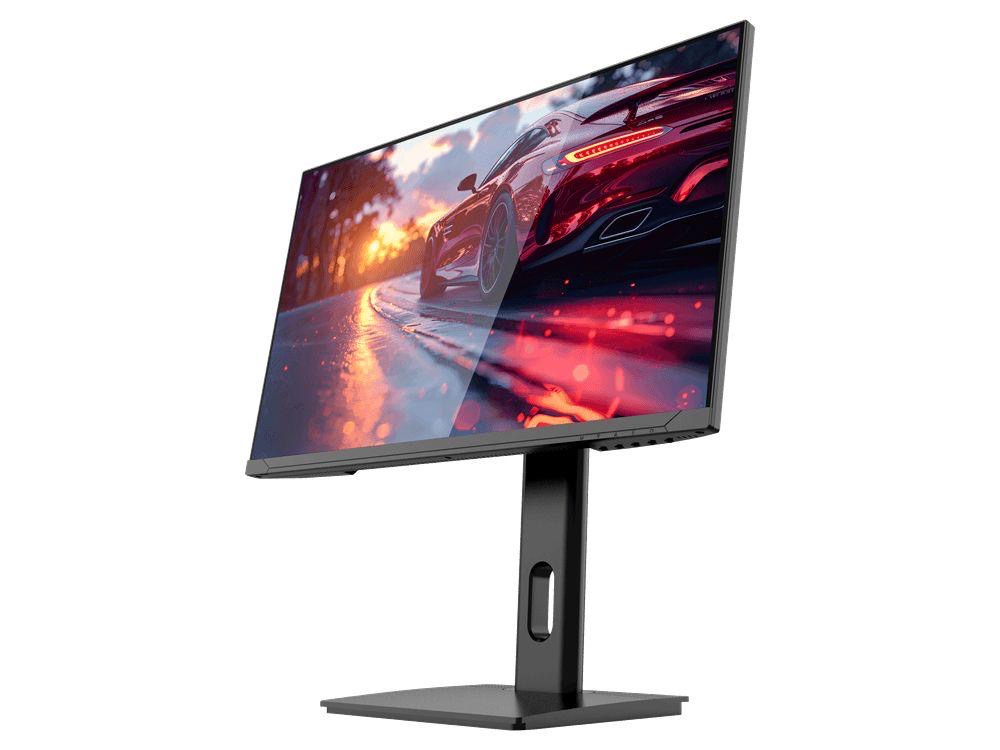
COMPACT QHD PERFORMANCE
GAMEO Q24-165
24" QHD 165Hz IPS Gaming Monitor
For users prioritising QHD resolution in a compact 24-inch display.
RRP: £209.99 (inc. VAT)
You Save: £95.65
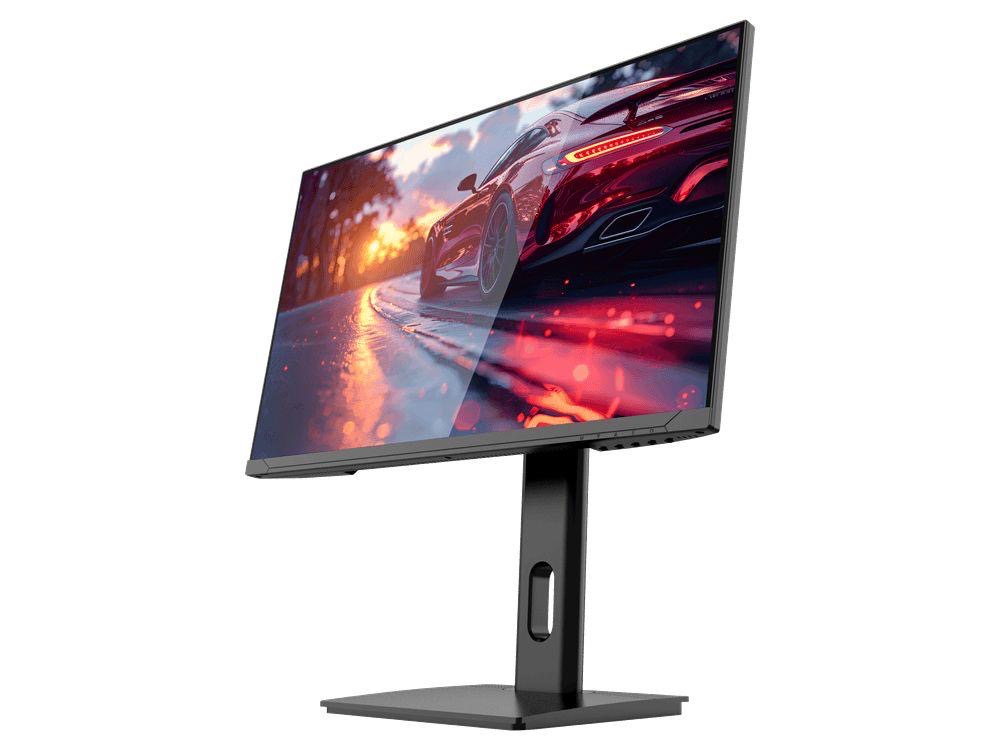
FAST FULL HD GAMING
GAMEO F24-200
24" FHD 200Hz IPS Gaming Monitor
For users prioritising very high refresh performance in a 24-inch Full HD monitor.
RRP: £169.99 (inc. VAT)
You Save: £71.49
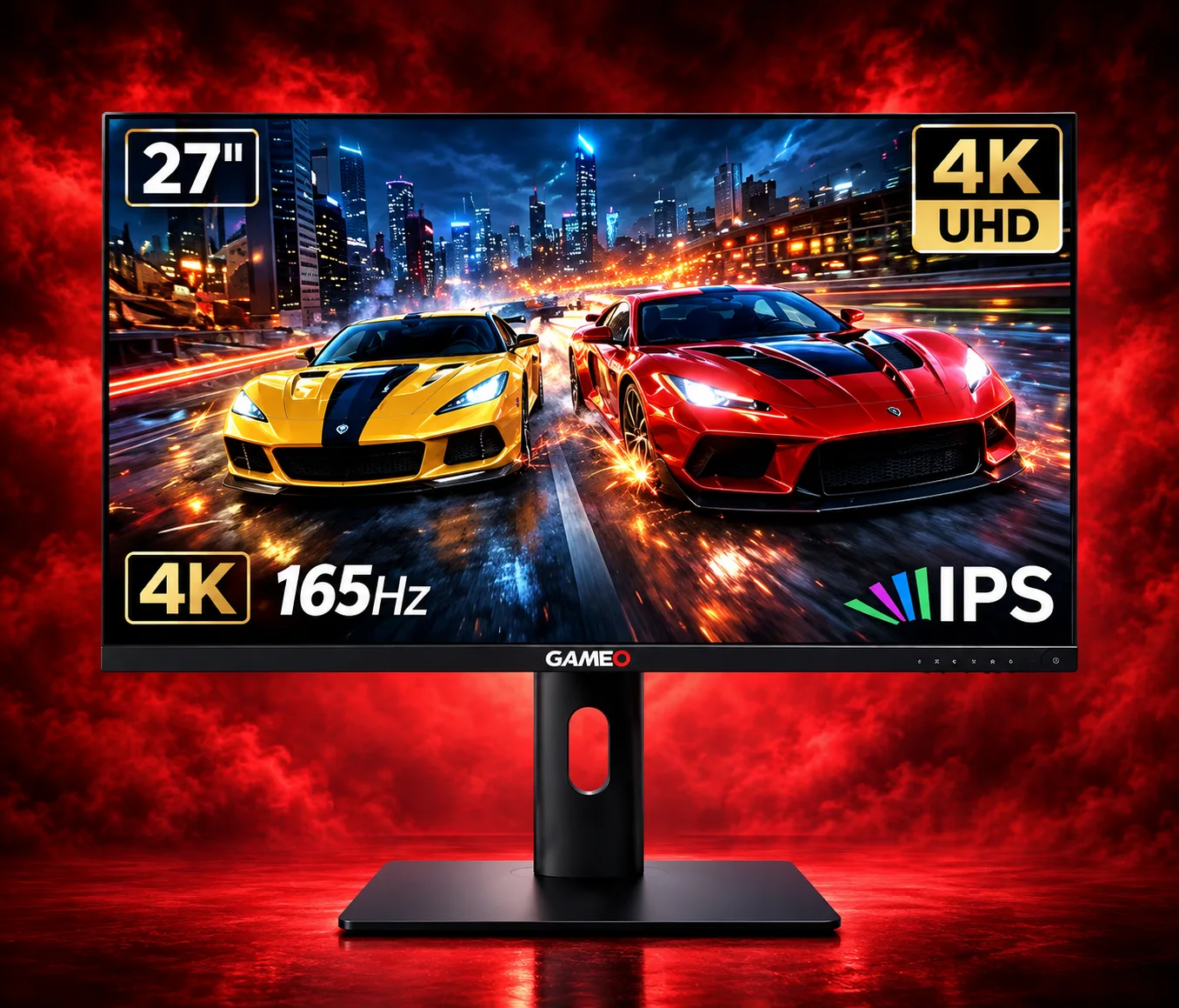
ULTRA HD GAMING PERFORMANCE
GAMEO U27-165
27" 4K UHD 165Hz IPS Gaming Monitor
For users wanting 4K UHD resolution and high refresh on a 27-inch display.
RRP: £339.99 (inc. VAT)
You Save: £144.03
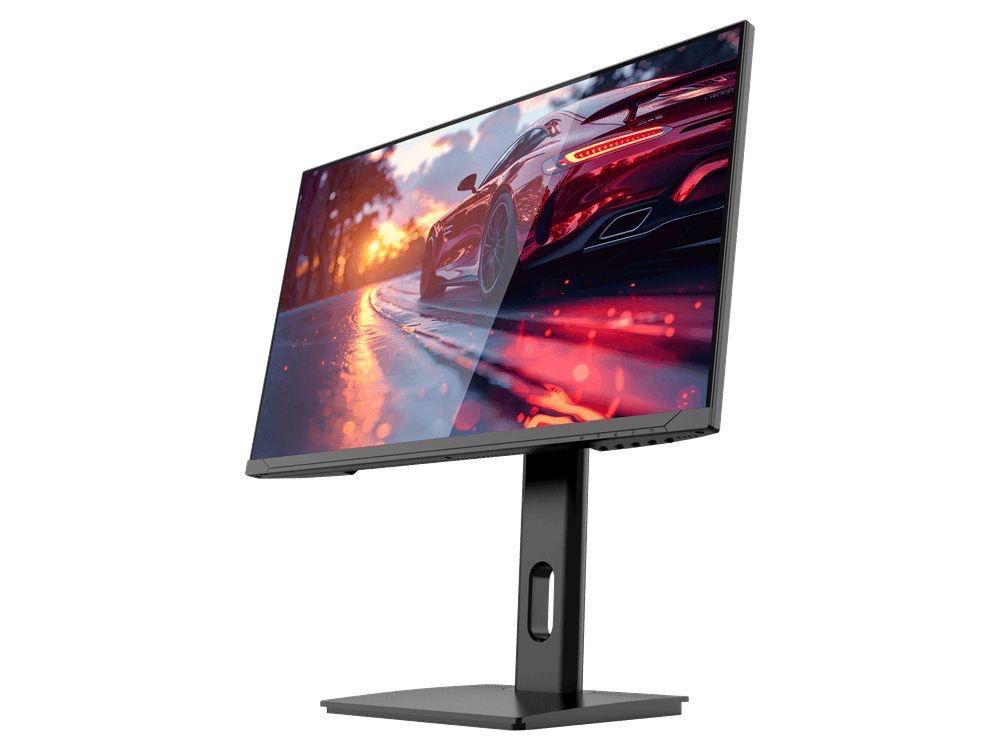
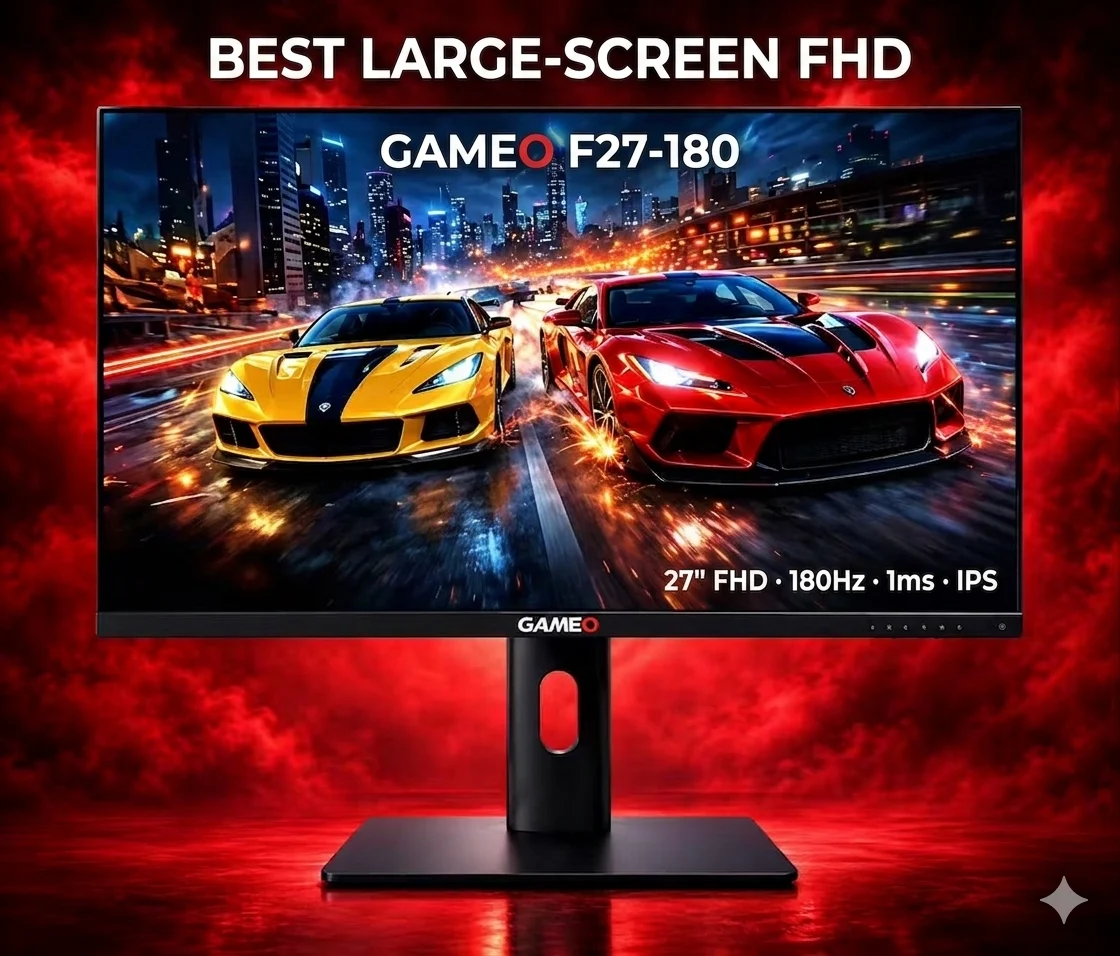
LARGE-SCREEN HIGH REFRESH
GAMEO F27-180
27" FHD 180Hz IPS Gaming Monitor
For users wanting a larger 27-inch screen combined with high-refresh Full HD gaming.
RRP: £229.99 (inc. VAT)
You Save: £118.17