#resolution#4k#1440p#gaming monitor#display
Is 4K vs 2K Noticeable on a Gaming Monitor?
Wondering if 4K is actually sharper than 2K on a gaming monitor? Find out when the difference is visible and which resolution suits your setup.
By GAMEO LIMITEDPublished 28 October 2026 5 min read
Yes, 4K is noticeably sharper than 2K (1440p) on a gaming monitor — but how obvious that difference is depends heavily on screen size, how far you sit, and what your hardware can push. At typical desktop distances on screens under 27 inches, many people struggle to spot the gap; on 32-inch and larger panels, the improvement becomes much clearer.
What do '4K' and '2K' actually mean?
Before comparing them, it is worth clearing up some common confusion. 4K (also written UHD) runs at 3840 × 2160 pixels. 2K in the gaming monitor world almost always refers to 2560 × 1440, which is more precisely called 1440p or QHD (Quad HD).
A quick clarification people often search for: 1440p is not 4K. The resolution 2560 × 1440 contains roughly 3.7 million pixels, while 4K contains roughly 8.3 million — more than double. So no, 2560 × 1440 is not a 4K resolution, despite occasionally being labelled loosely as '2K' by manufacturers.
As for whether 1440p is closer to 1080p or 4K: it sits mathematically between the two, but is notably closer to 1080p in pixel count. 1080p (1920 × 1080) has around 2.1 million pixels, 1440p has around 3.7 million, and 4K has around 8.3 million. The jump from 1440p to 4K is therefore larger than the jump from 1080p to 1440p.
Pixel density and viewing distance
Whether the extra pixels in 4K are actually visible comes down to pixels per inch (PPI) and how far your eyes are from the screen.
- A 27-inch 1440p monitor has roughly 109 PPI.
- A 27-inch 4K monitor has roughly 163 PPI.
- A 32-inch 4K monitor sits at around 138 PPI.
At a typical desktop distance of 60–75 cm, most people with average vision can perceive the difference at 27 inches, though it is subtle. At 32 inches and beyond, the gap is more apparent — text looks crisper, fine details in foliage, fabric and distant objects are more defined.
Sitting further back, as console players often do from a TV, reduces the perceptible difference significantly. If you are using a monitor primarily from arm's length at a desk, screen size matters more than it does for a living-room setup.
Gaming performance: the GPU demand trade-off
Running games at 4K requires your graphics card to render roughly 2.25 times more pixels than at 1440p. That is a substantial load. To hit smooth, high frame rates at 4K ultra settings, you generally need a high-end GPU; at 1440p, mid-range cards can perform very well.
This trade-off matters for monitor choice. A 4K monitor with a 144 Hz or 165 Hz refresh rate is only as useful as your GPU's ability to feed it frames. Many PC players find 1440p at high refresh rates (144 Hz–165 Hz) a more balanced sweet spot than 4K at lower frame rates, particularly in fast-paced or competitive games where smoothness matters as much as sharpness.
Console gaming and resolution caps
If you are also using your monitor with a PS5 or Xbox Series X, both consoles support up to 4K at 120 Hz over HDMI 2.1. This makes 4K monitors a genuine fit for next-gen console gaming, provided the monitor has an HDMI 2.1 port with sufficient bandwidth (48 Gbps).
On a 1440p monitor, consoles typically output at 1080p (since most do not natively target 1440p, though support varies by console and game). If console use is part of your plan, that is worth factoring in when weighing 4K vs 1440p.
Where the visual difference is most noticeable
| Scenario | 4K advantage over 1440p |
|---|---|
| 32-inch or larger screen, desk use | Clearly visible — sharper image overall |
| 27-inch screen, desk use | Noticeable on close inspection, especially text |
| 24-inch screen, desk use | Minimal difference for most people |
| Fast-paced competitive gaming | Negligible; frame rate often matters more |
| Open-world games with fine detail | More apparent — grass, foliage, distant objects |
| Photo/video editing alongside gaming | 4K is a meaningful improvement |
Panel type, refresh rate, and response time still matter
Resolution is one factor among several. A 4K monitor with a slow IPS panel and a 60 Hz refresh rate may feel worse in practice than a 1440p monitor with a fast 165 Hz IPS or TN panel, depending on what you play. For competitive shooters or racing games, a lower-resolution display with a higher refresh rate and fast response time will often feel more responsive and look smoother in motion, even if static screenshots would favour 4K.
For slower-paced RPGs, strategy games, and anything you spend time exploring visually, the extra sharpness of 4K is genuinely rewarding on larger screens.
Related questions
Is 2560×1440 a 4K resolution? No. 2560 × 1440 (1440p or QHD) is not 4K. It contains roughly 3.7 million pixels, whereas 4K (3840 × 2160) contains over 8.3 million. The two resolutions are often both loosely called '2K' and '4K' in marketing, which causes confusion, but they are distinct standards.
Can you tell the difference between 1440p and 4K in games? On screens of 27 inches or more, most people can see some improvement in fine detail and text clarity at 4K, particularly in graphically rich games. The difference is less obvious in motion and in fast-paced titles where frame rate dominates the experience.
Does 4K make a difference at 24 inches? At 24 inches, the PPI difference between 1440p and 4K is very hard to perceive at normal desktop distances. Most people would not find it a worthwhile upgrade purely for gaming at that screen size.
Is 1440p worth it over 1080p? Yes, in most cases. The jump from 1080p to 1440p is clearly visible on monitors of 24 inches and above, and the GPU cost is manageable on mid-range hardware, making it a well-regarded step up for PC gaming.
Bottom line
The difference between 4K and 1440p is real but context-dependent — it becomes most worthwhile on screens of 27 inches or larger, at typical desktop distances, particularly in visually detailed games or if you also use your monitor for general computing. If your GPU cannot consistently drive high frame rates at 4K, or if you play fast-paced competitive games, 1440p at a higher refresh rate often delivers a more satisfying all-round experience. Consider your screen size, how far you sit, what you play, and what your hardware can handle before deciding which resolution is the right fit.
Shop GAMEO gaming monitors
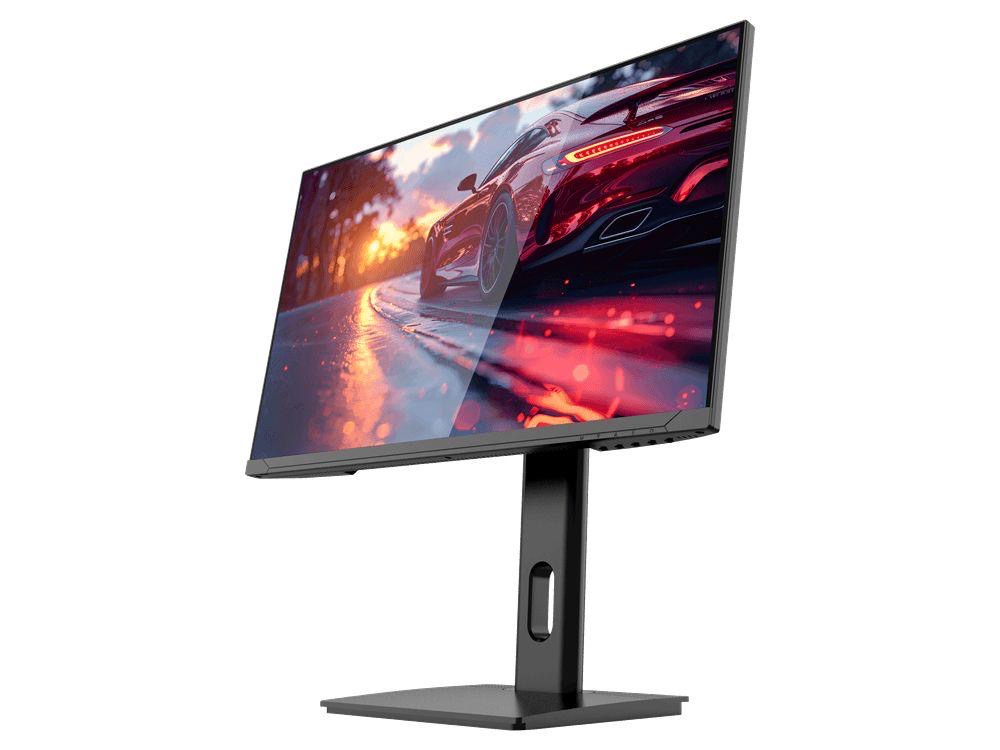
COMPACT QHD PERFORMANCE
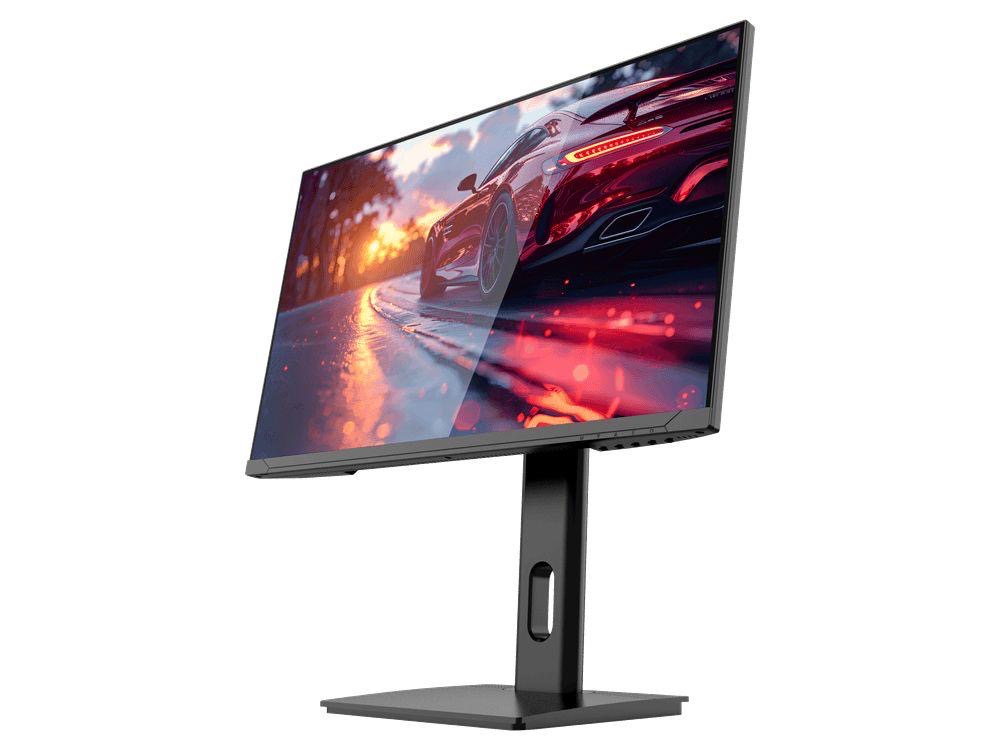
GAMEO Q24-165
24" QHD 165Hz IPS Gaming Monitor
For users prioritising QHD resolution in a compact 24-inch display.
RRP: £209.99 (inc. VAT)
You Save: £95.65
FAST FULL HD GAMING
GAMEO F24-200
24" FHD 200Hz IPS Gaming Monitor
For users prioritising very high refresh performance in a 24-inch Full HD monitor.
RRP: £169.99 (inc. VAT)
You Save: £71.49

ULTRA HD GAMING PERFORMANCE
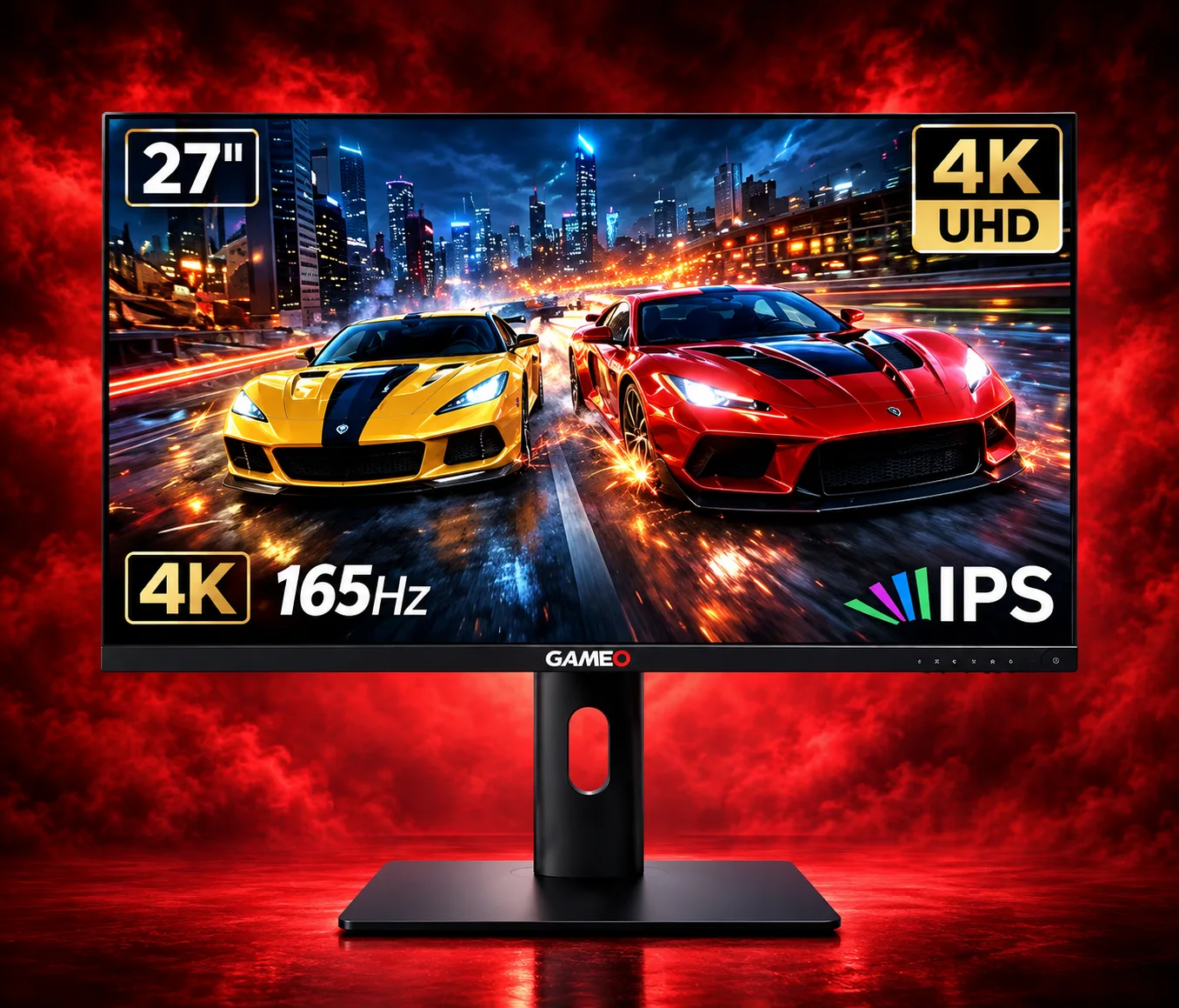
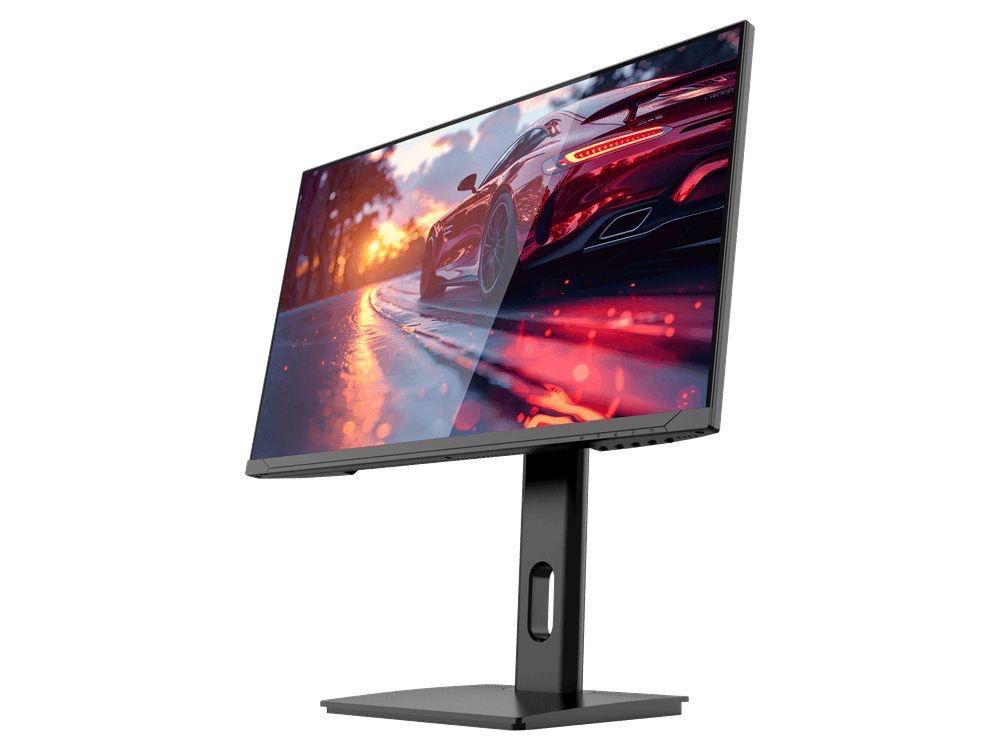
GAMEO U27-165
27" 4K UHD 165Hz IPS Gaming Monitor
For users wanting 4K UHD resolution and high refresh on a 27-inch display.
RRP: £339.99 (inc. VAT)
You Save: £144.03
LARGE-SCREEN HIGH REFRESH
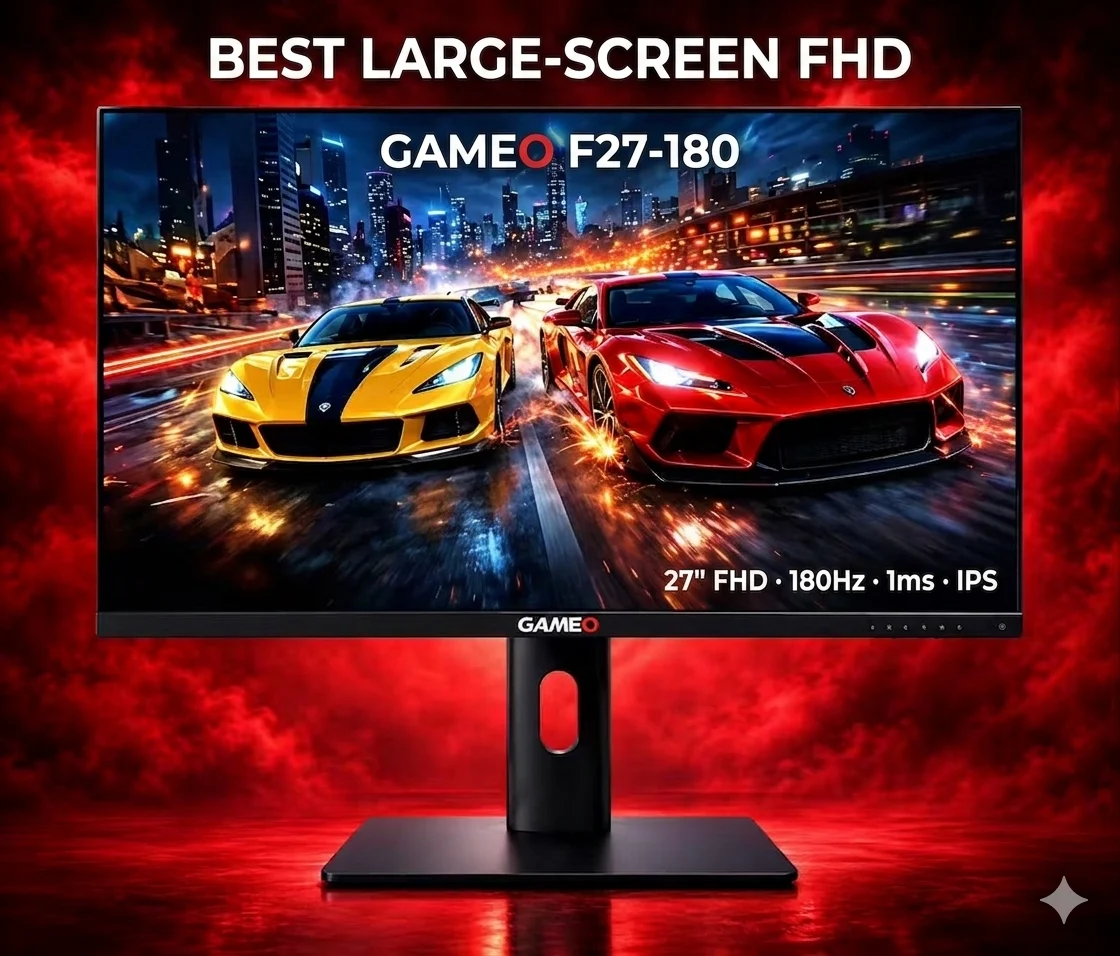
GAMEO F27-180
27" FHD 180Hz IPS Gaming Monitor
For users wanting a larger 27-inch screen combined with high-refresh Full HD gaming.
RRP: £229.99 (inc. VAT)
You Save: £118.17