#monitor size#gaming monitors#display guide#pc gaming#computer gaming
Is 24 or 27 Inches Better for Gaming?
Choosing between a 24-inch and 27-inch gaming monitor? We break down the real differences in pixel density, comfort, and use case to help you decide.
By GAMEO LIMITEDPublished 29 October 2026 5 min read
The honest answer is: it depends on your resolution, viewing distance, and the types of games you play. At 1080p, a 24-inch screen generally looks sharper than a 27-inch one, while 27 inches becomes the stronger choice at 1440p. Neither size is objectively better — they suit different setups and play styles.
Why screen size and resolution are inseparable
Pixel density — measured in pixels per inch (PPI) — is what determines how sharp an image looks at a given size. A 1080p panel spread across 24 inches sits at roughly 92 PPI, which is generally considered crisp at a normal desk distance. Stretch the same 1080p resolution to 27 inches and you drop to around 82 PPI, which some people find noticeably softer, particularly in text or fine detail.
Step up to 1440p (2560×1440) and a 27-inch panel hits approximately 109 PPI — often regarded as a sweet spot for desktop gaming. This is why the 27-inch format became so closely associated with 1440p gaming over the last few years. If you're already planning on a 1440p monitor, 27 inches is a natural fit.
Viewing distance matters more than most people expect
The "right" monitor size is tied directly to how far away you sit. Most desk setups put you somewhere between 50 cm and 80 cm from the screen. At 60–65 cm — a fairly typical arm's-length distance — a 27-inch monitor fills your field of view comfortably without requiring much head movement. A 24-inch screen at the same distance can feel slightly small once you've used something larger, though many competitive players actively prefer it.
If your desk is shallow and you sit closer than 60 cm, a 24-inch monitor is easier on the eyes and neck because you don't need to pan your gaze as much. Conversely, if you sit further back — say 70–80 cm — a 27-inch display tends to feel better proportioned.
Is 24 or 27 better for FPS and competitive gaming?
For fast-paced, competitive FPS titles, 24 inches has a loyal following for good reason. The smaller screen keeps everything within a tighter cone of vision, meaning you spend less time scanning the edges of the display to track movement. This is why professional esports setups historically leaned towards 24-inch, 1080p monitors — the targets are slightly larger relative to the screen real estate, and the narrower FOV can feel more manageable at high refresh rates.
That said, this is a preference rather than a hard rule. Many competitive players use 27-inch panels without any meaningful disadvantage, especially if the resolution and refresh rate are appropriate. If you play a wide mix of genres — open-world games, RPGs, shooters — a 27-inch display gives you a more immersive experience without giving up much in terms of competitive performance.
What about 27 vs 32 inches?
If you're also weighing up whether a 27 or 32 is better for gaming, the same logic applies but scaled up. A 32-inch monitor at 1440p sits around 92 PPI — similar to 1080p on a 24-inch screen — which is fine but noticeably less sharp than 27-inch 1440p up close. At 4K (3840×2160), a 32-inch display reaches roughly 138 PPI, which is excellent, but 4K gaming demands significantly more from your graphics card.
The 32-inch format suits gamers who sit a little further back, use their monitor for film and TV alongside gaming, or are playing on a console from a slightly greater distance. For a dedicated desktop gaming setup at typical arm's length, most people find 27 inches sits in a more comfortable zone than 32, unless they're pairing it with 4K.
Panel size and console gaming
If you're using a PlayStation 5 or Xbox Series X, both consoles support up to 4K at 120 Hz via HDMI 2.1. A 27-inch 4K monitor makes good use of that output while keeping PPI high (around 163 PPI). However, running 4K at 120 fps is demanding even on current-generation hardware, and many console games run at either 4K/60 or 1080p/120 — so check the performance modes for the titles you play most before committing to a resolution.
At 1080p, 24 inches extracts the cleanest image from the console's 1080p output mode. For a dedicated console gaming space, some players prefer a 27-inch 1440p monitor paired with the console's 1440p output (supported natively on Xbox Series X, and added to PS5 via a firmware update), which is a well-balanced option.
Quick comparison: 24 vs 27 at a glance
| 24-inch | 27-inch | |
|---|---|---|
| Best resolution pairing | 1080p | 1440p |
| Approx. PPI (at that resolution) | ~92 | ~109 |
| Ideal viewing distance | 50–65 cm | 60–75 cm |
| Competitive FPS feel | Very focused, tight | Slightly more immersive |
| General/open-world gaming | Good | Great |
| Desk space required | Less | More |
| Typical price range | Often lower | Mid to higher |
Which should you actually choose?
If you mainly play competitive multiplayer games such as first-person shooters and want a 1080p setup, a 24-inch monitor keeps everything sharp and tight. If you play a broad range of games, want 1440p, or simply find smaller screens a bit cramped, 27 inches is the more versatile choice for most desktop setups. There's no universally correct answer — personal preference, your GPU's capability, and your desk dimensions should all factor in.
Related questions
Does a bigger monitor give you a disadvantage in competitive games? Not inherently, no. Professional play does skew towards 24-inch monitors, but this is partly convention and partly preference. The difference in real-world performance between 24 and 27 inches is negligible for the vast majority of players.
Is 1080p acceptable on a 27-inch monitor? It's usable, but many people notice the reduced sharpness compared with a 24-inch 1080p screen. If you're committed to 27 inches, budgeting for 1440p is generally worthwhile.
Can you use a 27-inch monitor for both gaming and work? Yes — 27 inches at 1440p is a popular choice for productivity as well as gaming, offering more screen real estate for documents and multitasking compared with a 24-inch panel.
Does refresh rate change which size is better? Refresh rate (144 Hz, 165 Hz, 240 Hz, and so on) is independent of screen size, so it doesn't directly influence the 24 vs 27 decision. However, driving a higher resolution at a high refresh rate requires more GPU power, which is worth factoring in when choosing a 27-inch 1440p display.
Bottom line
For most PC gamers, a 27-inch monitor paired with 1440p resolution offers the best balance of sharpness, immersion, and versatility. If you prioritise competitive shooters, sit close to your screen, or are on a tighter budget with a 1080p GPU, 24 inches remains an excellent, focused choice. Settle on your resolution first, then let that guide your size decision — and make sure your graphics card can comfortably drive whatever you pick.
Shop GAMEO gaming monitors

COMPACT QHD PERFORMANCE
GAMEO Q24-165
24" QHD 165Hz IPS Gaming Monitor
For users prioritising QHD resolution in a compact 24-inch display.
RRP: £209.99 (inc. VAT)
You Save: £95.65
FAST FULL HD GAMING
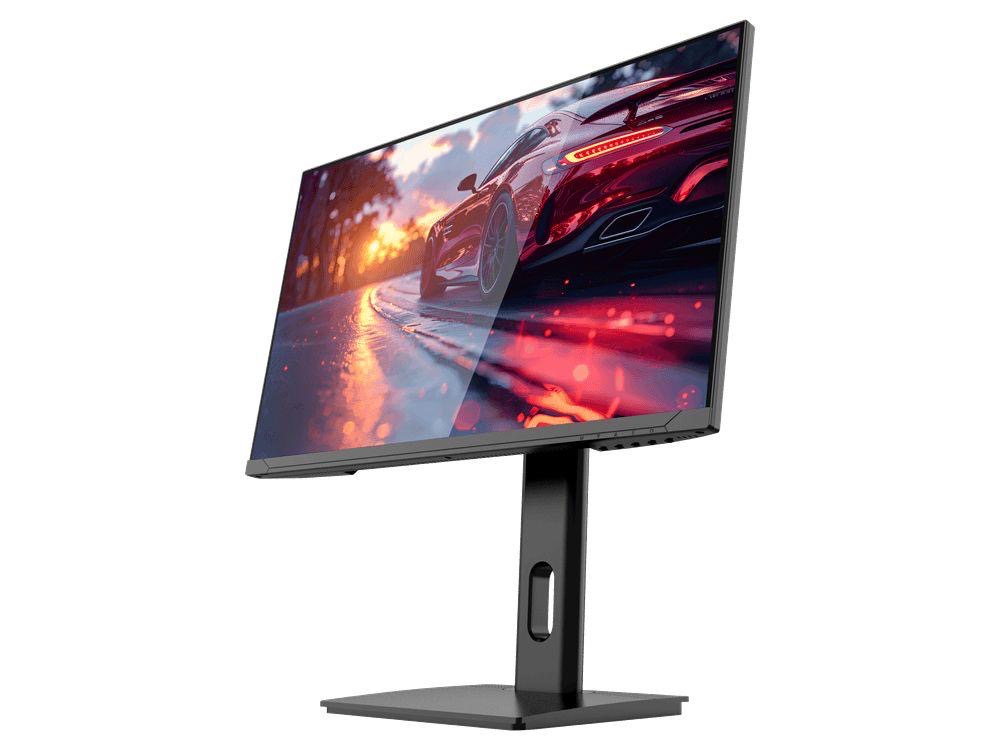
GAMEO F24-200
24" FHD 200Hz IPS Gaming Monitor
For users prioritising very high refresh performance in a 24-inch Full HD monitor.
RRP: £169.99 (inc. VAT)
You Save: £71.49
ULTRA HD GAMING PERFORMANCE
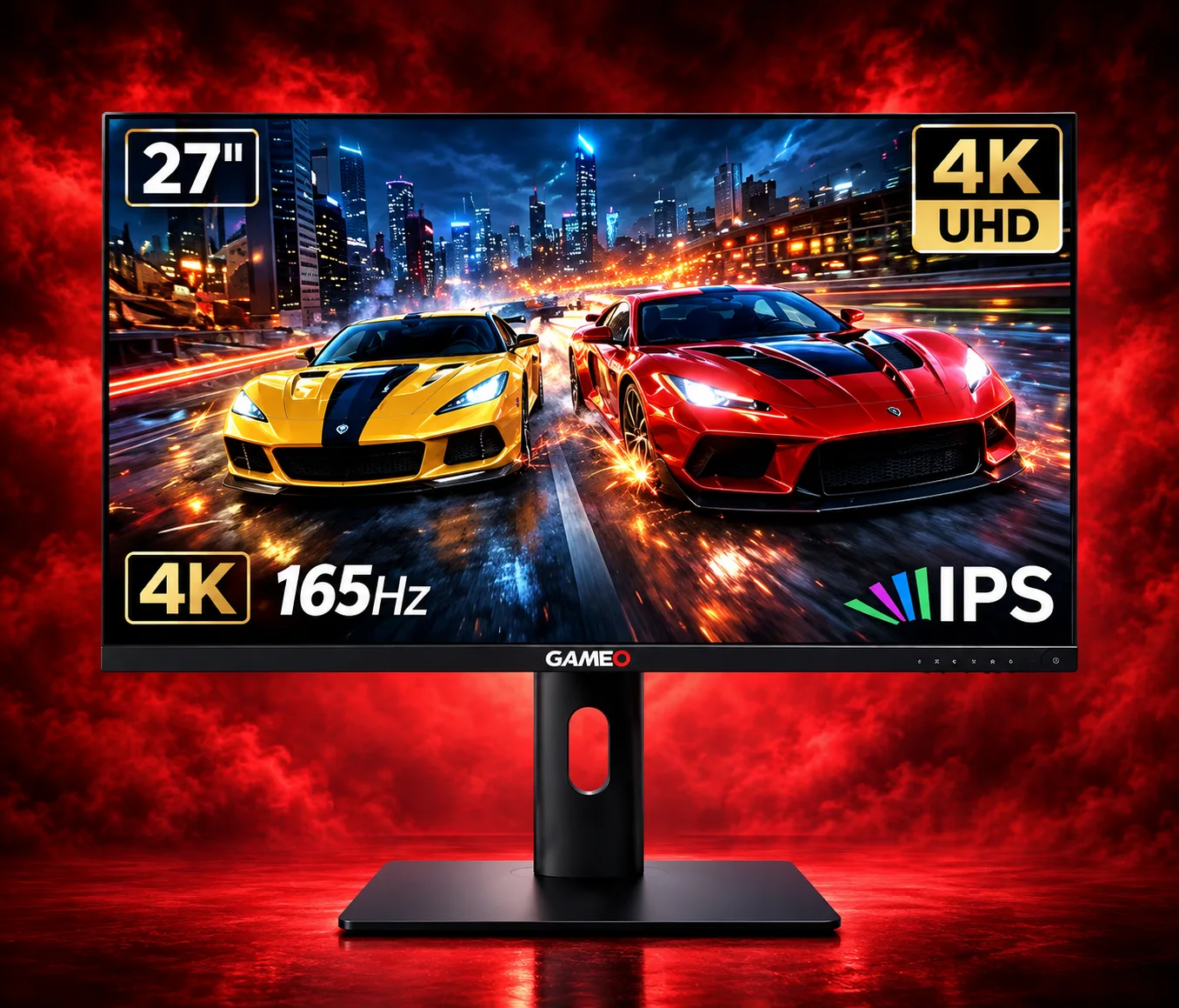
GAMEO U27-165
27" 4K UHD 165Hz IPS Gaming Monitor
For users wanting 4K UHD resolution and high refresh on a 27-inch display.
RRP: £339.99 (inc. VAT)
You Save: £144.03
LARGE-SCREEN HIGH REFRESH
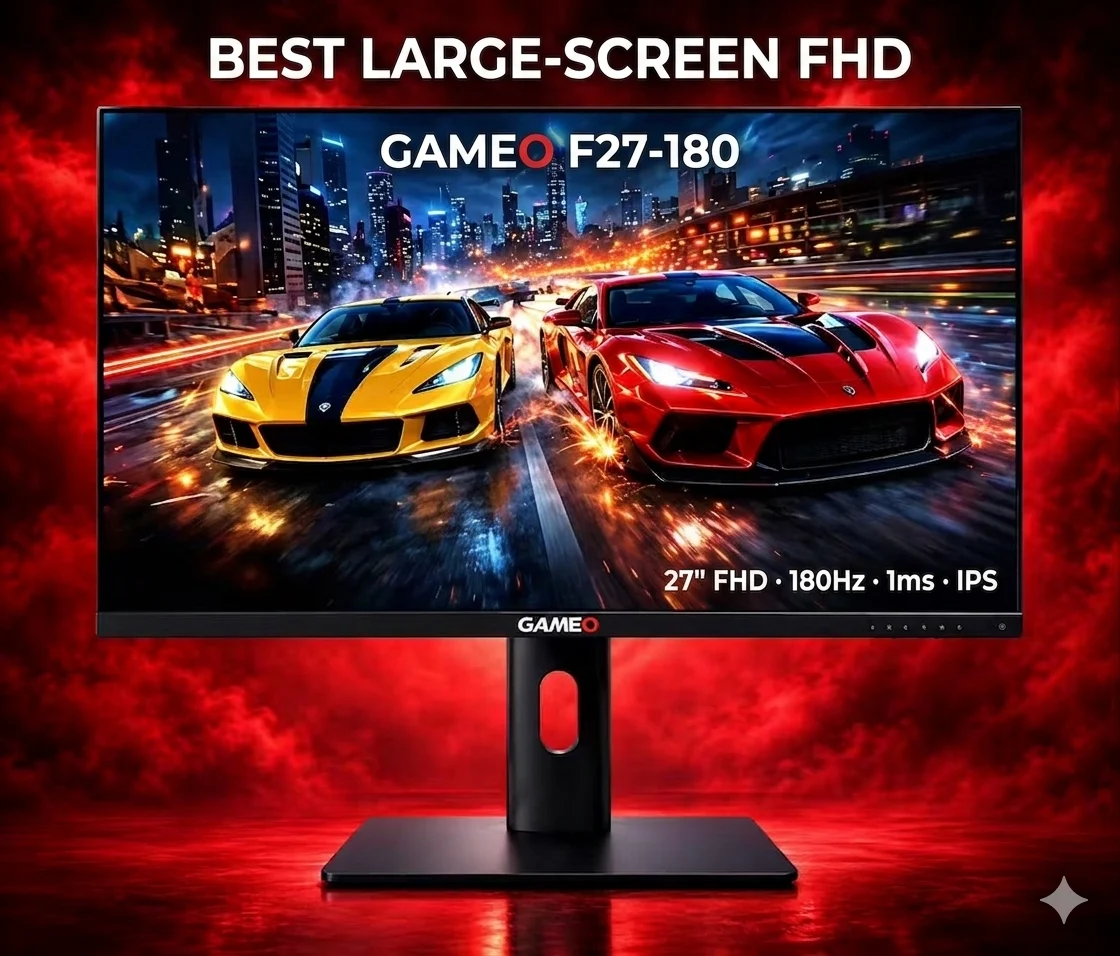
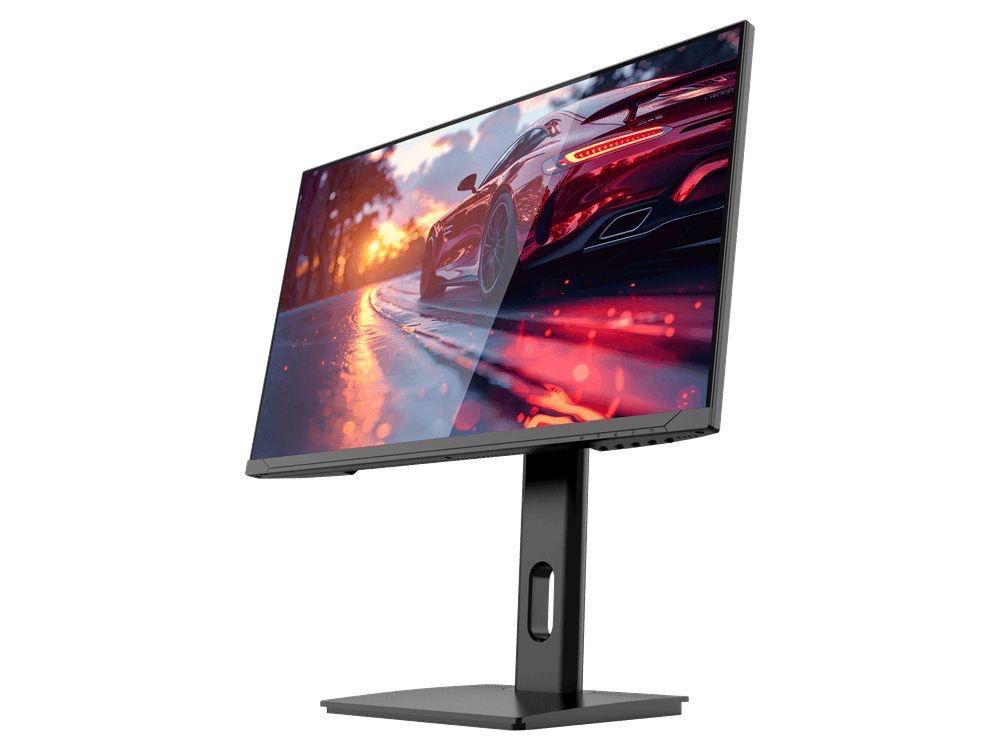
GAMEO F27-180
27" FHD 180Hz IPS Gaming Monitor
For users wanting a larger 27-inch screen combined with high-refresh Full HD gaming.
RRP: £229.99 (inc. VAT)
You Save: £118.17